Pathway Technical Reference Manual
Proprietary 146 of 190
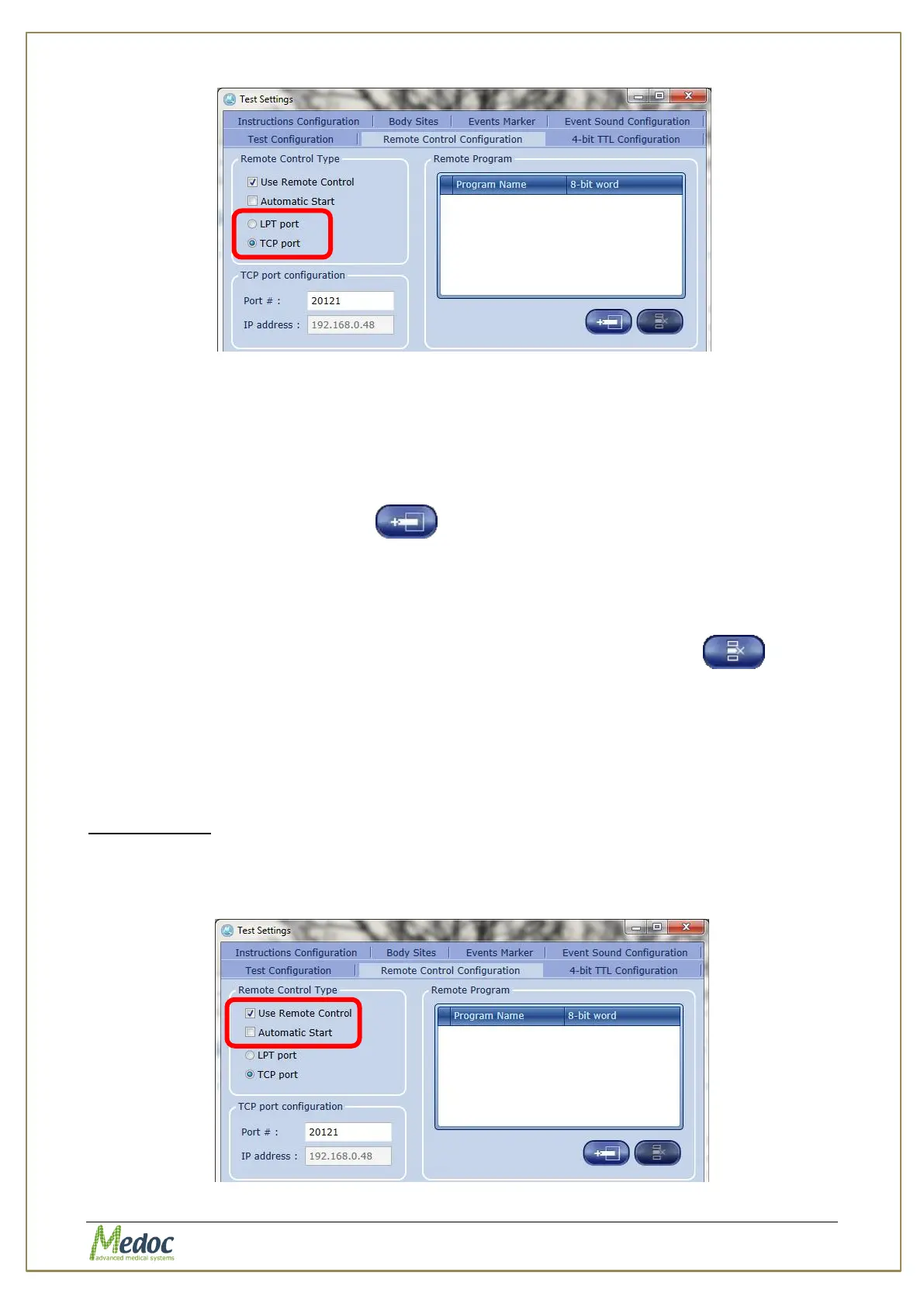
Figure 102: External Control – Select Communication Method
14.5.2 Program Setup
In order to use the external control to select a program, the program must be added to the
remote program list and assigned an 8-bit word.
To add programs to the program list:
1. Click on the add program button to add a new row
2. Click the new row on the Program Name column to show the list of available programs and
select a program from the list
3. Enter an 8-bit word
4. Click Apply to save and apply the changes
To remove a program, select the row in the table and click the remove button
The program setup can also be exported and saved as backup.
14.5.3 Activating the External Control
To Activate the External Control enable the ‘Use External Control’ option. When External
Control is enabled it will be the default operating mode. To return to normal operating mode,
disable the ‘Use External Control’ option.
Automatic Start
When the ‘Automatic Start’ option is enabled, the test will start automatically after the
program is selected. When it is disabled, the program will be selected and the test screen will
be displayed. In order to start the test, the ‘Start’ command must be sent.
Figure 103: Activating External Control



 To Next Page