Pathway Technical Reference Manual
Proprietary 87 of 190
The start of each trial in the sequence
Thermode temperature reached target temperature
End of duration at target temperature
Time based event timed from the onset
Subject response was detected
The start of each trial in the sequence
The highest temperature recorded in a pulse.
Peak detection is performed in real time, therefore
there is a 50 [msec] delay between the occurrence
of the peak and the display of the TTL on screen.
Time based event timed from the onset
7.9 Temperature Events
Temperature Events are events that occur when the Thermode temperature reaches a specific
temperature as defined during program setup. Up to 5 different temperature events can be
specified per sequence. The temperature events can be marked by a TTL and/or sound. Please
refer to the section 7.8, page 85 for a more detailed explanation on TTL setup. Temperature
events are also marked on the screen during the test by a dot (●).
For other event types see:
Standard Events section 7.9
User Defined Events section 10.3.2
7.9.1 Temperature Event Configuration
To configure temperature events in the required program, follow the steps detailed below:
1. From the Programs screen, select the program you want to configure standard events for
and double click to open the program editor or click on the edit program button
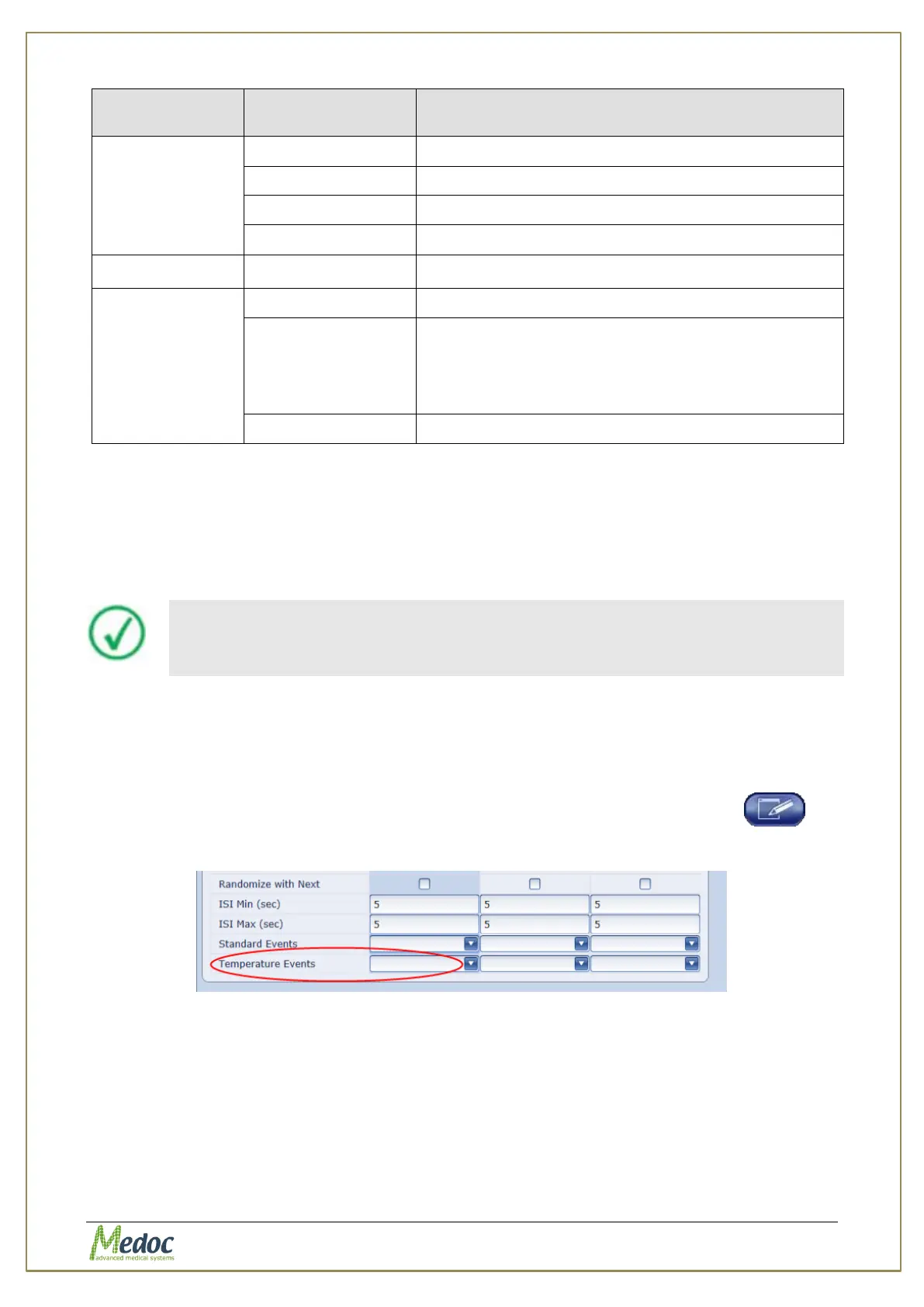
2. From the list of parameters, select the Temperature Event option
Figure 48: Temperature Events in Program Editor
3. Click the arrow on the left to open the temperature event editor.



 To Next Page