Pathway Technical Reference Manual
Proprietary 51 of 190
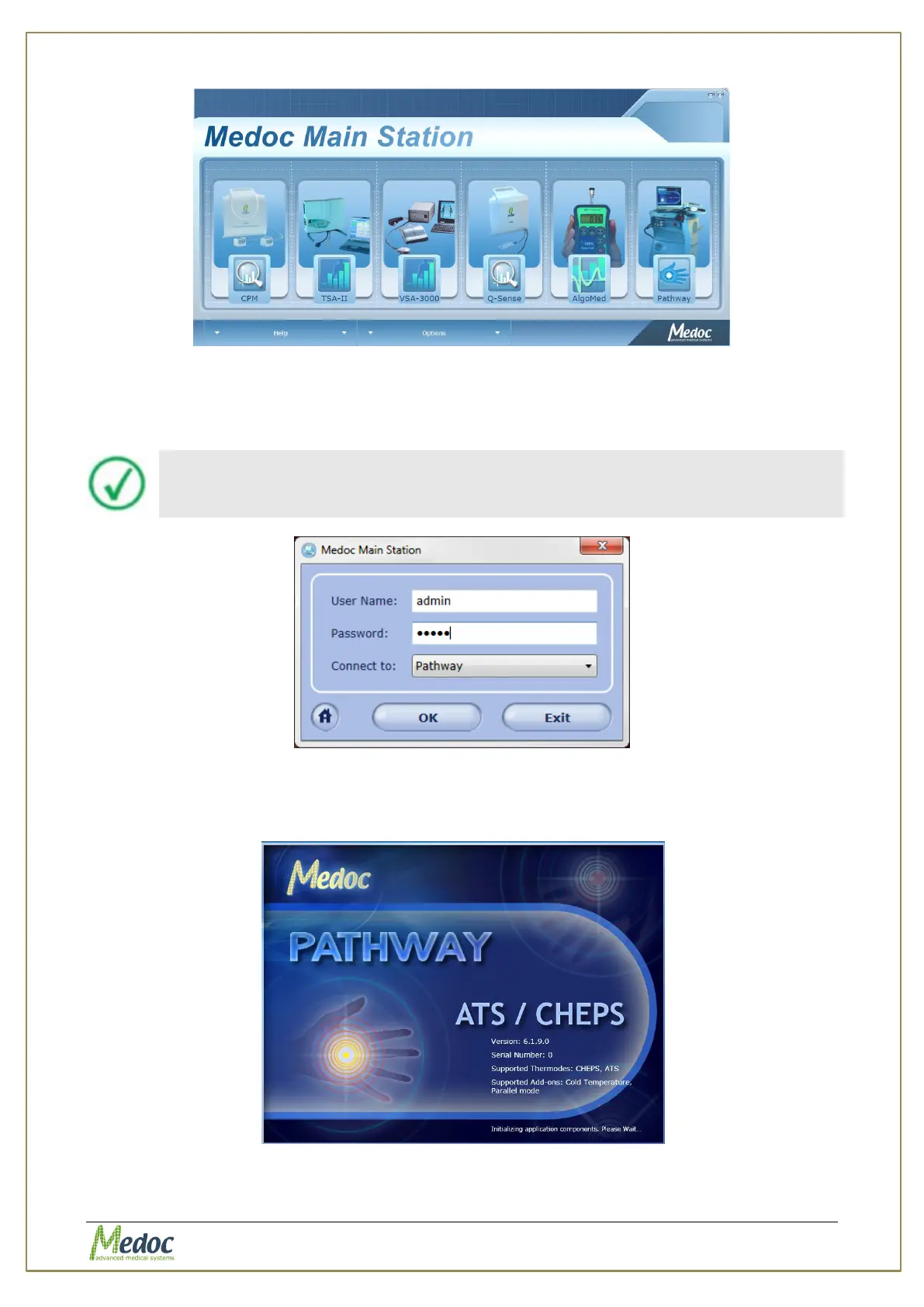
Figure 18: Home Screen
5. To select PATHWAY, click on the PATHWAY image.
6. When the login screen is displayed, enter your user name and password and select
"PATHWAY" in the "connect to" field.
Initial login Username and Password are both admin.
For more information on user management please refer to section 10.1.6
Figure 19: Login Screen
7. While the software is establishing communication with the device the following screen may
be displayed:
Figure 20: PATHWAY Splash Screen



 To Next Page