Pathway Technical Reference Manual
Proprietary 128 of 190
10.3.6 Text and Audio Test Instructions
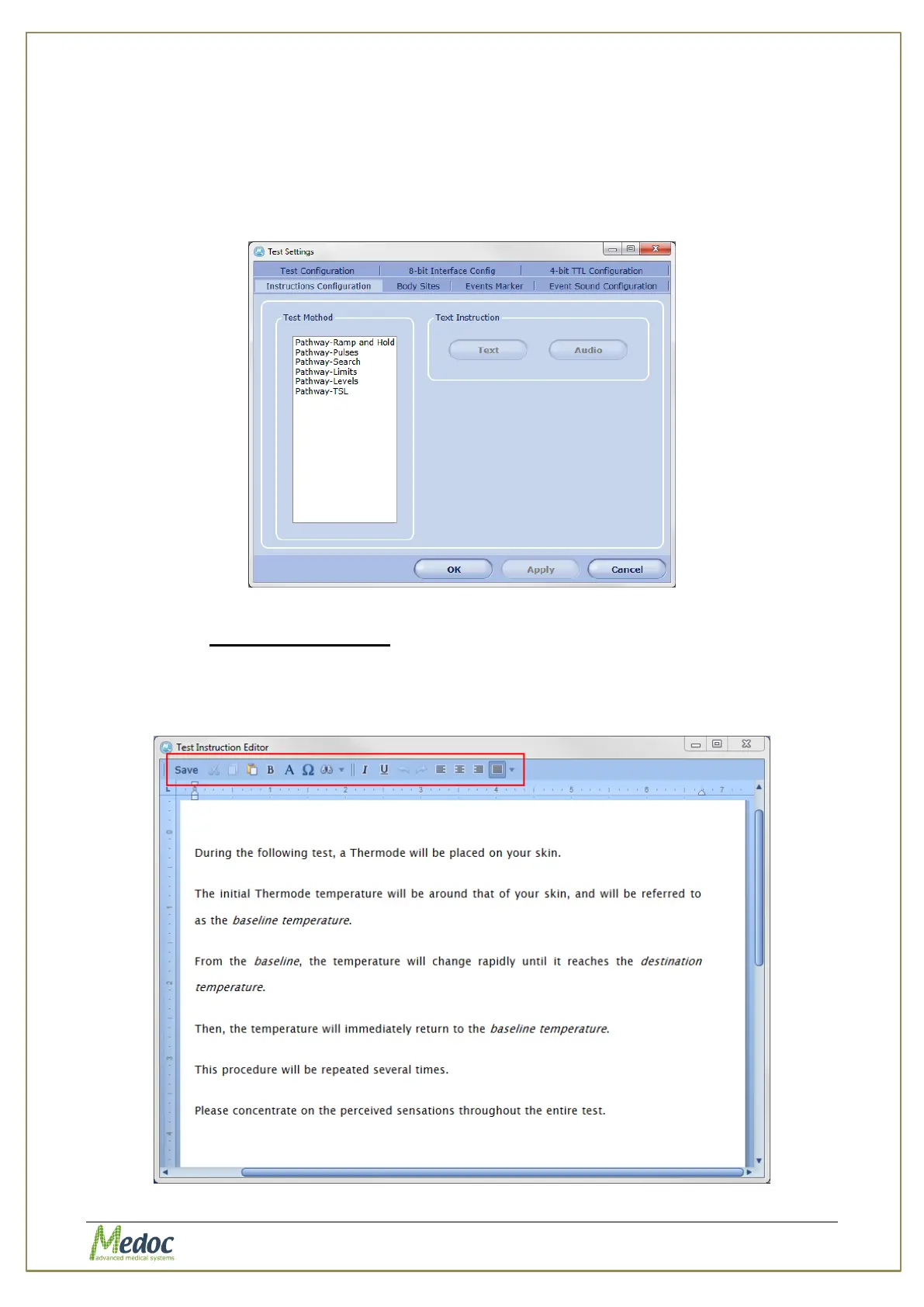
Edit the default text and audio test instructions which apply to each program type.
To access Test Instructions settings: from the top menu bar, select Settings and then Test
Settings. In the Test Settings window that opens, select the Instructions Configuration
tab. The following window is displayed:
Figure 87: Instructions Configuration
10.3.6.1 Text Instructions
To edit the default text instructions for a test method:
Select the test method from the list on the left and click the Text button on the right. Edit the
text in the test editor and save before closing the editor.
Figure 88: Test Instructions Editor



 To Next Page