Pathway Technical Reference Manual
Proprietary 63 of 190
6.4.1 Test and Post-Test Options
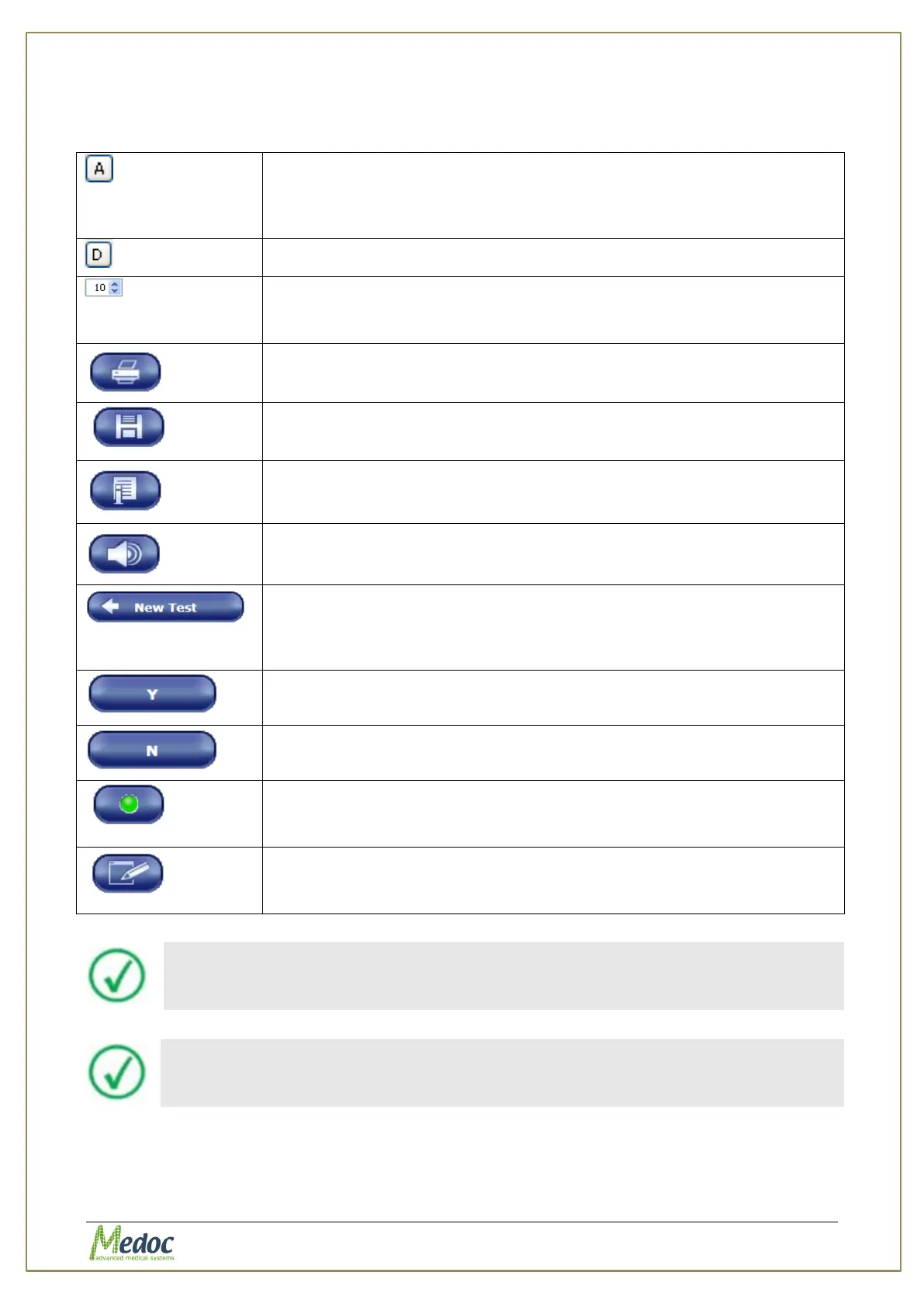
Table 10: Test Run options
Automatic zoom along the temperature axis. The temperature axis
scale expands according to maximum temperature currently displayed
on the screen. To reset the automatic zoom click the button again.
Alternatively, change zoom manually by using the +/- buttons.
Reset the zoom to the original (default) scale.
Change the zoom along the time/trial axis, by changing the value in the
spin box at the bottom right of the graph. Use the ↑/↓ arrow keys or
type the desired value in the box.
Print test results as a report. Refer to section 9.3 for details.
Save the stimulation data.
Display test instructions for the subject. To create or edit the default
instructions, refer to section 10.3.6.1 page 121.
Play audio test instructions for the subject. To assign an audio file with
default instructions, refer to section10.3.6.2, page 129.
Return back to the Test Navigator to start a new test.
Test results are not saved automatically. Remember to save the test
results if needed, before leaving the Test Screen.
Indicates positive subject response in Limits, Levels, TSL and Search
protocols.
Indicates negative subject response in Limits, Levels, TSL and Search
protocols.
Trigger the next stimulus. Available only when the manual trigger
option is selected. The button is enabled only when the system expects
a trigger.
Edit the program locally. The edited parameters are effective only in
the specific test and the program parameters are not changed in the
data base.
The system will prompt you to save the stimulation data before starting a
new test or exiting the current session.
After concluding a stimulation session, always clean the Thermode contact
plate. For further details, refer to section 23, page 175.



 To Next Page