Pathway Technical Reference Manual
Proprietary 68 of 190
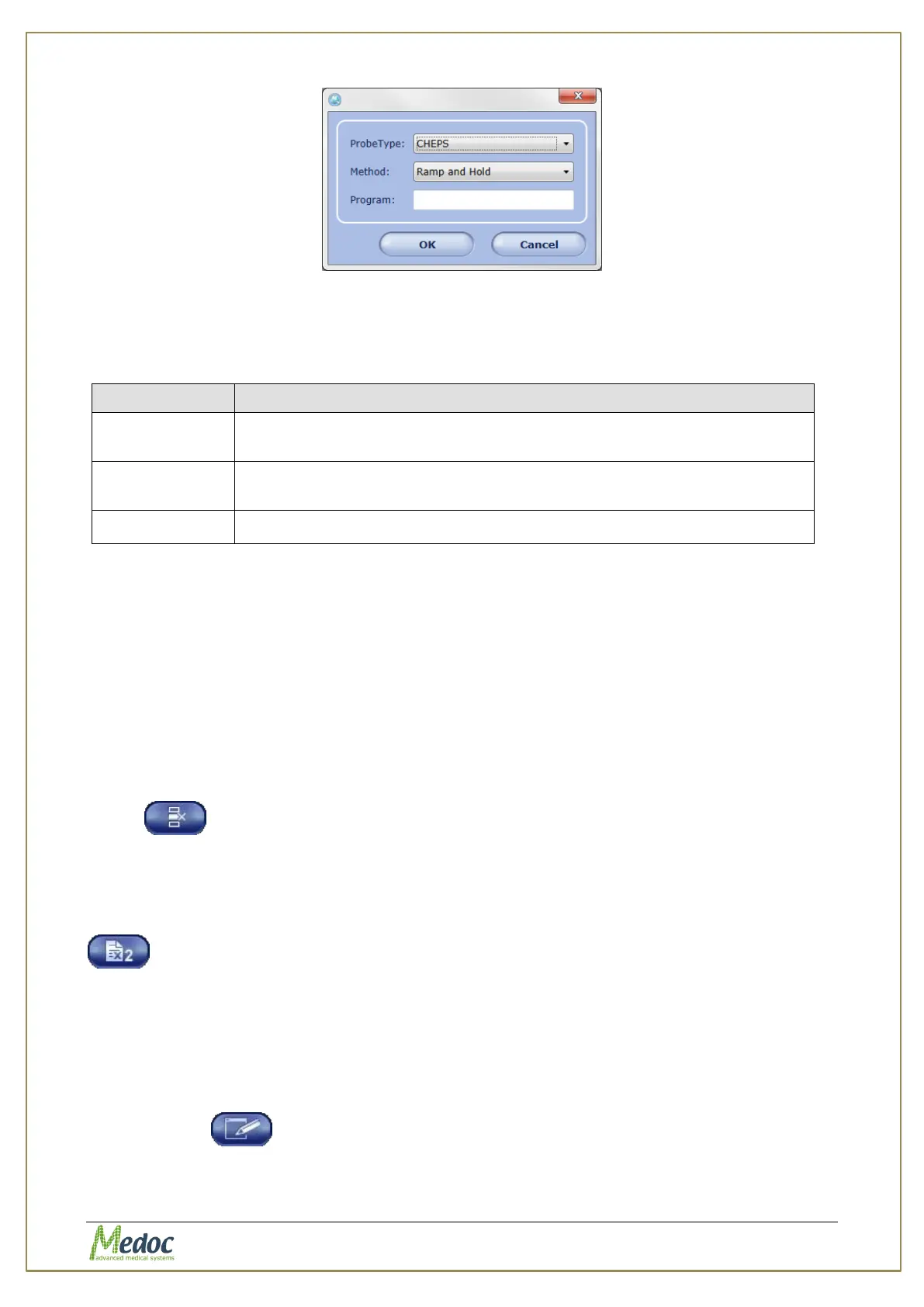
Figure 33: New Program Screen
2. From the Probe Type drop-down list, select the required probe. The following options are
available (in accordance with your licensing agreement):
Table 12: Probe Type options
Can operate with one of the following methods: Ramp & Hold, Pulses,
Search, and Limits.
Can operate with one of the following methods: Ramp & Hold, Pulses,
Search, and Limits.
For a chain program composed of one or more PATHWAY programs
3. From the Method drop-down list, select the required stimulation method (Ramp & Hold,
Pulses, Search, Limits, Levels or TSL).
4. Type the program name.
For faster identification, it is advisable to type a meaningful name.
5. Click OK.
The Program Editor screen is displayed. For detailed instructions about the Program
Editor see section 7.6, page 69.
7.3 Remove a Program
To remove a program from the program list:
From the Programs screen, select the program to delete and click on the remove program
button
7.4 Duplicate a Program
To duplicate a program from the program list:
From the Programs screen, select the program to copy and click on the copy program button
A copy of the selected program will be added to the program list with the suffix “(1)” in the
program name.
7.5 Edit a Program
To edit a program from the program list:
From the Programs screen, select and double click the program to edit or click on the edit
program button



 To Next Page