Pathway Technical Reference Manual
Proprietary 130 of 190
11. System Information and Logs
System information includes license information, software and firmware version numbers,
supported Thermodes or probes, software and hardware logs, and computer information.
Some or all of the system information may be required by Medoc for troubleshooting or
service.
11.1 View System Information
To view the license information, software and firmware versions, and supported Thermodes:
From the top menu bar select Help and then About…
Alternatively, information about all your systems can be viewed from the Options Menu in the
Opening screen.
Software log files and system black-box can be accessed from the top menu bar Utilities
option. Software logs record all software operations at all times and can be accessed from the
Log Files option in the Utilities menu. Hardware logs (black-box) are recorded only in case a
safety or hardware error has occurred. The logs include important information about the
hardware status immediately before and after the error occurred. The black box logs can be
accessed from the Black Box option in the utilities menu.
11.2 Retrieve Full System Information
In order to retrieve full system information if required for service:
From the top menu bar select Help and then About…
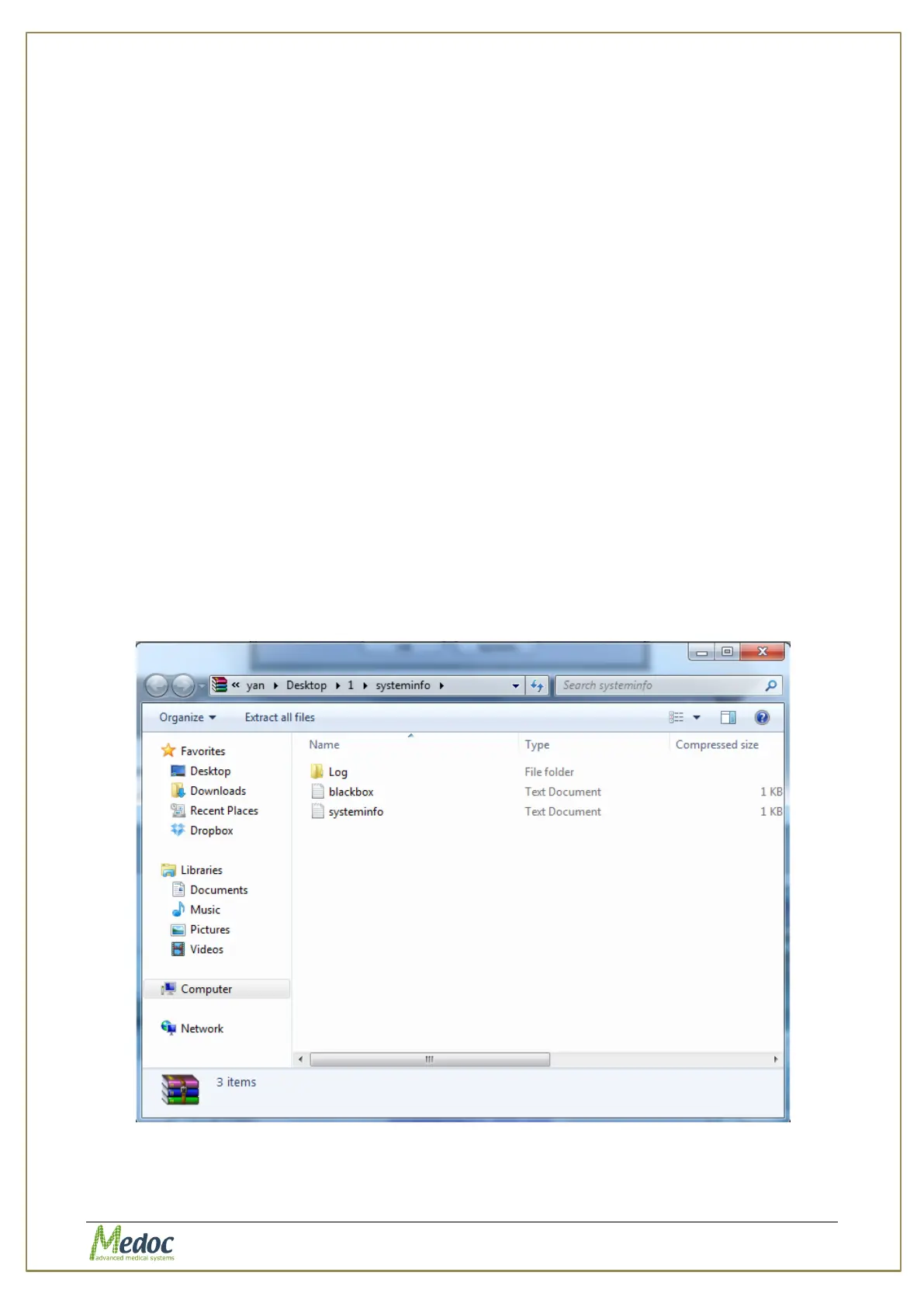
In the window that opens click the Sys info button, select a location to save the file and click
Ok. A sys info file will be created in the selected save location. Send this file to your Medoc
service representative if required.
Figure 90: Sysinfo File Sample



 To Next Page