Pathway Technical Reference Manual
Proprietary 173 of 190
between 35 and 40 LPH). Note that the Intra-Oral Thermode requires a flow rate of 18 LPH
and not above.
To check the flow rate:
1. Turn PATHWAY ON
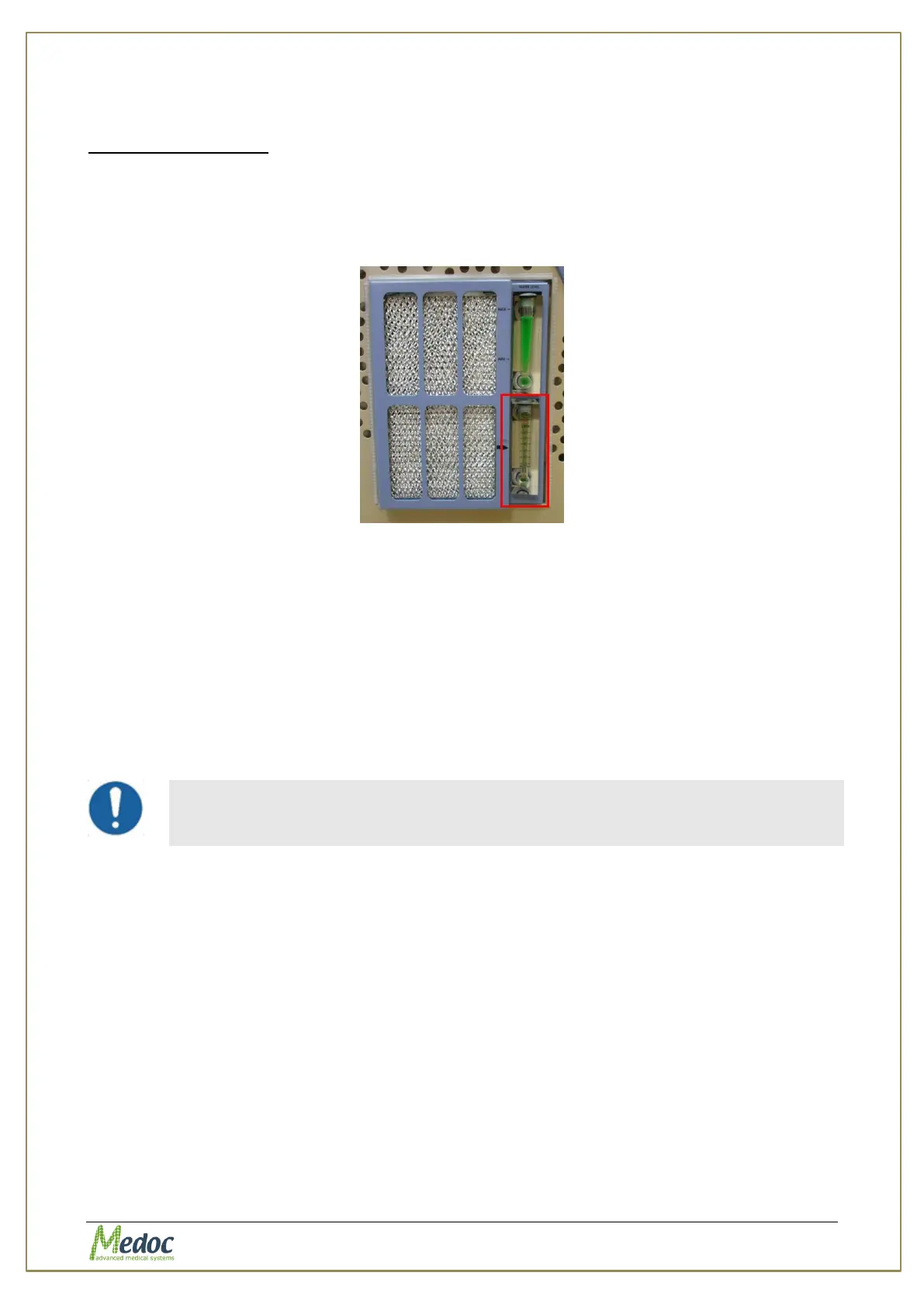
2. Check the flow rate gauge (located on the side of the PATHWAY cart)
3. Make sure the disk is at the required level (the flow rate gauge needs to be viewed from
the same level)
Figure 129: Flow rate gauge
Note that if PATHWAY is not connected to the computer than after 5 minutes the pump shuts
down and the flow rate goes down to zero. Start Medoc Main Station software and connect to
PATHWAY or turn PATHWAY OFF and back ON after 30 seconds to return the flow.
If the flow rate is different from the rates specified above, refer the Pathway Service Manual
for instructions on how to adjust the flow rate.
22.3 Periodical System Run
If the PATHWAY system is not being used often, perform a periodical system run at least once
a month. Maintaining the periodical system run will keep the system, Thermodes and
accessories in operational condition at all times.
Periodical system run is required, if the system or any of the supplied
Thermodes are not used on a regular basis, or if it has not been in use for
a period of one month or more.
1. Make sure to perform the Visual Check and Flow Rate Check before starting the system
run.
2. Make sure the communication cable is connected between the computer and the PATHWAY
system.
3. Power ON the PATHWAY system.
4. Start MEDOC Main Station and see that communication is established.
5. Let the system run about 10-15 minutes until the coolant temperature is below 15 °C (as
seen on the cooling unit temperature display located above the PATHWAY Power button)
6. During this time, check for coolant leakage or any other visible malfunctions.
7. When the coolant temperature is below 15°C, run each Thermode for 10-15 minutes using
various test programs.
7.1. Recommended test run for CHEPS Thermode: Pulse program with pulses from 32°C to
51°C, Inter-Stimuli Interval of 5-10 sec, 100 trials.



 To Next Page