Pathway Technical Reference Manual
Proprietary 65 of 190
6.4.3 Test Run Keyboard Shortcuts (Hot Keys)
Keyboard shortcuts (hot keys) are available for several test functions enabling control of the
test from the keyboard. Table 11 below describes the available options.
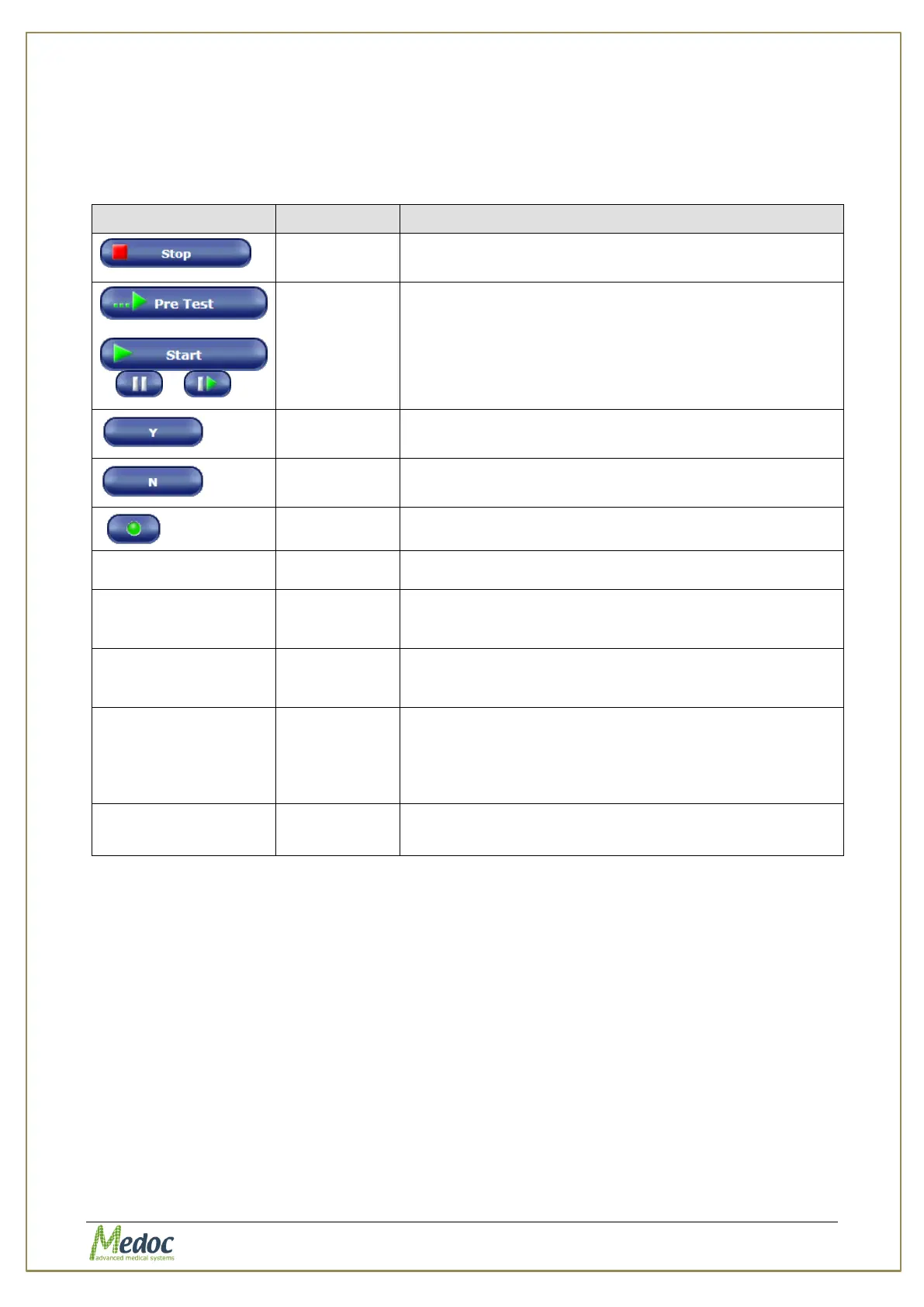
Table 11: Hot Keys
Can be used instead of the Stop button to finalize;
then stop the test.
Can be used instead of the following buttons in
sequence: pre-test / run test / pause / resume
test.
Can be used instead of the YES button.
Not available in Search method.
Can be used instead of the NO button.
Not available in Search method.
Can be use instead of the Trigger button.
Wrong Sensation option.
Available in Levels and TSL only.
Accept test subject response.
Available only in Levels method while using Manually
Select option for No Response On Destination.
Ignore test subject response.
Available only in Levels method while using Manually
Select option for No Response On Destination.
To Delete / Undelete a trail from statistics of a
Limits test.
Available only after test is complete and before it is
saved.
Delete trail is colored in Yellow.
Allow to select a trail to repeat when test is paused.
Available in Levels and Limits only.



 To Next Page