Pathway Technical Reference Manual
Proprietary 62 of 190
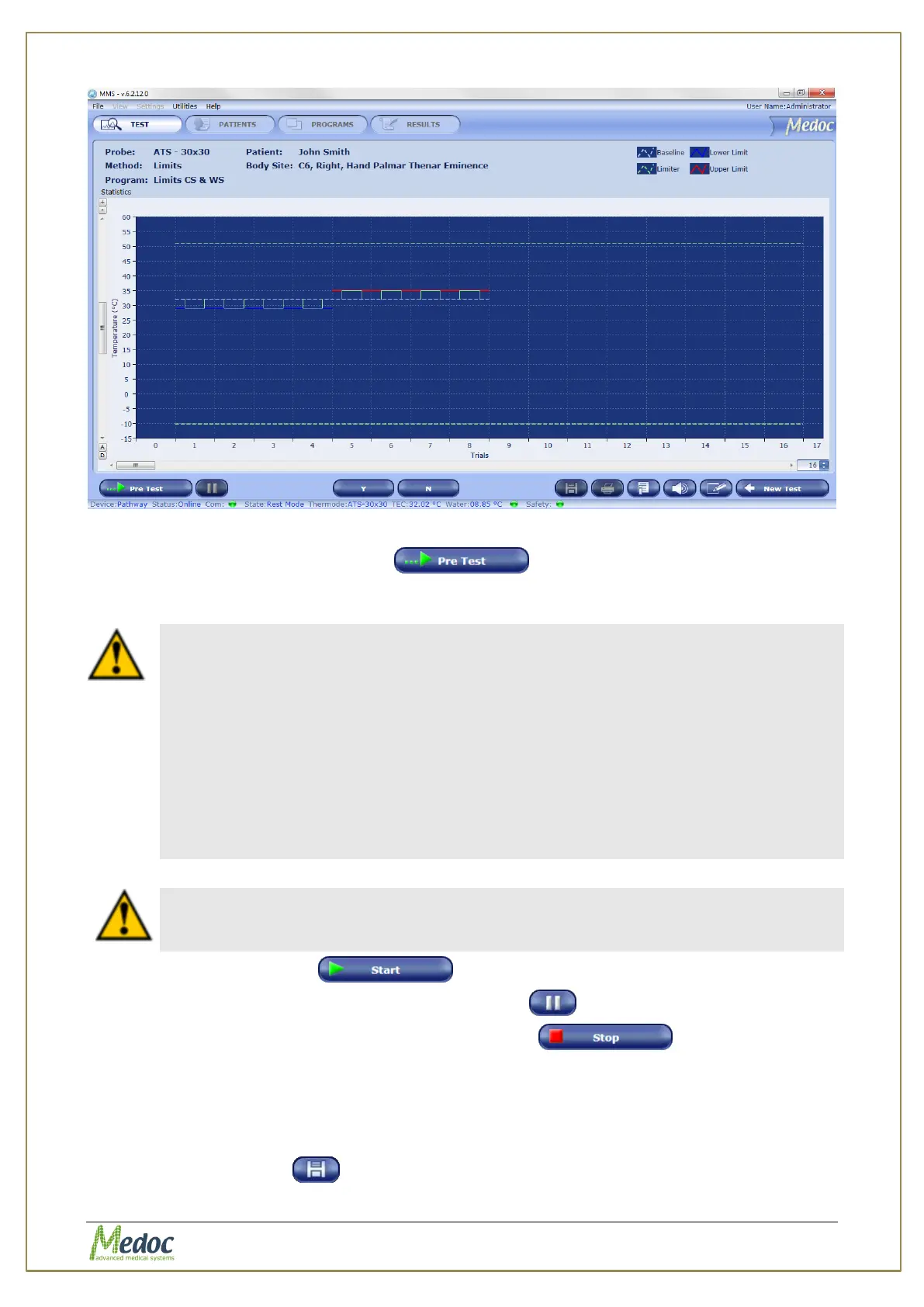
Figure 29: Pre-Test Screen
2. Click on the Start Pre-test button
The system performs a short pre-test, and stabilizes on the Baseline Temperature.
3. When the pre-test is complete, a message will be displayed on the screen.
At this point attach the Thermode to the subject.
Caution! DO NOT use any electrode paste, jelly or other material on the
contact point between the Thermode and the test subject's skin.
1. Make sure the subject holds the panic button, and knows how to use it in
case of an emergency.
2. Place the Thermode on the intended stimulation site so that the contact
plate makes the best possible contact with the skin, fastening it lightly
with the attached strap.
3. It is recommended to first fasten the strap around the area to be
stimulated and then tighten the strap by pulling it an additional 2 cm
before fastening the two ends.
Subject must hold the Panic Button during the entire duration of the test!
4. Click on the Start button
5. To pause the stimulation, click on the Pause button
6. To stop the stimulation, click on the Stop test button
The first click stops the test, and initiates the Finalizing test procedure (accompanied by a
message) which saves relevant information in the Black Box in case of an error.
A second click aborts the test immediately.
7. Once a test has finished, it is possible to use the mouse curser to display the exact time,
temperature and other available information at any given point.
8. Click the Save button to save test results and stimulation data.



 To Next Page