Pathway Technical Reference Manual
Proprietary 179 of 190
27. Appendix O – Troubleshooting
This chapter describes some of the PATHWAY system most common error messages and
warnings and includes a few possible solutions or troubleshooting steps. If the error persists or
is not described in this section, contact Medoc Service for further support.
27.1 Error and Warning Messages
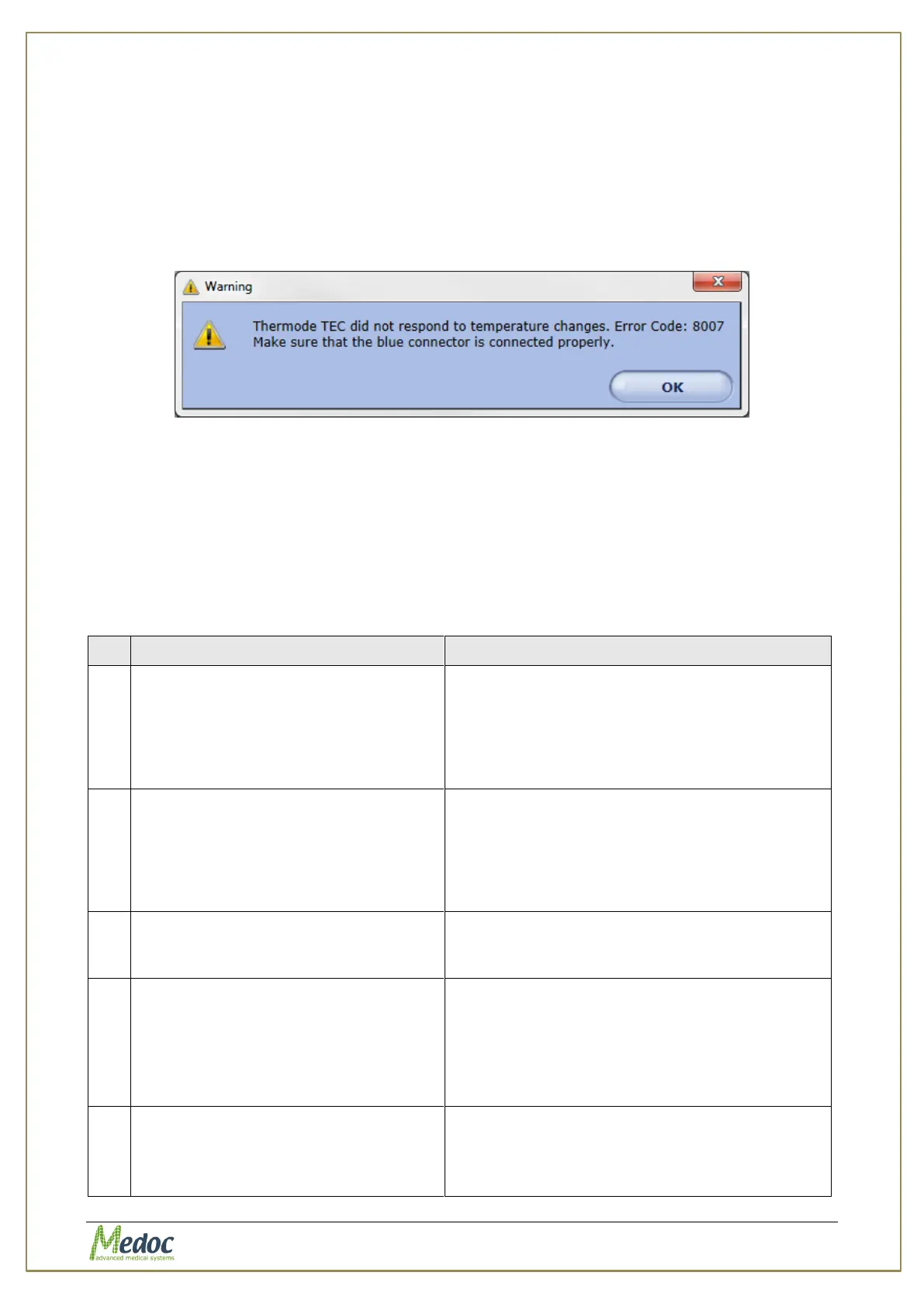
Error messages and warning messages typically look like the message sample below:
Figure 130: Error and Warning Messages Sample
In most cases, if a message like the one above pops up it will not be possible to continue
working with Medoc Main Station until the message is acknowledged by clicking the OK, YES
or NO buttons as indicated by the message.
27.1.1 Frequent Warning Messages
The table below listed some of the common warning messages alongside some additional
information to assist troubleshooting.
Table 42: Frequent Warning Messages
The application is about to start
PATHWAY recovery and Self-Test.
Make sure the Thermode is not
attached to the patient and press OK.
System self-test is required after viewing or
editing any of the Hardware Settings and if
system is in Safe Mode for any reason. Before
allowing the system to start the Self-Test,
make sure to remove the Thermode from the
subject.
PATHWAY is in Safe Mode, and must
perform Self-Test before resuming
operation.
Click YES to perform Self-Test, and
resume work.
Click NO to continue in Safe Mode.
When system is in Safe Mode, a Self-Test is
required before the system can be restored for
normal operation. Select YES proceed with the
Self-Test or NO if you want the system to
remain in Safe Mode.
Do you want to retry PATHWAY
recovery?
The Self-Test may have failed. Select YES to
rerun the Self-Test or NO to continue working
in Safe Mode.
The offset has been set to a value
lower than default. This may cause
the actual pulse temperature to
exceed the nominal destination
temperature.
Click OK to continue
This message indicates that the offset
specified in the program is lower than default.
Refer to section 7.7.2 for further information.
Sensor Heater\TEC missing
calibration table entries in range 10 -
48.
The sensor calibration cannot be completed
because there are missing points in the
required range
Complete the missing entries and continue.



 To Next Page