Pathway Technical Reference Manual
Proprietary 92 of 190
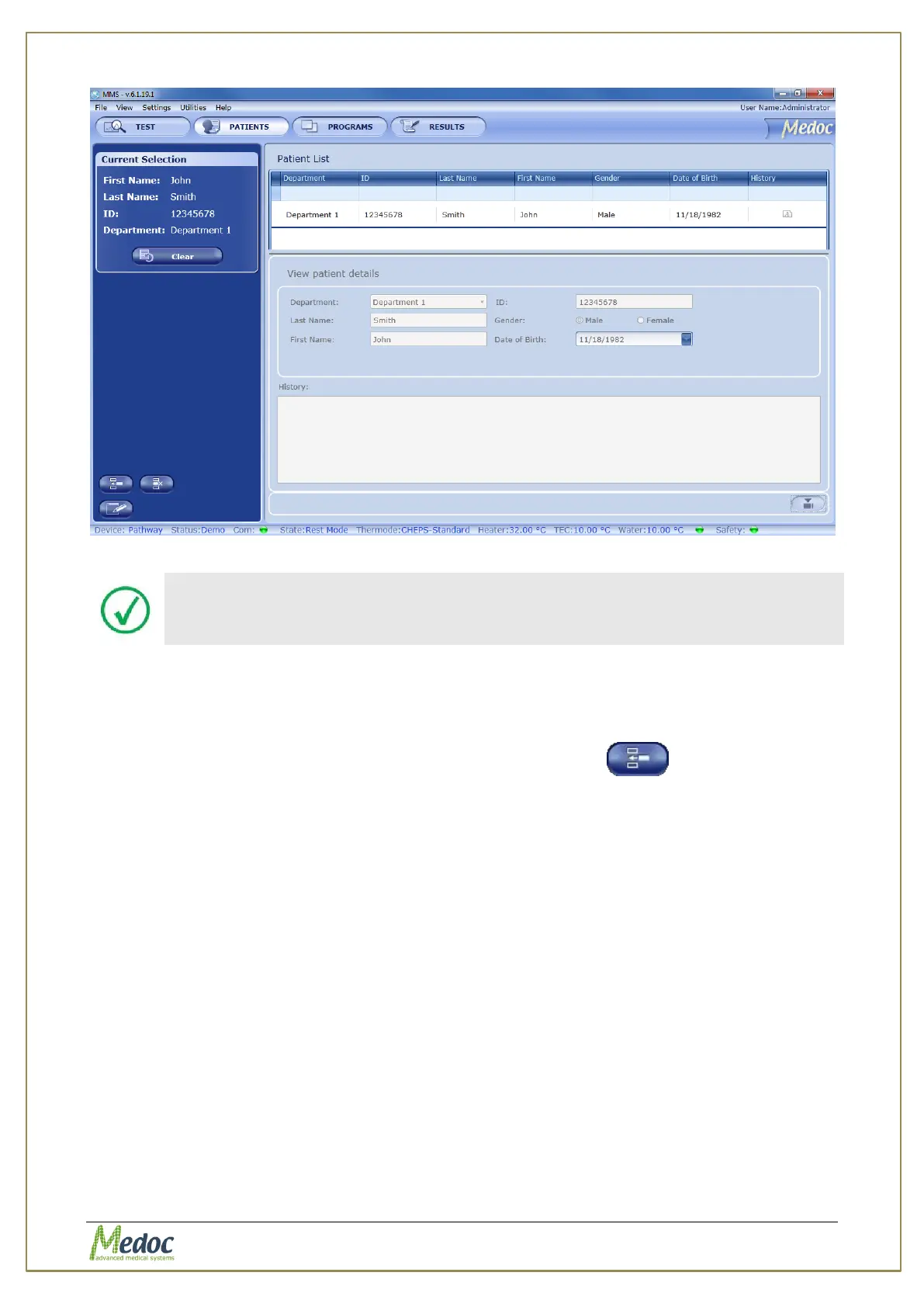
Figure 54: Patient Management – Patient details preview
Patient details cannot be edited from the Patient Details view.
8.2 Adding a New Patient
To add a patient to the patients list:
1. From the Patients screen, click on the Add New Patient button
The Patient Editor screen is displayed:



 To Next Page