Pathway Technical Reference Manual
Proprietary 67 of 190
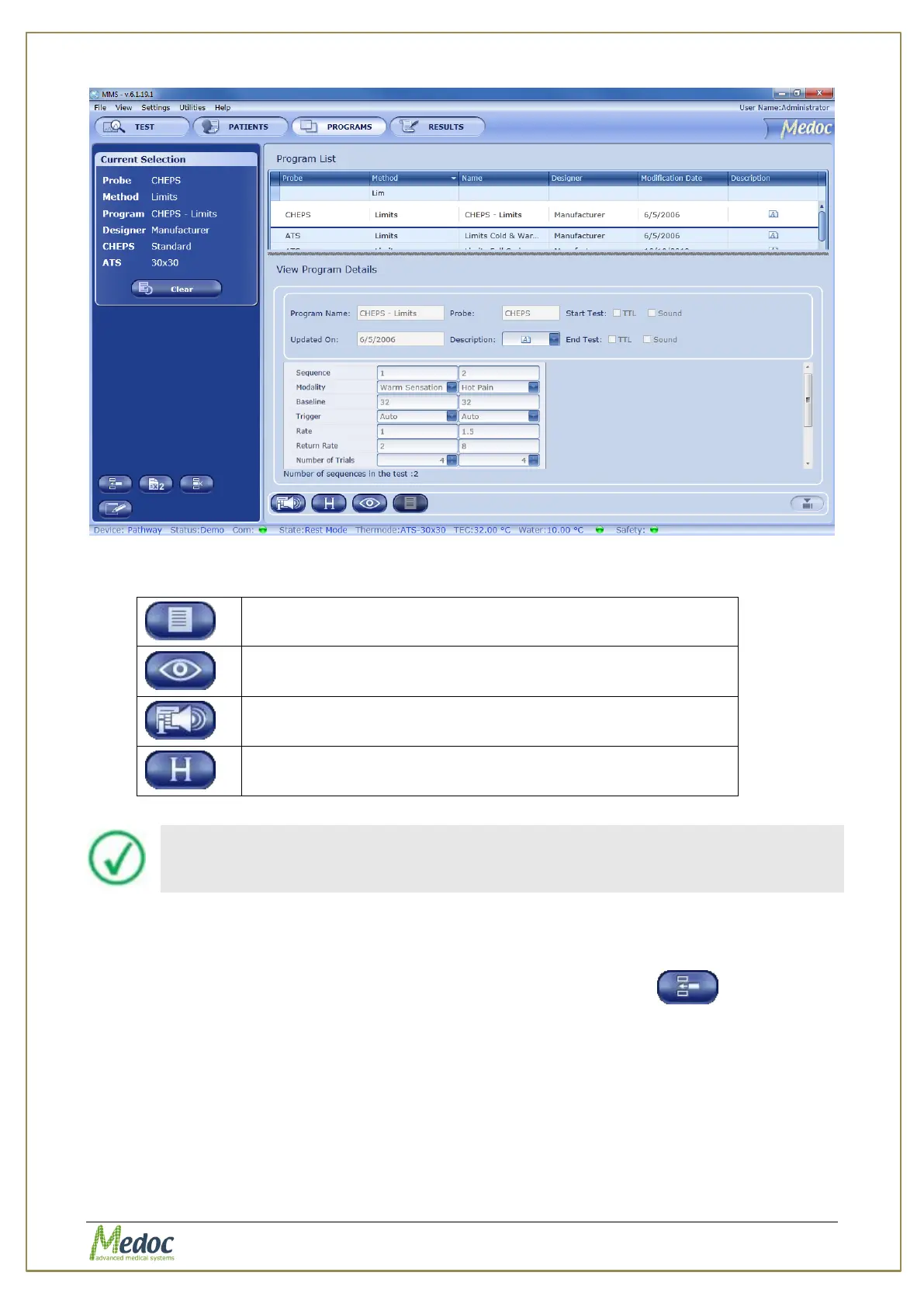
Figure 32: Program Management – Program Preview
6. The following viewing options are available from Program Details view:
Display program graph preview.
Available on selected methods.
View instructions for the selected test.
View recent program modification dates.
Program details cannot be edited from the Program Details view.
7.2 Creating a New Program
To create a new program, perform the following procedure:
1. From the Programs screen, click on the Create New Program button
The following dialog is displayed:



 To Next Page