Pathway Technical Reference Manual
Proprietary 139 of 190
12.5 Normative Data Display
The Normative Data can be displayed on the test screen during the test, and it can also be
included with the results and displayed on the report.
The Data will be displayed only if the following test parameters match
Normative Data parameters: Method, Modality, Baseline Temperature,
Rate, Main Site, Side, Specific Site, Patient Age and Gender
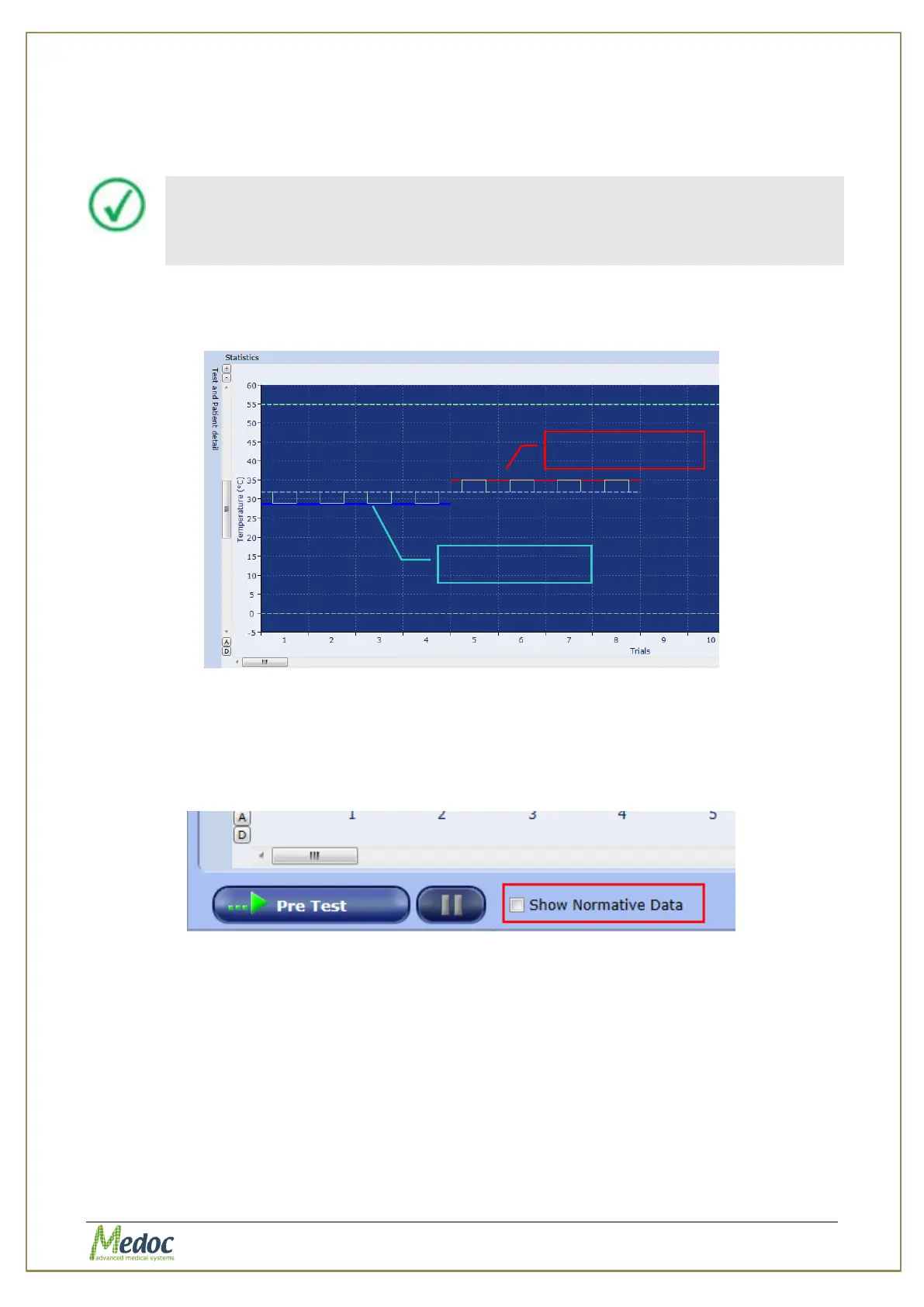
When running a test that matches all Normative Data parameters, the Lower and Upper Limits
will be displayed on the screen during the test, as shown in the following screen:
Figure 95: Normative Data display in test screen
To control the general display of normative data during the test and in the report change the
normative data display setting in Test Settings (see section 10.3.1).
To toggle the display of normative in the current test and relevant report use the ‘Normative
Data’ check box in the test screen
Figure 96: Normative Data Checkbox



 To Next Page