Pathway Technical Reference Manual
Proprietary 129 of 190
10.3.6.2 Audio Instructions
To add or change the default audio instructions for a test method:
To add audio instructions:
1. Create an audio file of the instructions in one of the following formats:
WAV, WMA, MP3
2. Select the test method from the list on the left and click the Audio button on the right.
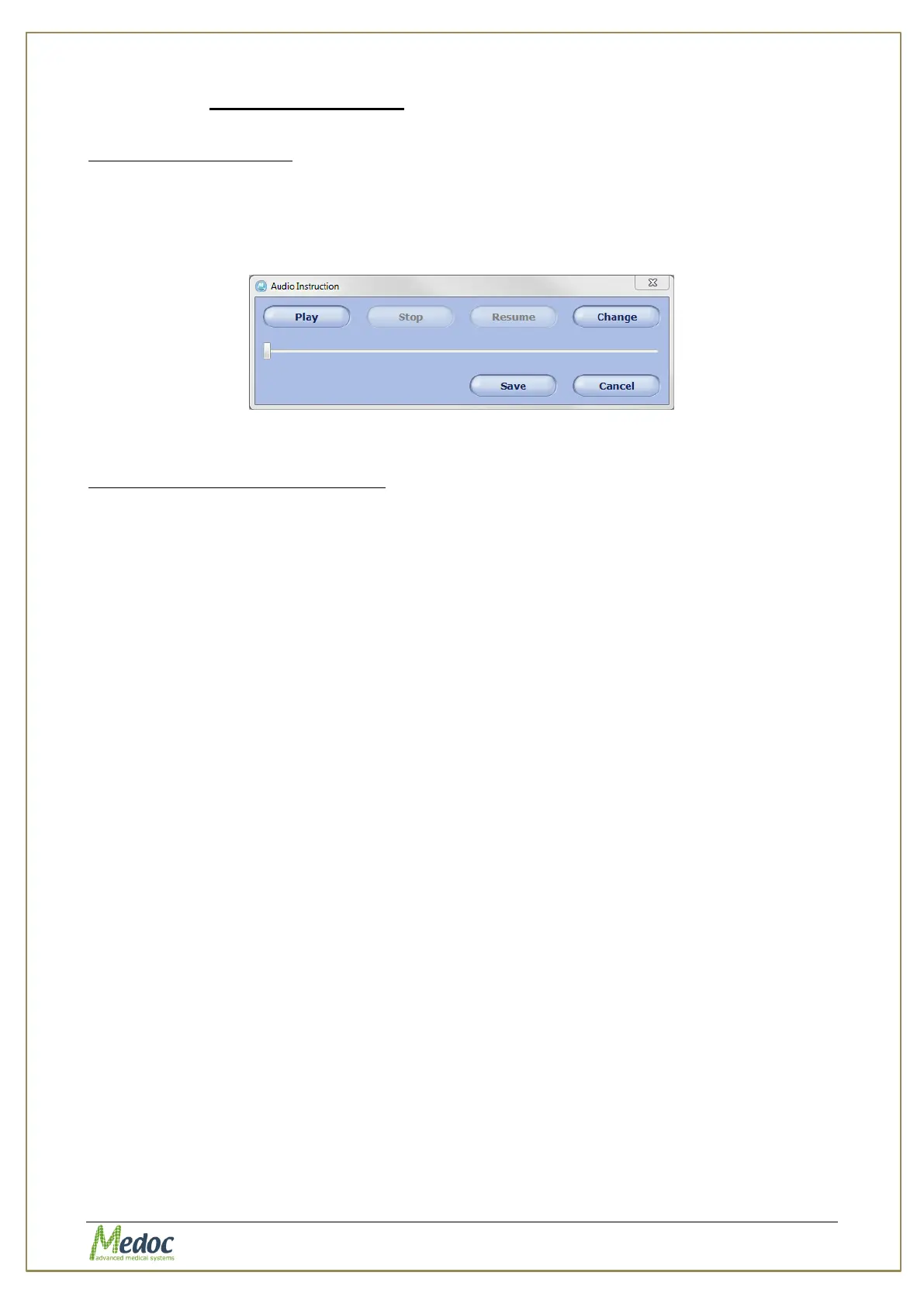
3. Select the audio file and click open. The following dialog will open:
Figure 89:Audio save button
4. Click the Save button.
To change existing audio instructions:
1. Select the test method from the list on the left and click the Audio button on the right.
2. Click Change to select a new audio file.



 To Next Page