Pathway Technical Reference Manual
Proprietary 160 of 190
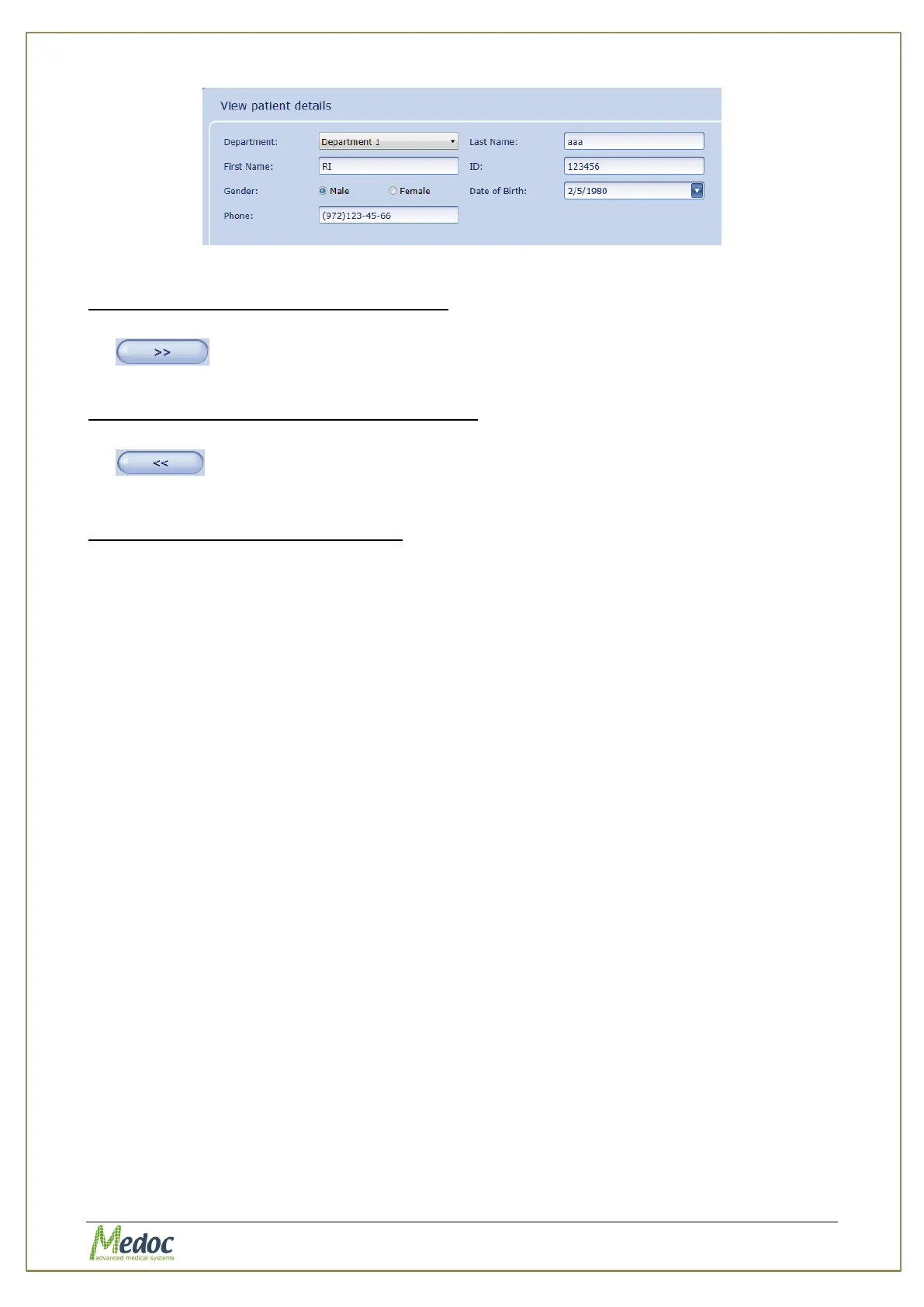
Figure 114: Patient Card with Selected Patient Fields
To add Patient Fields to the Patient Table:
1. Select fields to add from the Patient Card Fields list and click the Move Right button
2. Click the Apply button to confirm changes
To remove Patient Fields from Patient Table:
1. Select fields to remove from the Patient Table Fields and click the Move Left button
2. Click the Apply button to confirm changes
To restore the default Patient Fields:
1. Click the Restore button to restore default Patient Fields.
2. Click the Apply button to confirm changes



 To Next Page