Implementation
Microsemi Proprietary and Confidential UG0677 User Guide Revision 9.0 92
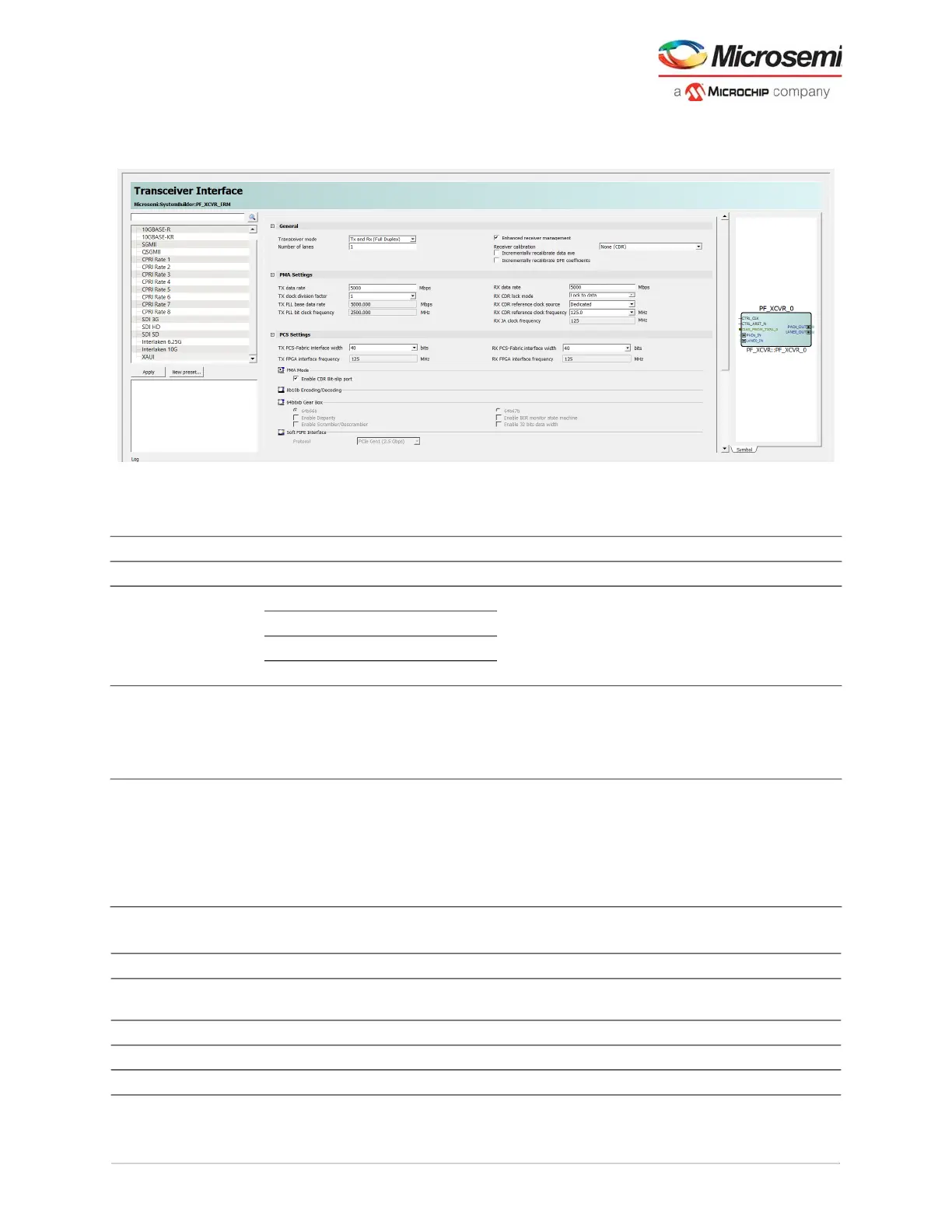
2. Double-click each PF_XCVR block in the catalog to launch the configurator. A GUI allows the option
to select the related XCVR properties.
Figure 73 • Transceiver Interface Configuration GUI
The following tables list Transceiver Interface options.
Table 29 • Transceiver Interface General Settings
General Options Default Details
Number of lanes 1 to 4 1
Transceiver mode Tx and Rx (Full Duplex) Tx and Rx (Full
Duplex)
See Transceiver Modes,
page 99 for more information.
Tx Only
Rx Only
Tx and Rx (Independent)
Enhanced Receiver
Management
Enable/Disabled Enabled Includes the enhanced
receiver management solution
when checkbox is checked
(See Enhanced Receiver
Management, page 16).
Receiver Calibration None (CDR),
On-Demand,
On-Demand & First Lock, and None
(DFE),
Incrementally Recalibrate Data Eye
and Incrementally Recalibrate DFE
Coefficients
On-Demand & First
Lock
See Receiver, page 7.
Table 30 • Transceiver Interface PMA Settings
PMA Settings Options Default Details
Tx data rate 250 Mbps – 12700 Mbps 5000 Mbps 10312.5 Mbps (STD
maximum)
TX clock division factor 1, 2, 4, 8, and 11 1
TXPLL base data rate Computed
1
TX PLL bit clock frequency Computed



 To Next Page