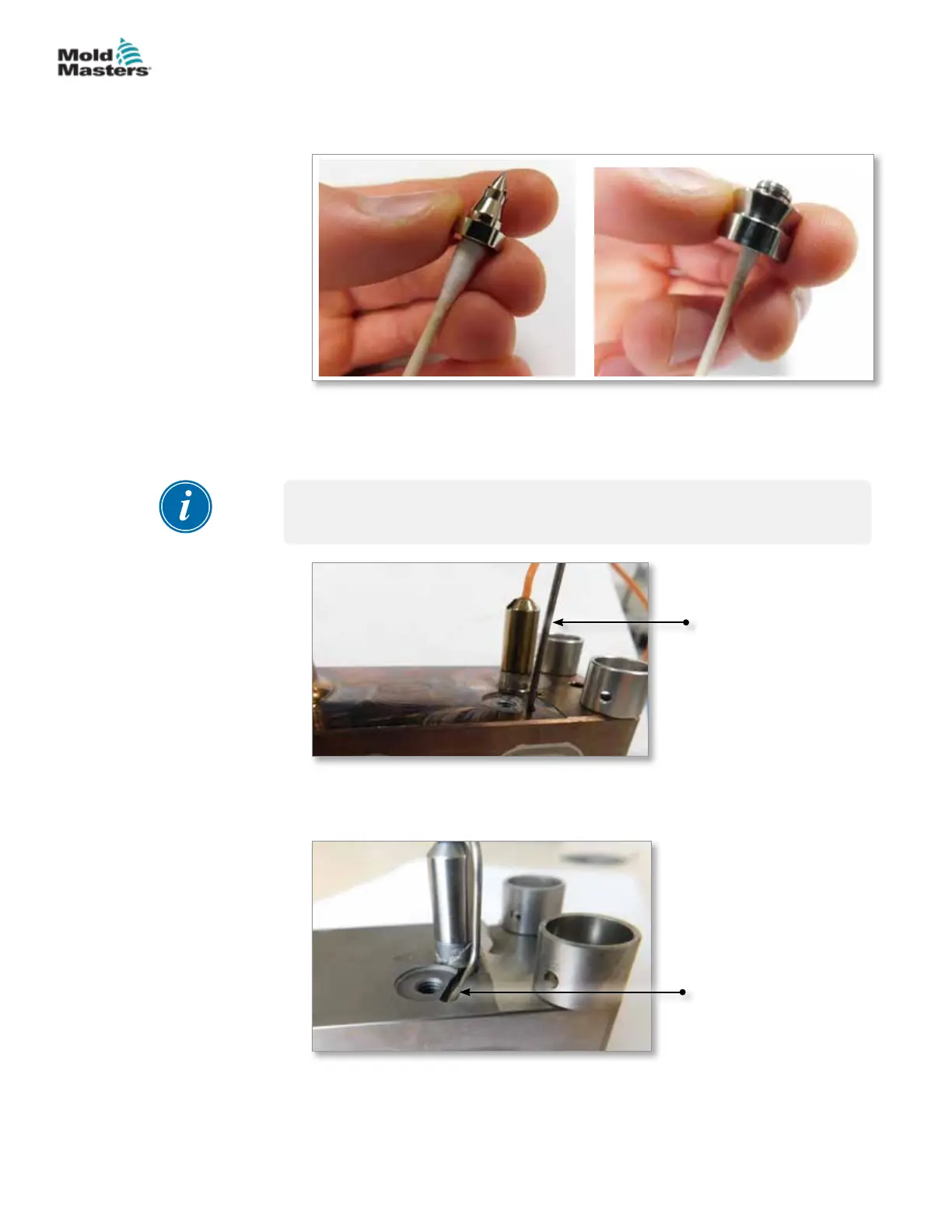
4. If necessary, clean the interior surfaces and screw threads with a cotton
swab. See Figure 19-11.
Figure 19-11 Clean torpedo and transfer seal
19.4.5 Melt-CUBE Design B: Install the Thermocouple
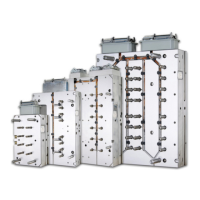
1. Insert the thermocouple tip into the thermocouple hole. See Figure 19-12.
IMPORTANT
The thermocouple must touch the bottom of the hole.
Thermocouple
Figure 19-12 Insert thermocouple tip
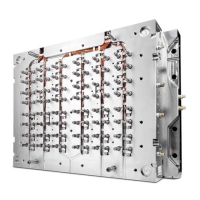
2. Bend the thermocouple back 90° to sit in the manifold channel. See
Figure 19-13.
Thermocouple in
manifold channel
Figure 19-13 Bend thermocouple
Melt-CUBE Design B: Cleaning - continued
19-22
© 2020 Mold-Masters (2007) Limited. All Rights Reserved.
MELT-CUBE SYSTEMS
Hot Runner User Manual


 To Next Page