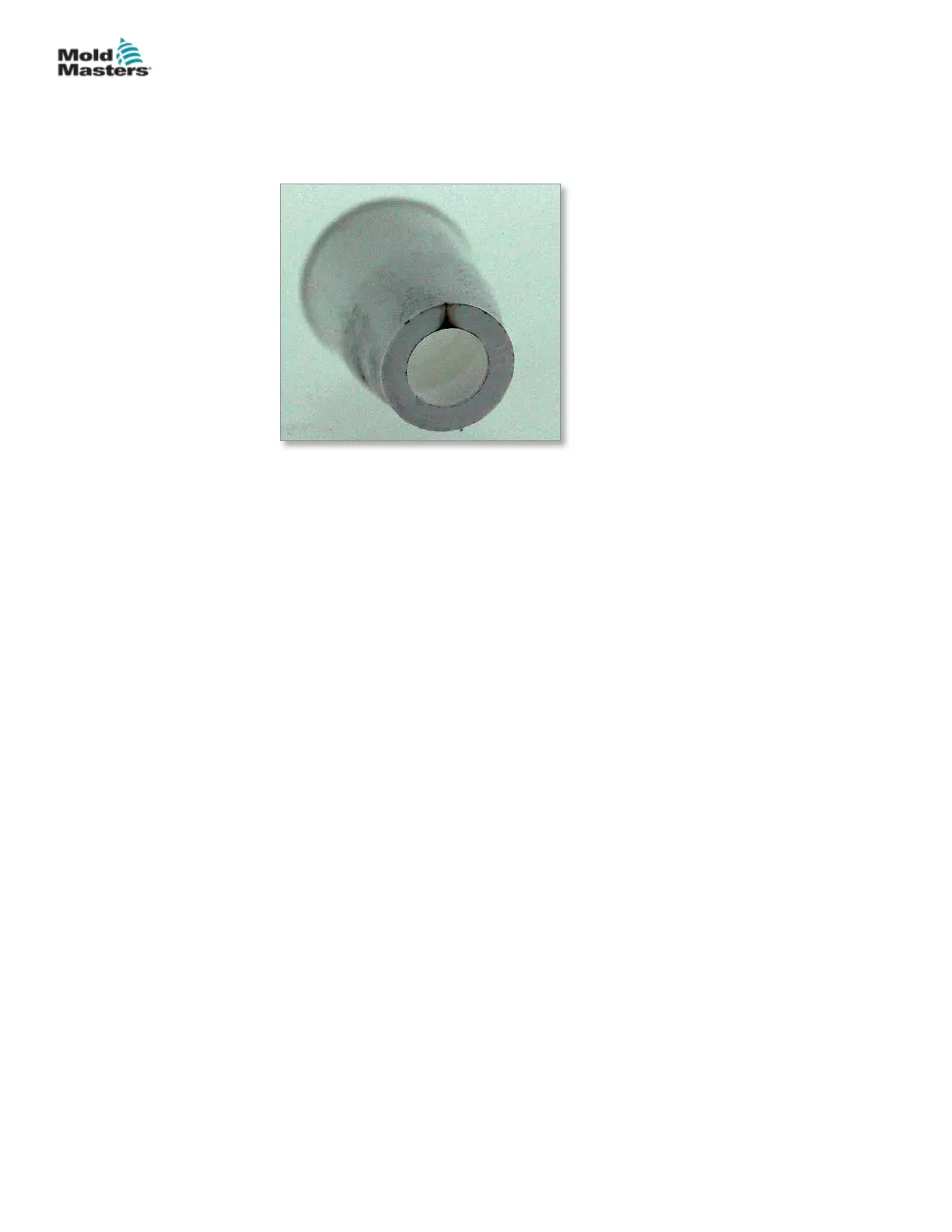
20.6.4 Burn Marks
The nished product display brown streaks. This is from the material being
overheated due to trapped air (diesel eect), which can lighten or darken the
color.
Probable Cause:
1. Molding Machine
• High injection speed
• Backow / check ring valve malfunctioning
• High back pressure
2. Mold
• Trapped or volatile gas
• Burning due to friction
• Incorrect sprue diameter
3. Material
• Overheated / underheated melt, possible shear
Solution (in sequence):
1. Clear blocked vent channels
2. Lower injection speed
3. Lower injection pressure
4. Check heater functionality
5. Check thermocouple functionality
6. Reduce feed screw rotation
7. Reduce melt temperature
8. Increase mold cavity venting
9. Enlarge gate
10. Change gate position and / or size
20-8
© 2020 Mold-Masters (2007) Limited. All Rights Reserved.
TROUBLESHOOTING
Hot Runner User Manual


 To Next Page