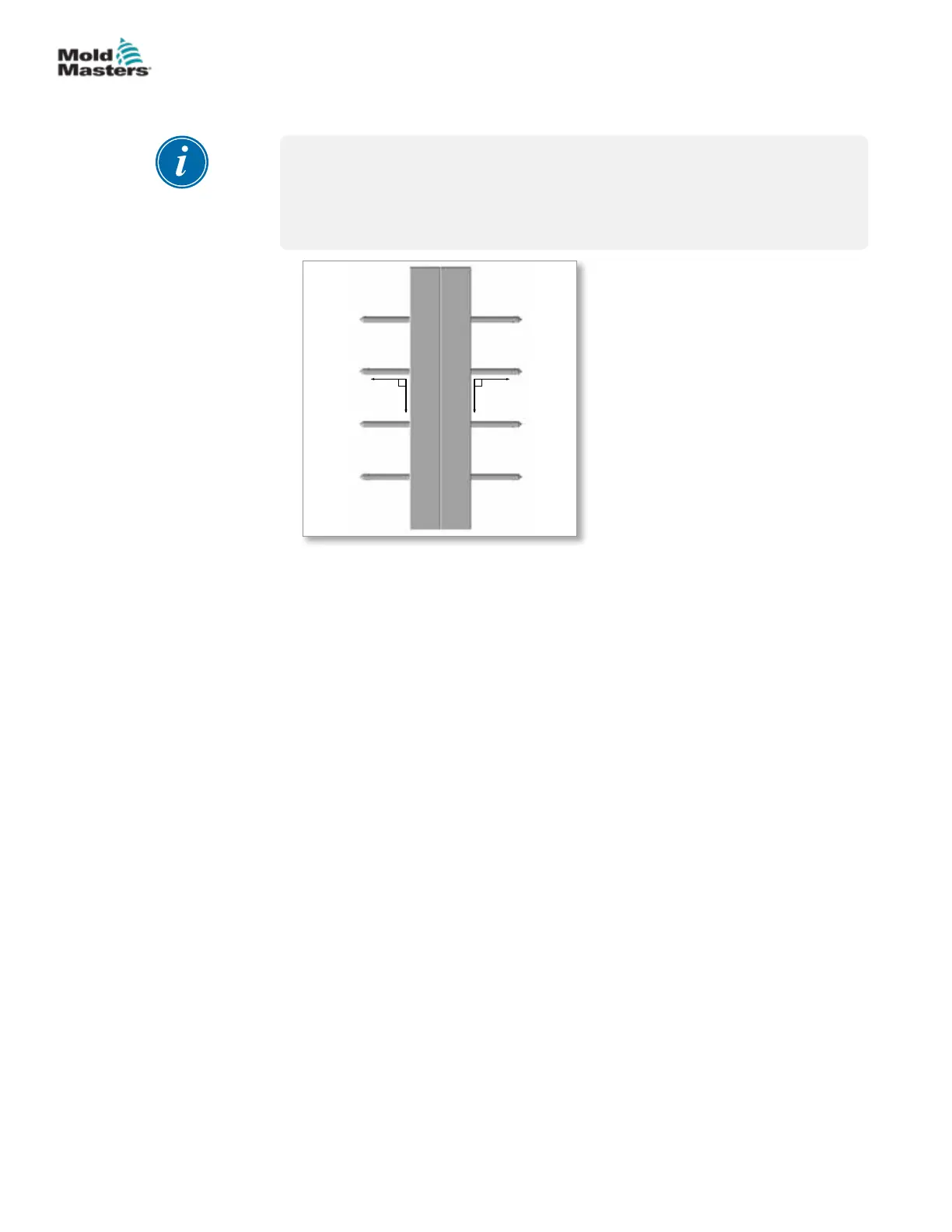
6. Heat all manifolds to 180°C (365°F).
IMPORTANT
Heating the manifolds expands the system slightly to eliminate the cold
clearance and ensures the nozzles are perpendicular to the manifold.
Do not install the cavity plate on a cold manifold.
7. When the manifolds reach 180°C (365°F), install the cavity plates on the
manifold plate. If the plates do not assemble easily, remove the cavity
plates and check for interference. Be careful to not damage the gate
seals.
8. Install the mounting screws and torque to the required specications.
See the “Table 15-9 Torque Chart for System Assembly Screws” on page
15-26.
9. Attach a crane that is rated to support the weight of the mold.
10. Lock out and tag out the machine according to the documented
procedures.
11. Latch the center section to the Cold Half.
12. Install the mold into the molding machine. Refer to the machine
manufacturer’s documentation for procedures.
13. Torque the mold mounting screws to required specications. Refer to
machine manufacturer’s documentation for torque values.
14. Connect wire lines, hydraulic, pneumatic and electrical components, as
required.
15. Remove latches.
16. Set the mold opening sequence mechanism.
Stack Mold Cavity Plate Installation - continued
7-4
© 2020 Mold-Masters (2007) Limited. All Rights Reserved.
HOT HALF ASSEMBLY
Hot Runner User Manual


 To Next Page