4 - 16 (00292)H
・
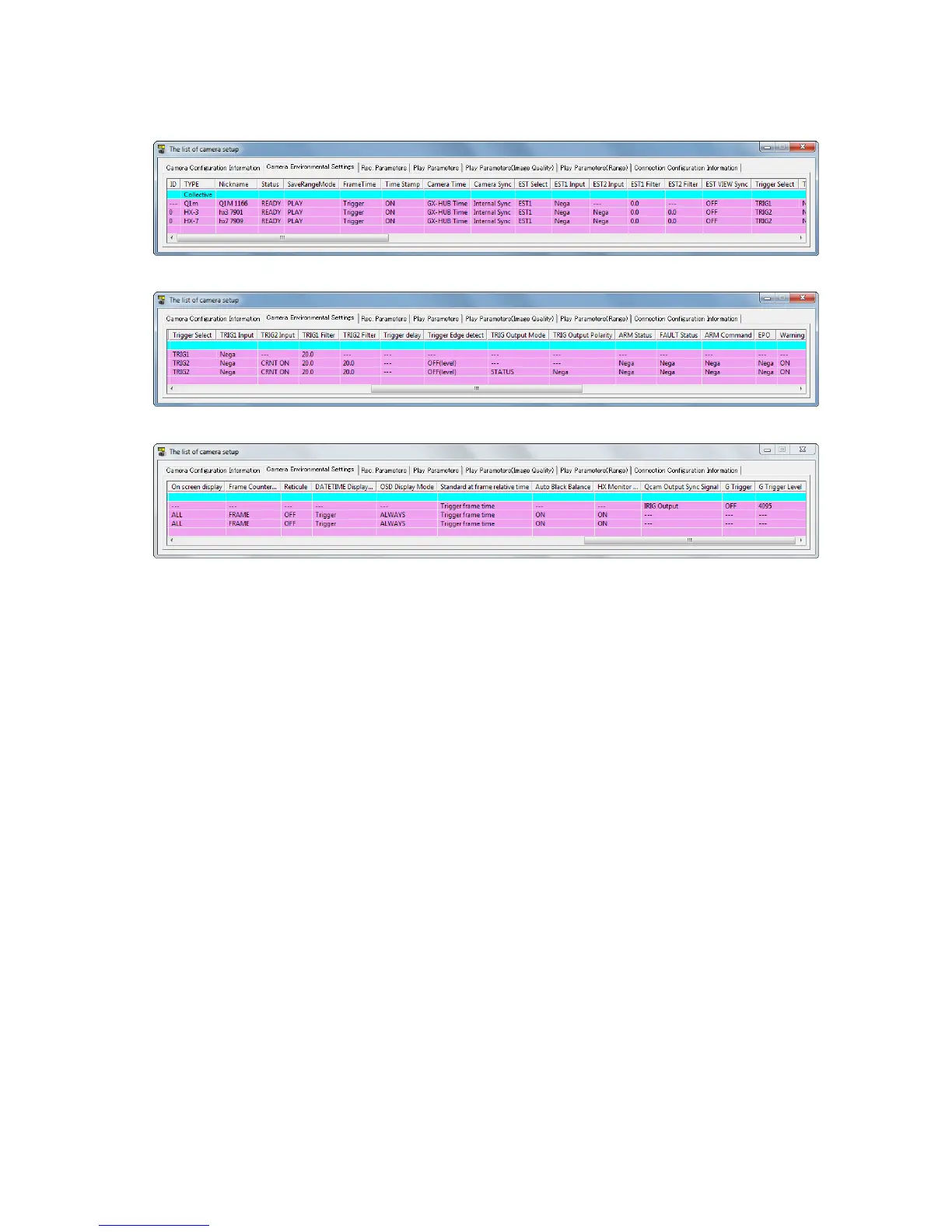
・ "Camera Environment Settings"
Camera Environment Settings (HX camera, Q camera connection) 1
Camera Environment Settings (HX camera, Q camera connection) 2
Camera Environment Settings (HX camera, Q camera connection) 3
Items in the Camera Environment Settings
ID Camera (DRP) ID
TYPE Camera (DRP) type
(For display only. Setting cannot be changed.)
Nickname Camera (DRP) nickname (refer to page 4-2)
(For display only. Setting cannot be changed.)
Status Camera (DRP) status
(For display only. Setting cannot be changed.)
Save Range Mode Setting whether or not to continue save range
Frame Time Select camera frame time
Time Stamp Time Stamp ON/OFF
The following items are synchronization setting items. Refer to page 6-4 for details.
Camera Time Camera time setting
Camera Sync Signal
Select synchronized method during recording
The following items are I/O SIGNAL items. Refer to page 6-11 for details.
EST Input Selection Select the connector for the external synchronization signals (EST) to
be input.
EST1 Input Polarity Select polarity for EST1 Input.
EST2 Input Polarity Select polarity for EST2 Input.
EST1 Filter External synchronization signal noise filter
EST2 Filter External synchronization signal noise filter
HX, GX Synchronized view
Synchronized settings during VIEW for EST recording.



 To Next Page