R&S
®
ZVA / R&S
®
ZVB / R&S
®
ZVT GUI Reference
Trace Menu
Operating Manual 1145.1084.12 – 30 158
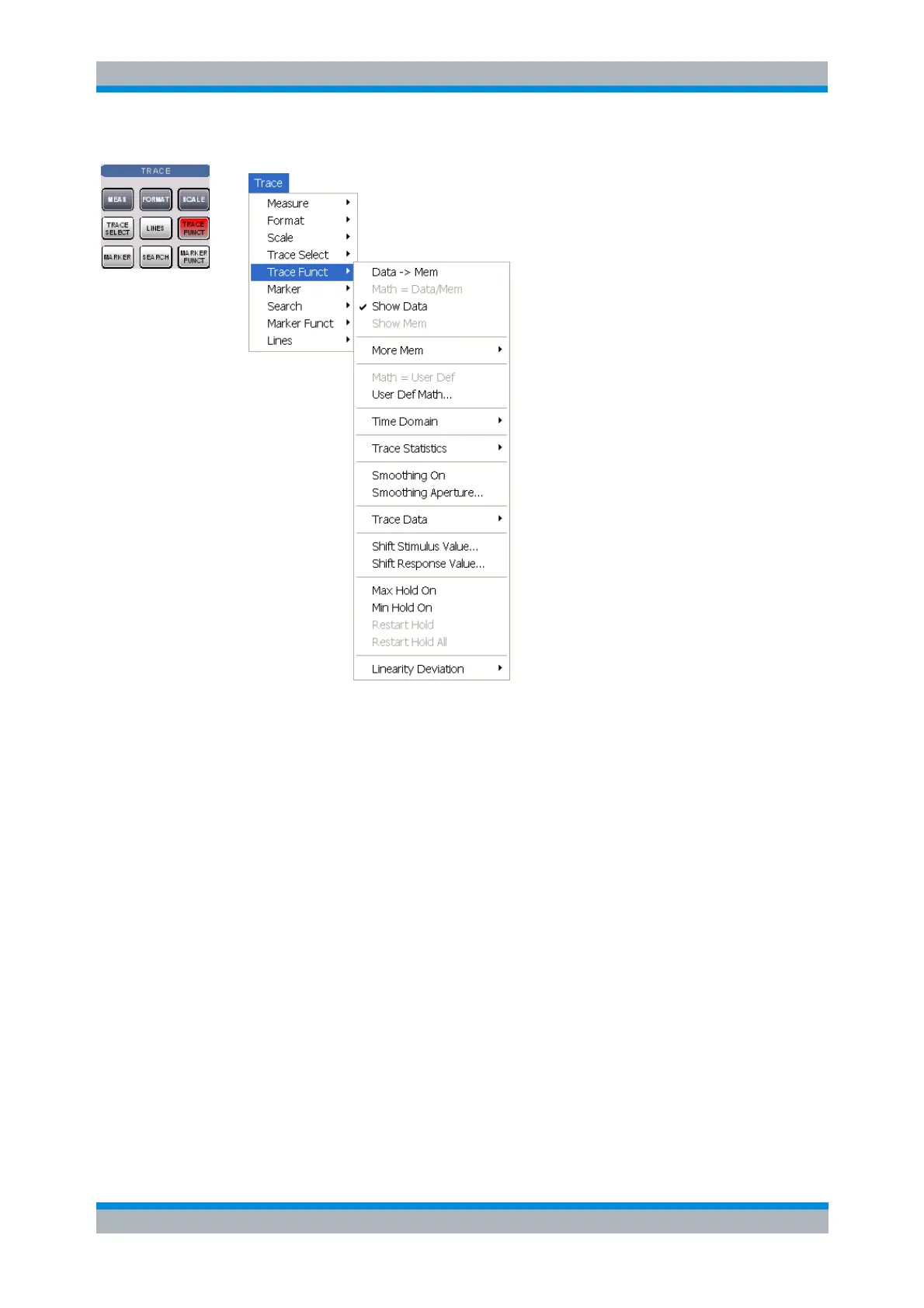
Data -> Mem stores the active data trace as a memory trace.
Math = Data/Mem activates the mathematical mode where the data trace is divided by the
memory trace.
Show Data shows or hides the active data trace.
Show Mem shows or hides the active memory trace.
More Mem opens a submenu to store traces as memory traces, show or hide traces.
Math = User Def activates the mathematical mode with a user-defined relation between traces.
User Def Math... opens a dialog to define a mathematical relation between traces.
Time Domain opens a submenu with the time domain transformation functions (with option ZVAB-
K2, Time Domain).
Trace Statistics opens a submenu to evaluate statistical and phase information of the trace.
Smoothing On activates the smoothing function for the active trace.
Smoothing Aperture... defines how many measurement points are averaged to smooth the trace.
Trace Data stores the active trace to a file or loads a memory trace from a file.
Shift Response Value... opens a dialog to define a user-correction to the measured values.
Shift Stimulus Value... shifts a memory trace in horizontal direction.



 To Next Page