R&S
®
ZVA / R&S
®
ZVB / R&S
®
ZVT GUI Reference
Trace Menu
Operating Manual 1145.1084.12 – 30 197
(complex) response values. This can be either
o re and im for carthesian coordinates (Real/Imag output format during Export
Complex Data),
o mag and ang for polar coordinates (Lin Mag-Phase output format) or
o dB and ang for log-polar coordinates (dB Mag-Phase output format)
<Trace Name>_ is the name of the related trace, followed by an underscore. This part is
optional, but may be required to uniquely identify a particular trace.
Export Complex Data automatically inserts the names of the exported traces. Import
Complex Data uses <Trace Name>_<Measured Quantity> to identify the trace to be
imported.
<Measured Quantity> indicates the measured quantity of the related trace. The
keywords are the same as for the remote command
CALCulate<Ch>:PARameter:SDEFine (but without quotes!).
The trace data is arranged as described in the header. The stimulus values are arranged in ascending
order.
Import Complex Data requires the sweep type indicated in the ASCII file's header line to be the same
as the sweep type of the active trace.
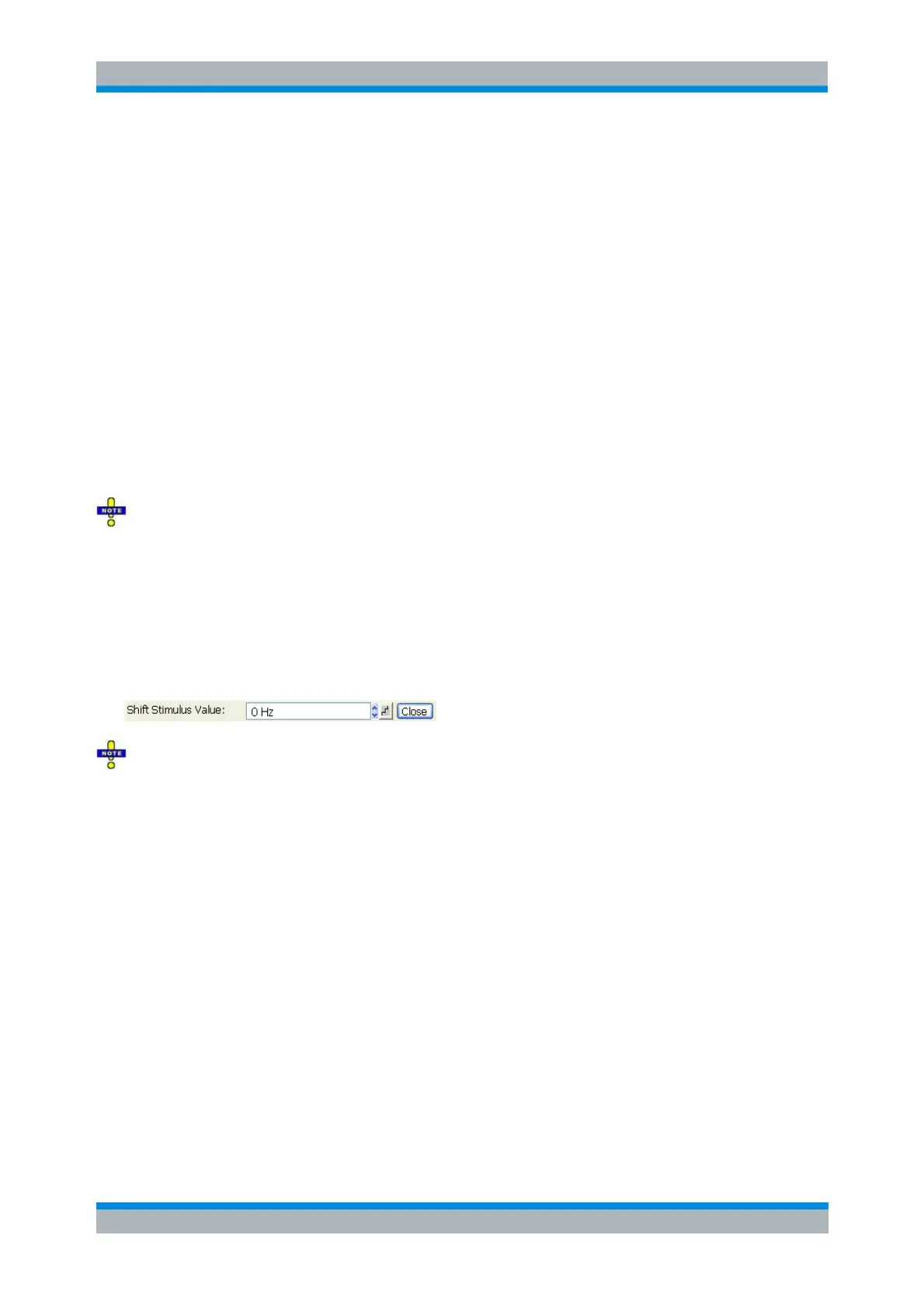
Shift Stimulus Value...
Shifts the active trace in horizontal direction, leaving the positions of all markers unchanged. The positive
or negative offset value for the stimulus variable is entered into an input field. The unit depends on the
sweep type.
Shift Stimulus Value can be used in Cartesian as well as in polar diagrams. The visible effect depends
on the diagram type:
In Cartesian diagrams, the trace is shifted relative to the markers and the x-axis.
In polar diagrams, the trace is not affected, however, markers change their position.
DISPlay:WINDow<Wnd>:TRACe<WndTr>:X:OFFset <numeric_value>
Shift Response Value...
Modifies all points of the active trace by means of an added and/or a multiplied complex constant. The
constant complex values are entered in the four input fields of the Shift Response Value dialog.



 To Next Page