R&S
®
ZVA / R&S
®
ZVB / R&S
®
ZVT GUI Reference
Trace Menu
Operating Manual 1145.1084.12 – 30 165
Grouping parts of an expression
dB Mag(z) = 20 * log|z| dB
Phase φ (z) = arctan ( Im(z) / Re(z) )
Common (base 10) or natural (base e) logarithm
Smaller or larger values of all points of two traces, e.g. Min(Trc1,Trc2)
tan, atan, sin, asin, cos, acos
Direct and inverse trigonometric functions.
*) The function StimVal can be used for all sweep types. Please note that
-
as with all user math operands
-
only the numerical value without unit is
processed in the user math formula.
In frequency sweeps StimVal provides the stimulus frequency in Hz.
In power sweeps, StimVal provides the voltage in V that results from the source power in
dBm. To obtain the correct source power in dBm (for dB Mag trace format), Result is
Wave Quantity must be enabled. Note that, due to the conversion into a dBm value, the
source power depends on the reference impedance of the port associated with the
measured wave quantity, to be set in the Port Configuration dialog.
In time sweeps, StimVal is the stimulus time in s.
In CW mode sweeps, StimVal is the number of the point.
Numeric Value
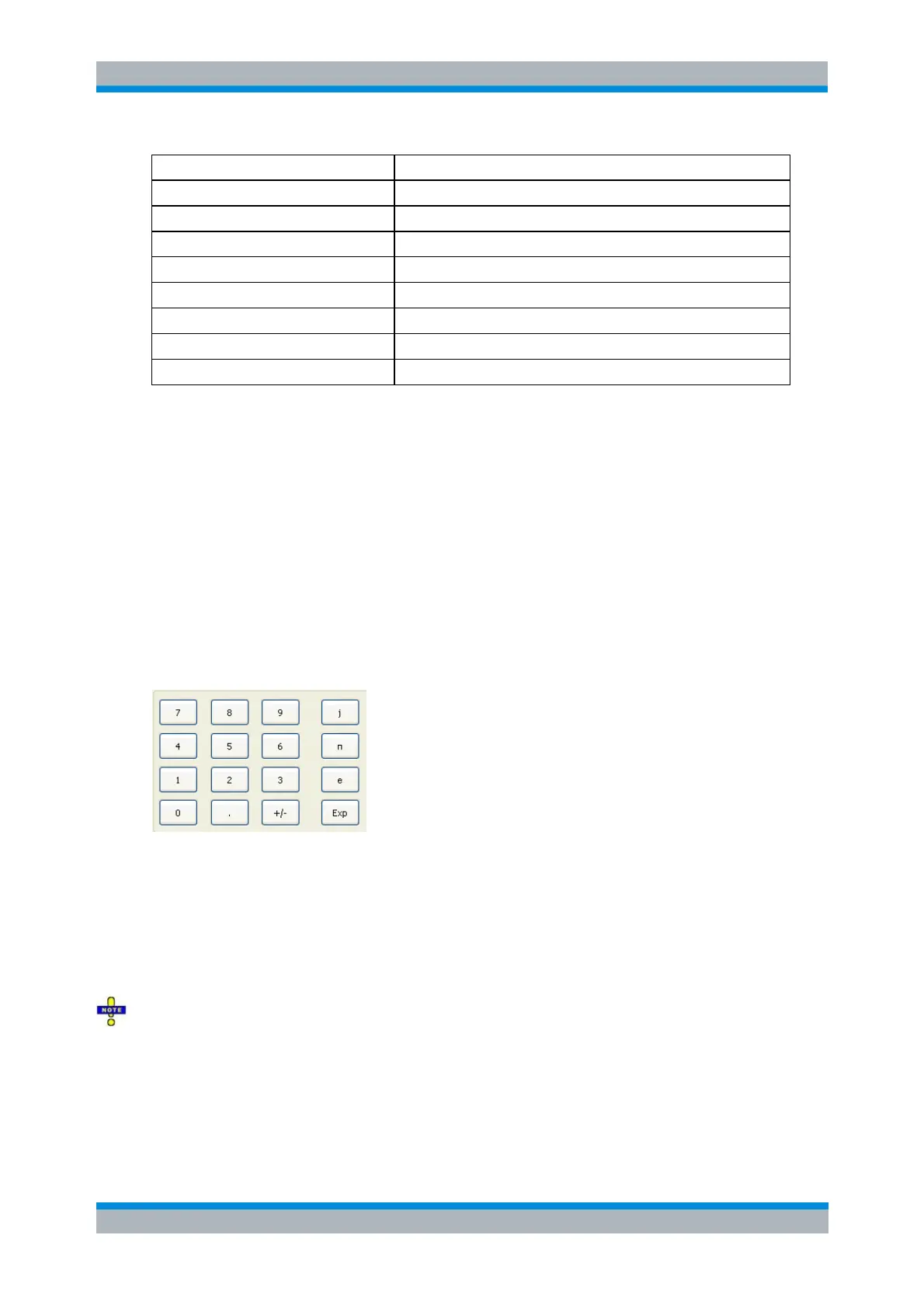
extends the Define Math dialog and opens the numeric input panel (toggle function):
The numeric input panel supports the entry of numeric values and constants. In addition to the
numbers 0 to 9, the decimal point and the constants j (complex unit), pi (approx. 3.14159) and e
(approx. 2.71828), it contains the following buttons:
+/- changes the sign
Exp defines a number in exponential representation, e.g. 12 exp 3 for 12*10^3 = 12000.
Products of numbers and constants may be entered in abbreviated form, e.g. 2e for 2*e.
If traces are used as operands, the unmodified, linear complex trace data (no dB-values) enter into
the mathematical expression, irrespective of the current trace format. No mathematical traces are
available as operands.
Result is Wave Quantity in the lower part of the dialog controls the conversion and formatting of the
mathematic expression.
If Result is Wave Quantity is enabled the analyzer assumes that the result of the mathematical



 To Next Page