R&S
®
ZVA / R&S
®
ZVB / R&S
®
ZVT GUI Reference
Channel Menu
Operating Manual 1145.1084.12 – 30 263
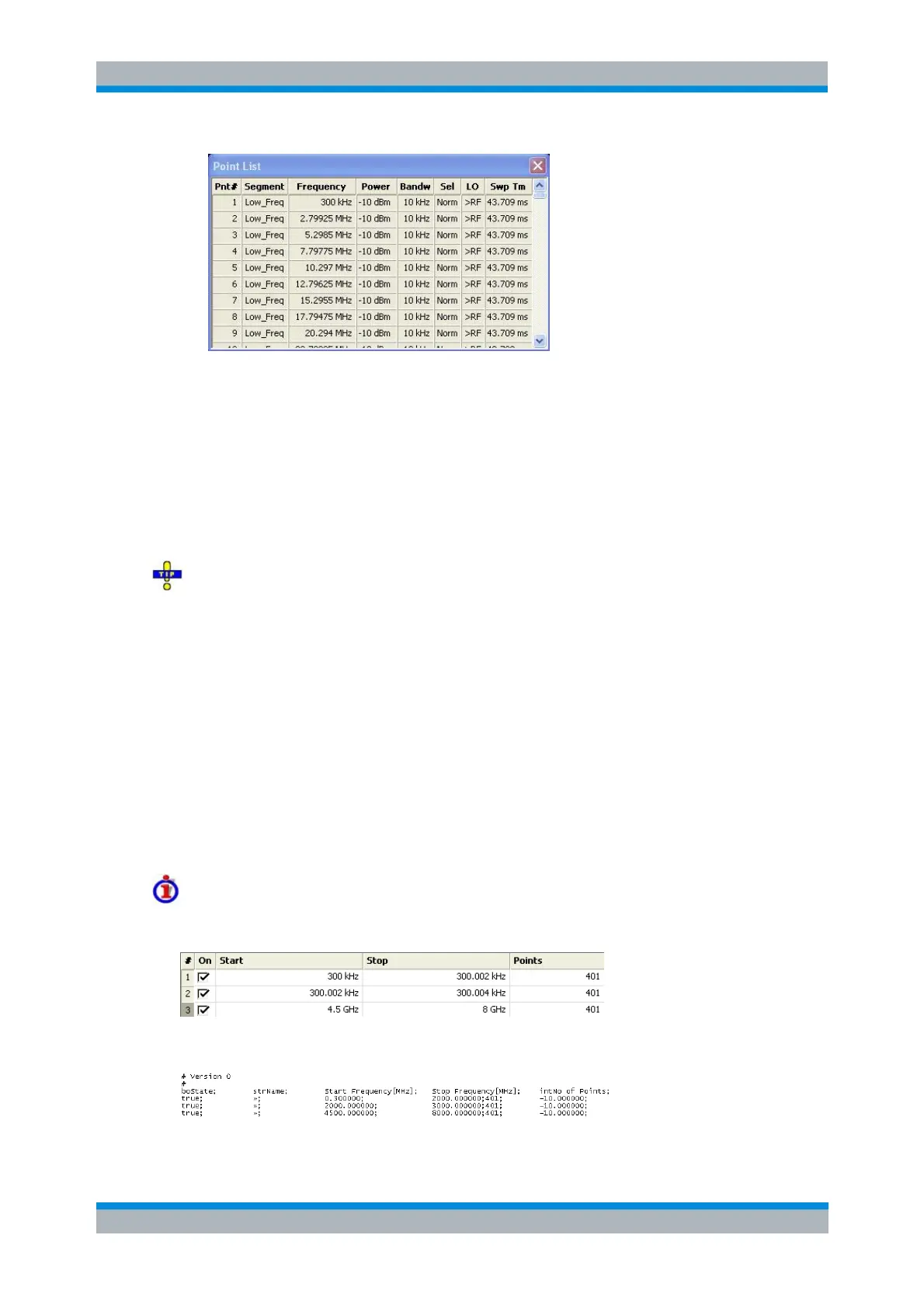
Points in inactive sweep segments (i.e. segments that are not switched On in the segment
table) are not shown. The table provides a check of the settings made and can not be
edited.
Import Segment List... calls up an Open File dialog to load a sweep segment list from a
sweep segment file. Sweep segment files are ASCII files with the default extension
*.seglist and a special file format.
Export Segment List... calls up a Save As... dialog to store the current sweep segments to
a sweep segment file. Sweep segment files are ASCII files with the default extension
*.seglist and a special file format.
To import a segment list file (*.seglist) you can also use the Windows Explorer and simply
double-click the file or drag and drop the file into the NWA application. You must enable the
segmented sweep separately.
MMEMory:LOAD:SEGMent <Ch_no>,"file_name"
MMEMory:STORe:SEGMent <Ch_no>,"file_name"
File Format for Sweep Segments
The analyzer uses a simple ASCII format to export sweep segment data. By default, the sweep
segment file extension is *.seglist. The file starts with two comment lines containing the version
and a third line reproducing the header of the segment list. The following lines contain the entries
of all columns of the segment list, including the Individual Segment Settings that may be actually
hidden.
Example of a sweep segment file
The segmented sweep range:
is described by the following sweep segment file:



 To Next Page