R&S
®
ZVA / R&S
®
ZVB / R&S
®
ZVT GUI Reference
Channel Menu
Operating Manual 1145.1084.12 – 30 467
The table shows the imported and user-defined calibration kits with their name, connector type and label
(if defined). OK deletes the selected kit. Predefined kits cannot be deleted.
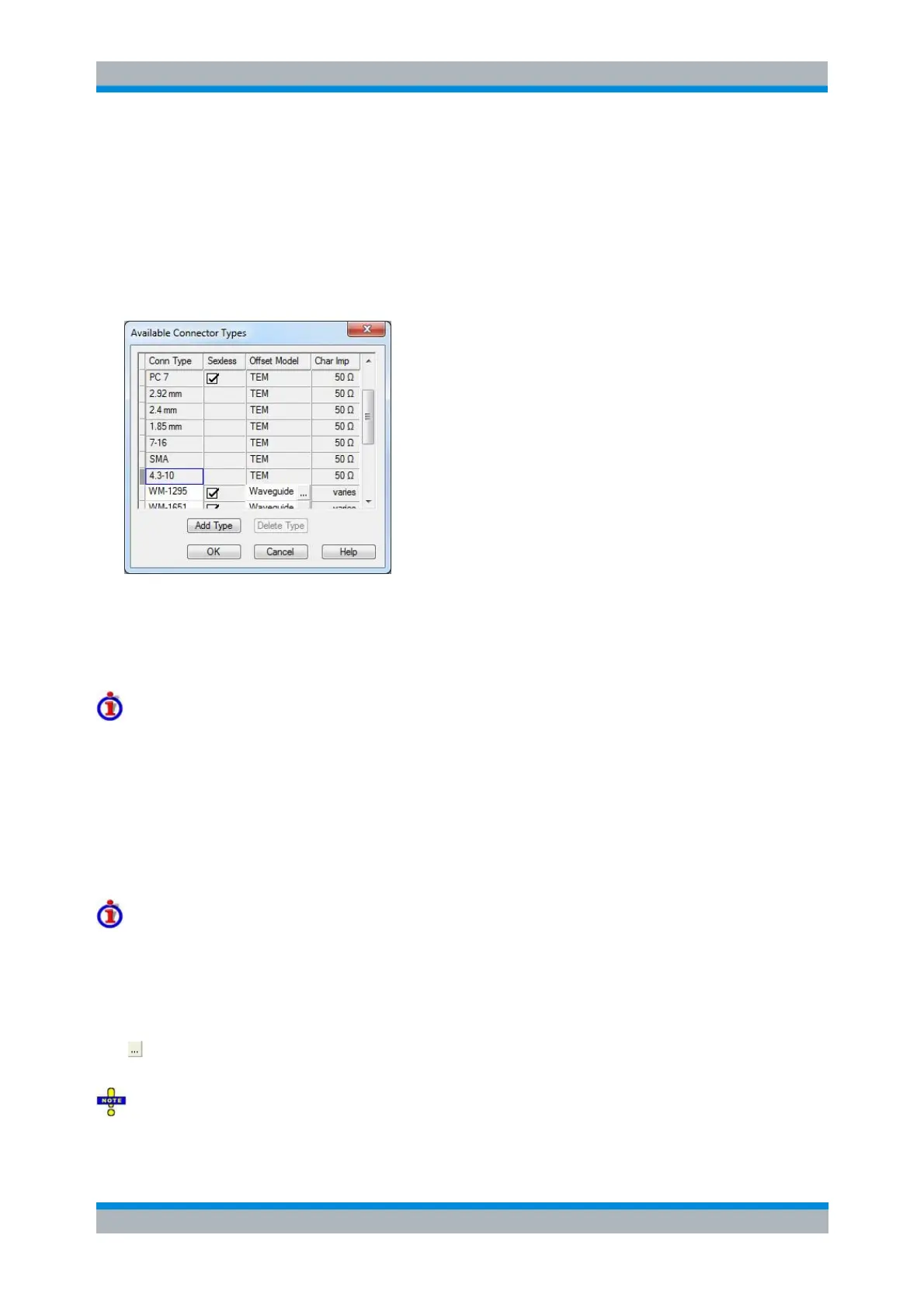
Available Connector Types
Displays and modifies the list of available connector types. This dialog is opened from the Calibration Kits
dialog (Connector Types... button).
The list shows the available connector types with their name (Conn Type), polarity (Sexless) and
reference impedance (Ref Imp). The Offset Model describes the mode of wave propagation in the
transmission lines of the standards associated with the connector type. The buttons below are used to add
and delete user-defined connector types. Deleting a connector type will also delete all calibration or
adapter kits assigned to it.
Impact of reference impedance
The reference impedance (Ref Imp) Z
0
for the connectors is a critical value that is displayed in the Port
Configuration menu and represents an input value for various parameter conversions. Z
0
enters into:
The calculation of the S-parameters for the calibration standards associated with the connector
type, provided that they are derived from a circuit model (Add/Modify Standard dialog).
The calculation of the (default) reference impedances for balanced ports (Def. Balanced Port tab
of the Balanced Ports and Port Groups dialog).
The calculation of impedance and admittance parameters.
Storing connector type settings
Calibration kits and connector types are global resources; the parameters are stored independently and
available irrespective of the current setup. The connector type settings are always stored together with the
associated calibration kit parameters. It is possible to export and import the connector settings using
Export Kit... and Import Kit... in the Calibration Kits dialog.
The name, polarity and reference impedance of a user-defined connector can be changed in the table.
The button in the Offset Model column opens the Offset Model dialog to define the propagation mode in
detail.
After assigning a calibration or adapter kit to a user-defined connector type, you can still change its
name, offset model and reference impedance. Switching between sexed and sexless will delete all kits



 To Next Page