R&S
®
ZVA / R&S
®
ZVB / R&S
®
ZVT GUI Reference
Channel Menu
Operating Manual 1145.1084.12 – 30 466
Delete Standard removes the selected standard from the list and from the calibration kit.
Optimize Line Freq Ranges is available if the calibration kit contains two or more Line standards
with different electrical lengths. This button adjusts the frequency ranges of the Lines according to
the rules described in section TRL Calibration with Two Lines.
View the properties of the Line standards in order to check (and possibly change) the adjusted
Min Freq and Max Freq values. Notice that, during a calibration with several lines, the analyzer
will have to re-calculate the transition frequencies, depending on the sub-set of standards that you
actually use.
Use Copy Standards from... to avoid the (re-)definition of their properties. Standards are copied
together with their parameters and their label, which you can modify once they belong to the new kit.
[SENSe<Ch>:]CORRection:CKIT:LABel
[SENSe<Ch>:]CORRection:CKIT:LLABel
[SENSe<Ch>:]CORRection:CKIT:MDATe? "<ckit_name>"
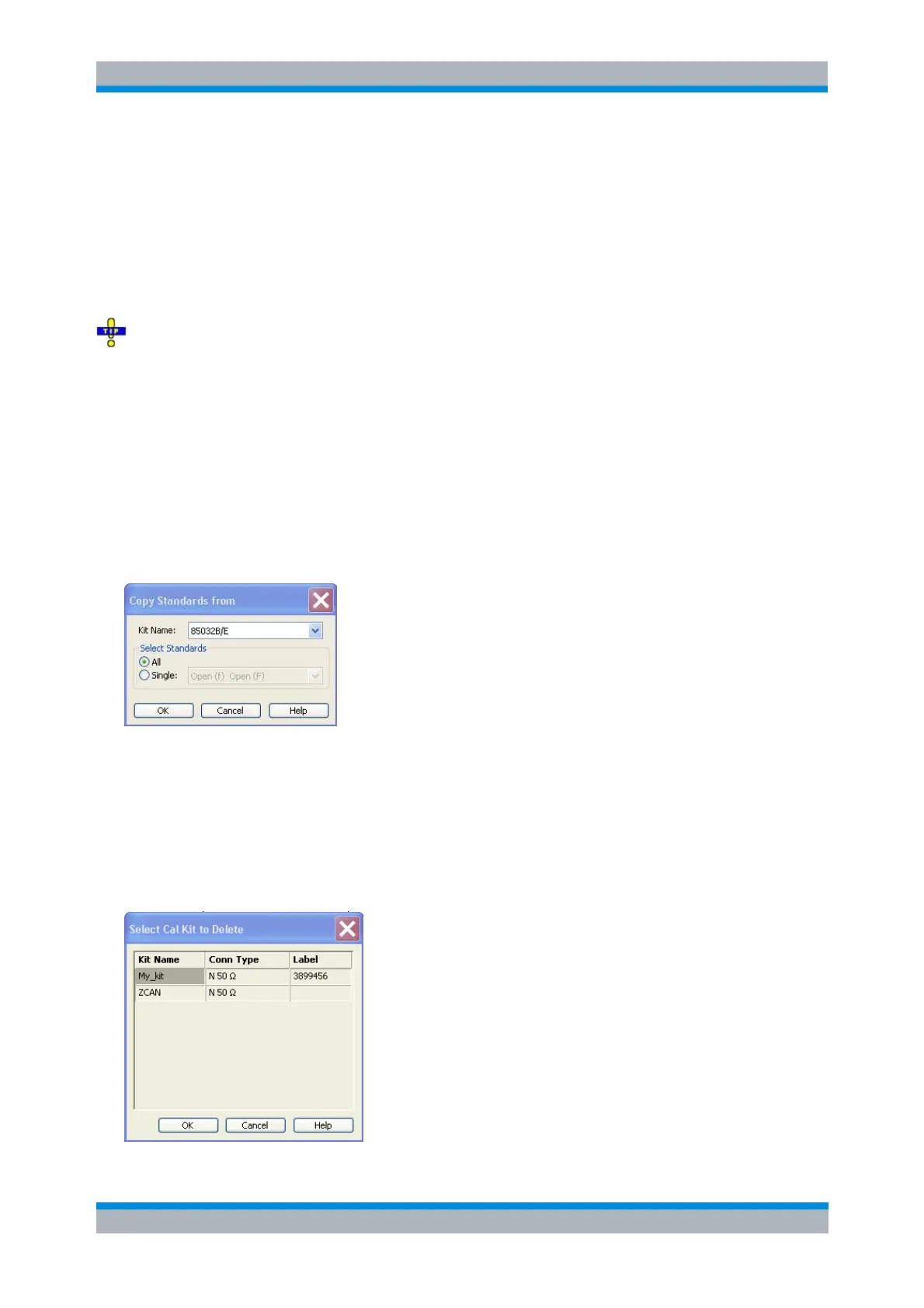
Copy Standards from
Copies standards together with their parameters from a calibration kit in use to a new calibration kit. This
dialog is opened from the View / Modify Calibration Kit dialog (Copy Standards from... button).
In the dialog, it is possible to select one of the calibration kits in use (Kit Name) and select either all or a
single standard to be copied. A calibration kit may only contain a single standard of each type.
Select Cal Kit to Delete
Displays a list of calibration kits to be deleted. This dialog is opened from the Calibration Kits dialog
(Delete Kits... button).



 To Next Page