R&S
®
ZVA / R&S
®
ZVB / R&S
®
ZVT GUI Reference
System Menu
Operating Manual 1145.1084.12 – 30 556
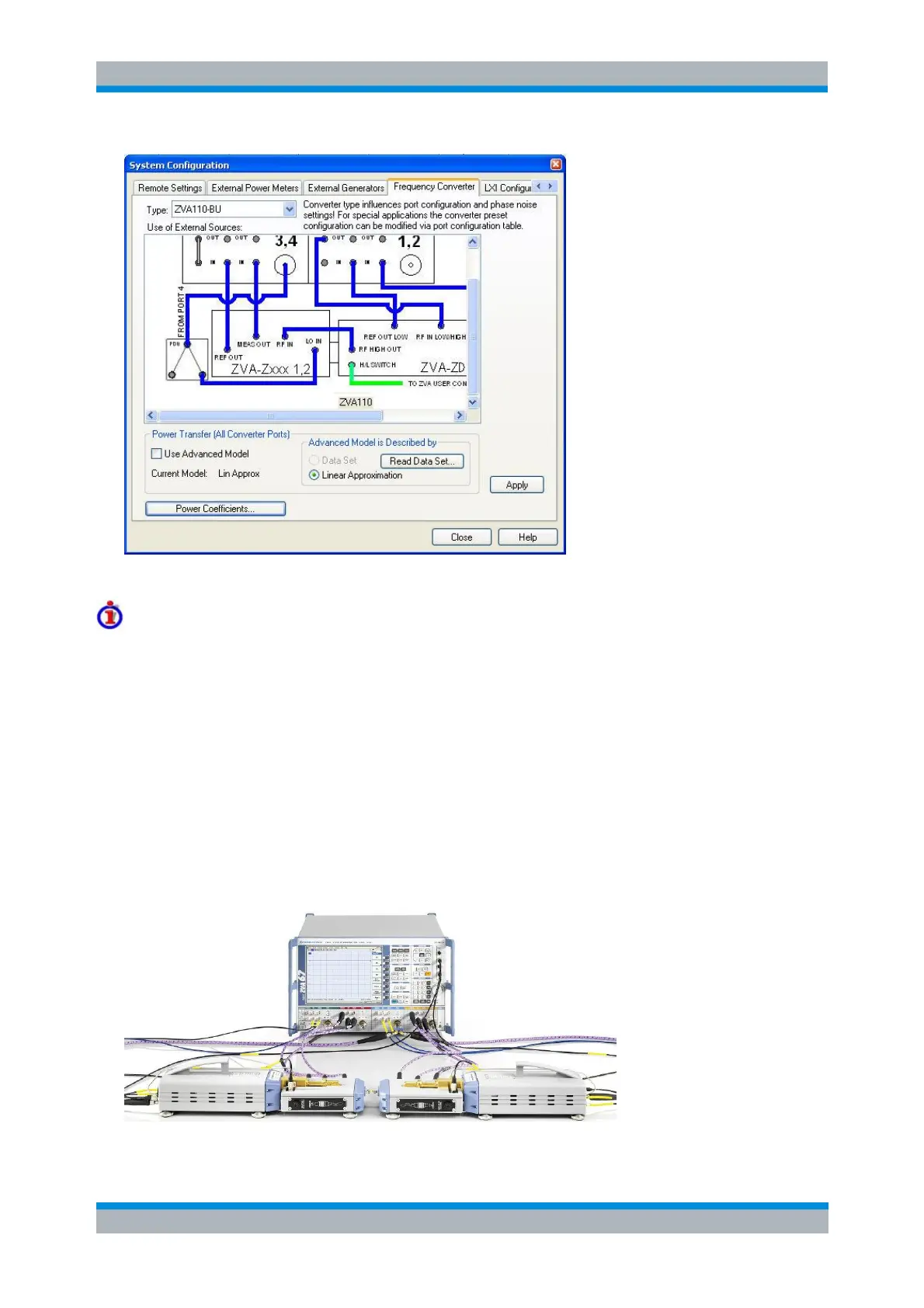
See also Frequency Converter in the Converter Control section.
Analyzer settings with active ZVA110-BU mode
In "ZVA110-BU" mode, the frequency and level settings of the network analyzer are automatically set to
be compatible with the external test sets. "Low Phase Noise" is enabled, Automatic Level Control (ALC) is
disabled. The frequency and levels of all ports are displayed in the "Port Configuration" dialog ("Channel >
Mode > Port Config …").
[SENSe<Ch>:]FREQuency:CONVersion:DEVice:NAME 'ZVA110-BU'
Connecting the External Test Sets
Each of the external test sets must be connected to the R&S ZVA110 base unit, the power supply and the
DUT. Please refer to the R&S ZVA110 Getting Started guide for details. A complete test setup for 2-port
transmission measurements is shown below.



 To Next Page