7. For all NTP Stratum-2 servers and higher stratum numbers, under the
Stratum-1 tab in the Edit NTP Services window configure the NTP Stratum-
1 references:
Disable Enable Stratum 1 Operation.
Disable Enable Stratum 1 1PPS.
8. In the NTP Servers panel of the main window, add an NTP server and
enable the Autokey option box. See "NTP Servers: Adding, Configuring,
Removing" on page121.
9. Wait for NTP to synchronize to the NTP References provided.
NTP: Symmetric Keys (MD5)
Symmetric Keys are an encryption means that can be used with NTP for authen-
tication purposes.
VersaSync supports authenticated NTP packets using an MD5 authenticator. This
feature does not encrypt the time packets, but attaches an authenticator, which
consists of a key identifier and an MD5 message digest, to the end of each
packet. This can be used to guarantee that NTP packets came from a valid NTP
client or server, and that they were not tampered with during transmission. The
Symmetric Keys tab allows NTP to be configured to use MD5 authentication.
Configuring NTP Symmetric Keys
To create, edit, or delete Symmetric Keys (MD5 Authentication):
1. Navigate to MANAGEMENT > NETWORK: NTP Setup.
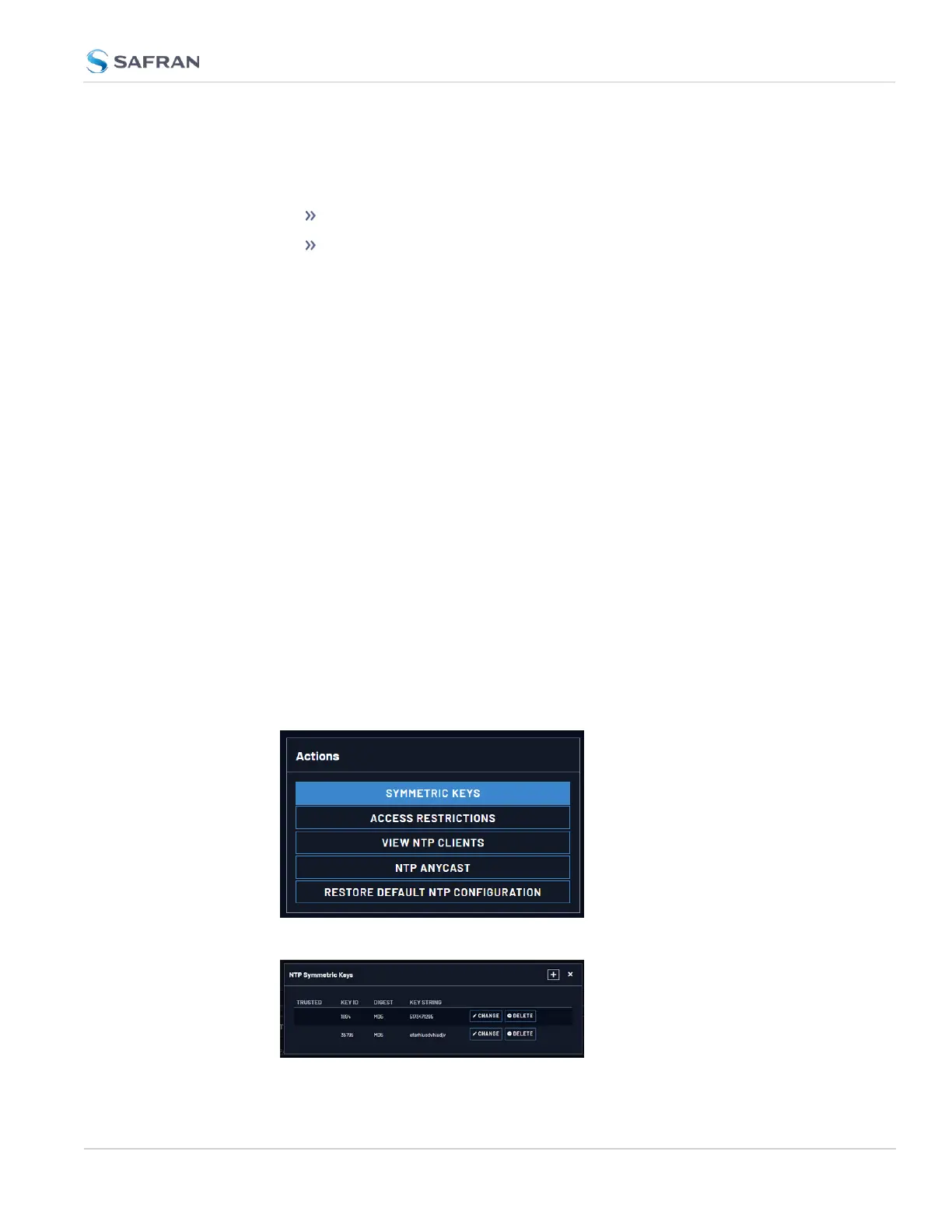
2. In the Actions panel, click the Symmetric Keys button:
3. The NTP Symmetric Keys window will display:
2.8 Configuring Network Settings
CHAPTER 2 • VersaSync User Manual Rev. 12
131



 To Next Page