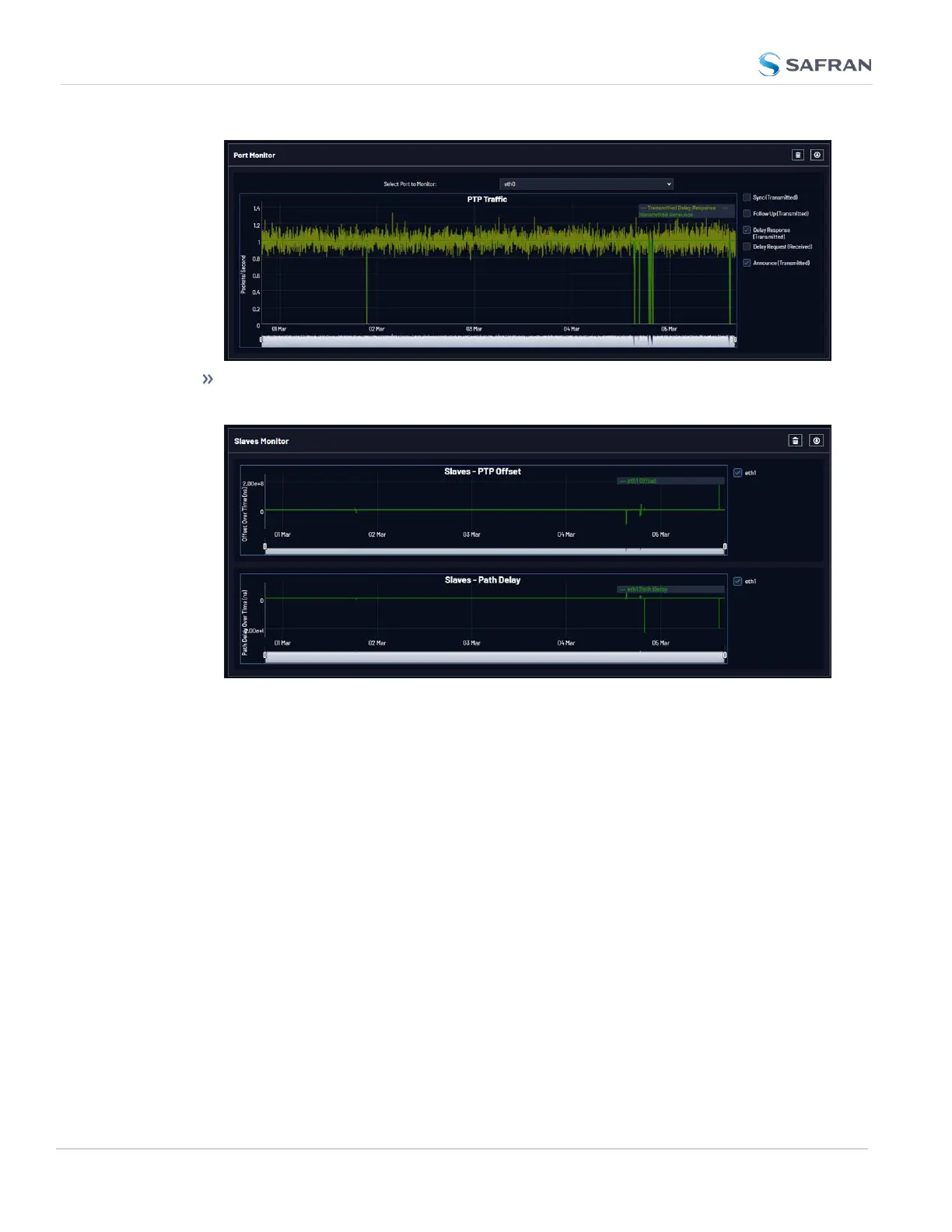
The Slaves Monitor will specifically display Offset and Path Delay inform-
ation for any slaves configured on the unit:
The Datasets and Statistics buttons will also provide information about the fre-
quency of packet exchange, and the state of timing in the nodes that the PTP
port is communicating with.
You can also execute a TCPDump collection from the Web UI to obtain a packet
capture (see "The PTP TCP Dump Collection Panel" on page149).
PTP Monitoring via SNMP
PTP monitoring is available through the SNMP MIB files (see "Accessing the
SNMP Support MIB Files" on page100).
PTP Monitoring via the RESTAPI
You can access PTP monitoring data via the RESTAPI. See "REST API Con-
figuration" on page265 for more information.
152
CHAPTER 2 • VersaSync User Manual Rev. 12
2.8 Configuring Network Settings



 To Next Page