[Advanced]
236
Fine tune the print darkness.
The setting range is from 0 to 99.
0 is the lightest and 99 is the darkest.
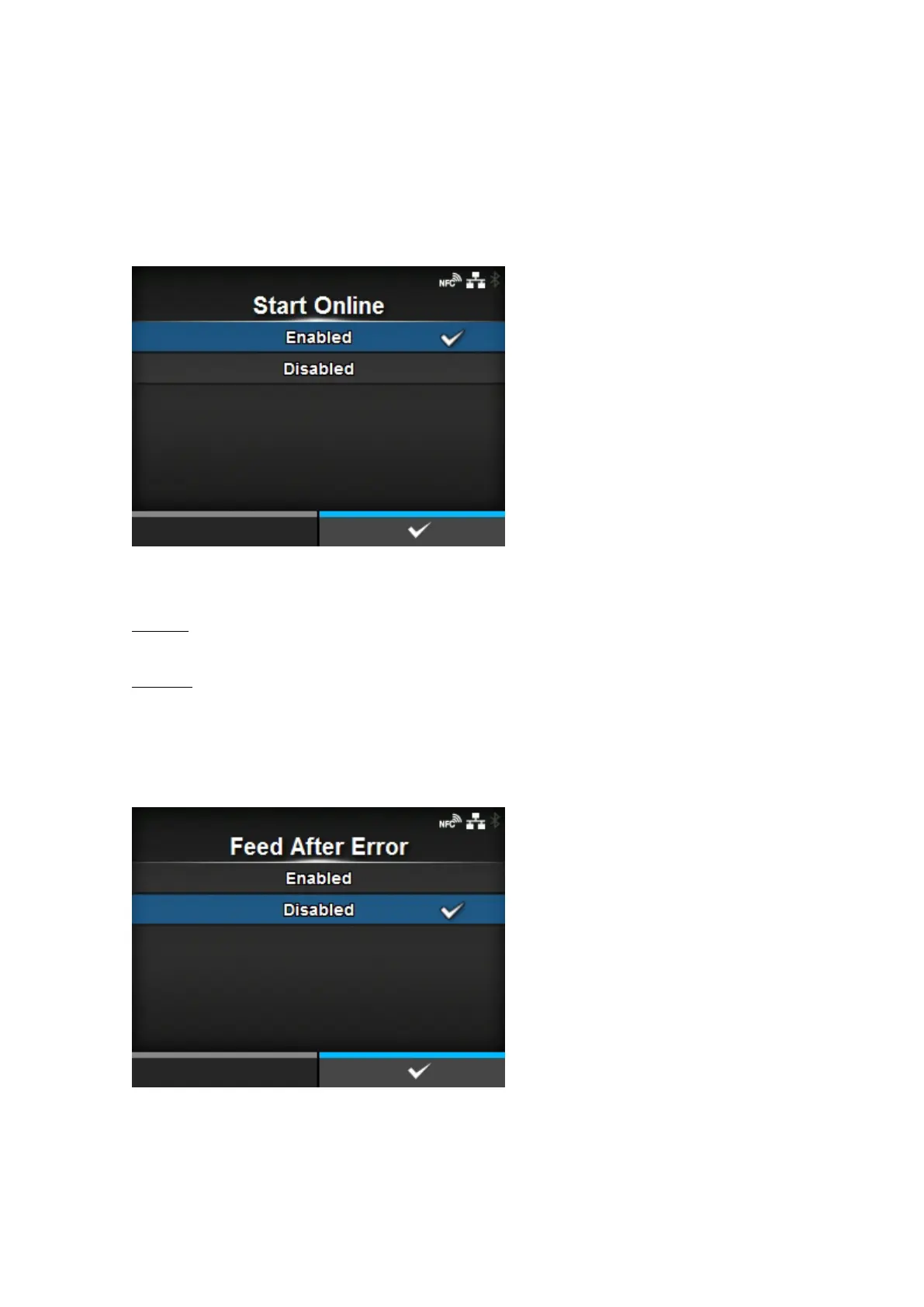
[Start Online]
Select default mode when the product is powered on.
The options are as follows:
Enabled
The product powers on in Online mode.
Disabled
The product powers on in Offline mode.
[Feed After Error]
Set whether to automatically feed the media when recovering from an error and changing to Online
mode.
The options are as follows:



 To Next Page