247
DNS
Set and check DNS server addresses.
If you have selected [Static] in the [Mode] menu, select this to set and check DNS server
addresses.
•
After doing the settings, press the button to enable the new settings. Press
the button to cancel the new settings and return to the previous settings.
• You cannot change [IP Address], [Netmask], [Gateway], or [DNS] when [Mode] is
[DHCP].
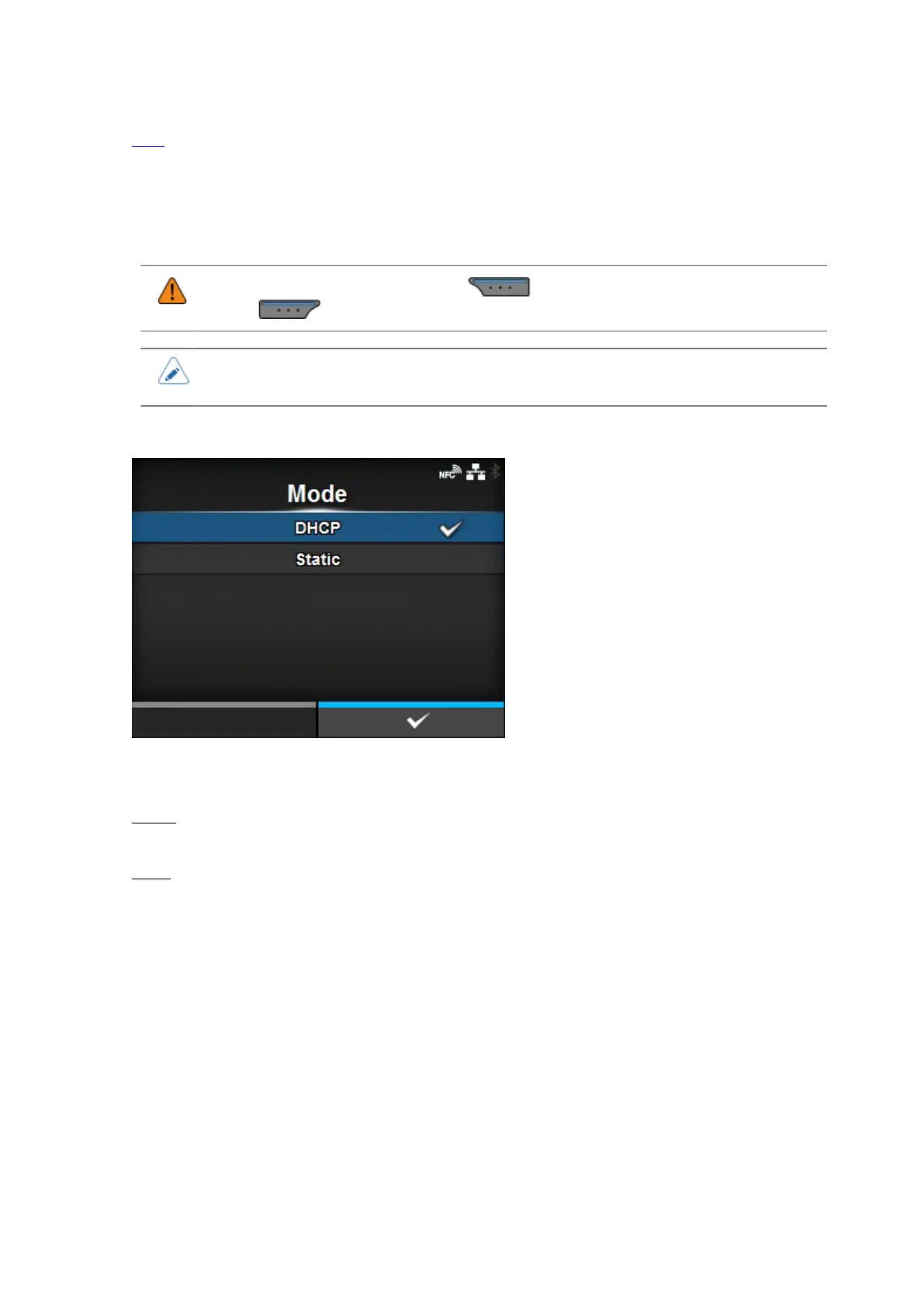
[Mode]
Select the IP address assignment method.
The options are as follows:
DHCP
Automatically retrieve the IP address, gateway and subnet mask from the DHCP server.
Static
Manually set the IP address, gateway and subnet mask.



 To Next Page