[Network]
246
[IPv4]
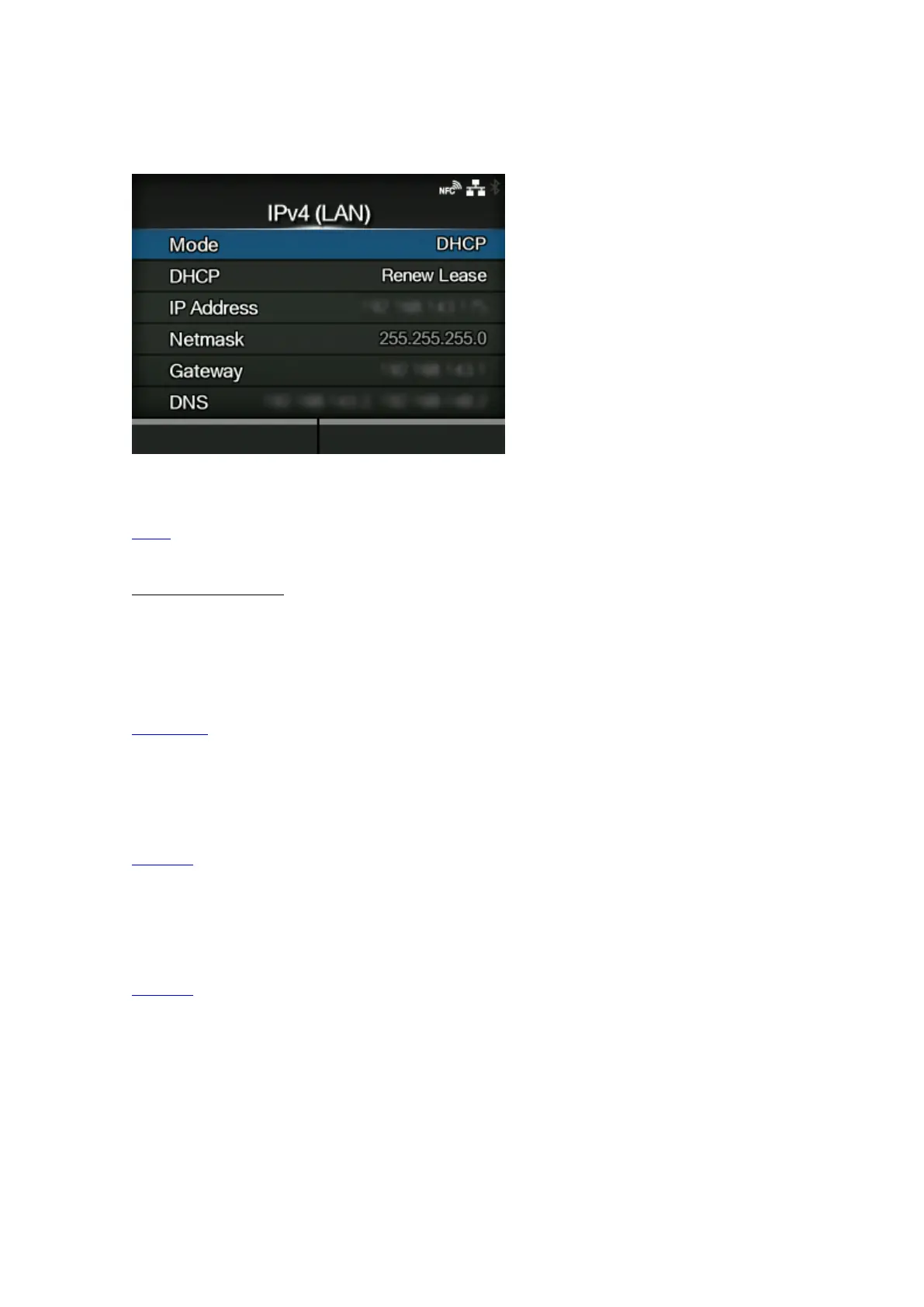
Set IPv4 for the LAN.
The setting items are as follows:
Mode
Select the IP address assignment method.
DHCP / Renew Lease
Update the lease time and get the IP address from the DHCP server again.
◦ Appears only if you have selected [DHCP] in the [Mode] menu and LAN is the active interface.
◦ Does not appear if the wireless LAN is the active interface.
IP Address
Set and check the IP address.
If you have selected [DHCP] in the [Mode] menu, the screen shows the IP address you received
from the DHCP server.
If you have selected [Static] in the [Mode] menu, select this to set the IP address.
Netmask
Set and check the subnet mask address.
If you have selected [DHCP] in the [Mode] menu, the screen shows the subnet mask address you
received from the DHCP server.
If you have selected [Static] in the [Mode] menu, select this to set the subnet mask address.
Gateway
Set and check the default gateway address.
If you have selected [DHCP] in the [Mode] menu, the screen shows the gateway address you
received from the DHCP server.
If you have selected [Static] in the [Mode] menu, select this to set the default gateway address.



 To Next Page