245
LAN
Set the LAN.
Wi-Fi
Set the wireless LAN.
◦ Appears only if you have installed the optional wireless LAN.
Interface
Select the network interface.
◦ This item is to select the network interface from LAN or wireless LAN when you have installed
the optional wireless LAN.
• You cannot use LAN and wireless LAN at the same time. The wireless LAN function is
available only if you have installed the wireless LAN.
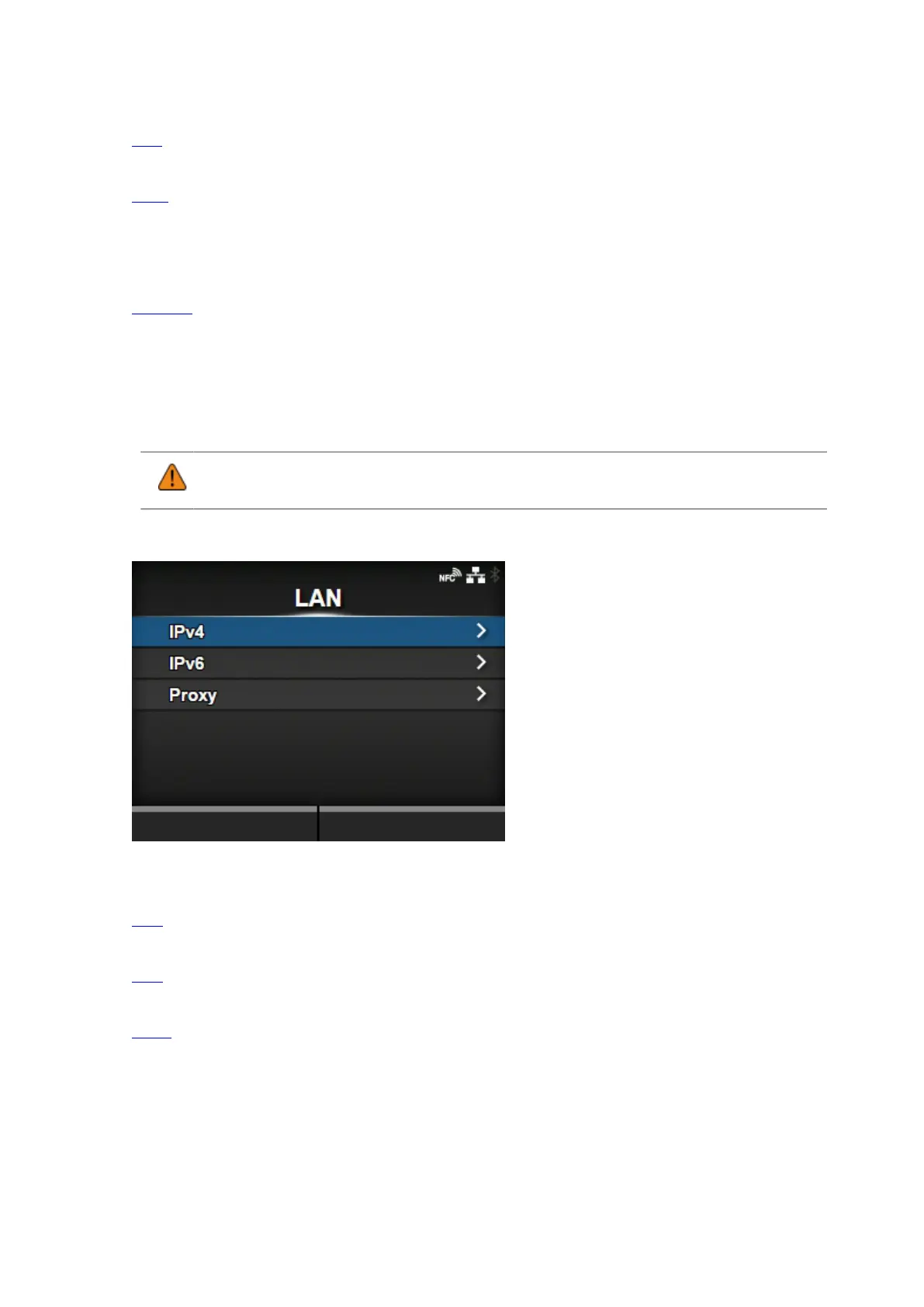
[LAN]
Set the IPv4, IPv6 or proxy for the LAN.
The setting items are as follows:
IPv4
Set the IPv4 for the LAN.
IPv6
Set the IPv6 for the LAN.
Proxy
Set the proxy for the LAN.



 To Next Page