[Network]
268
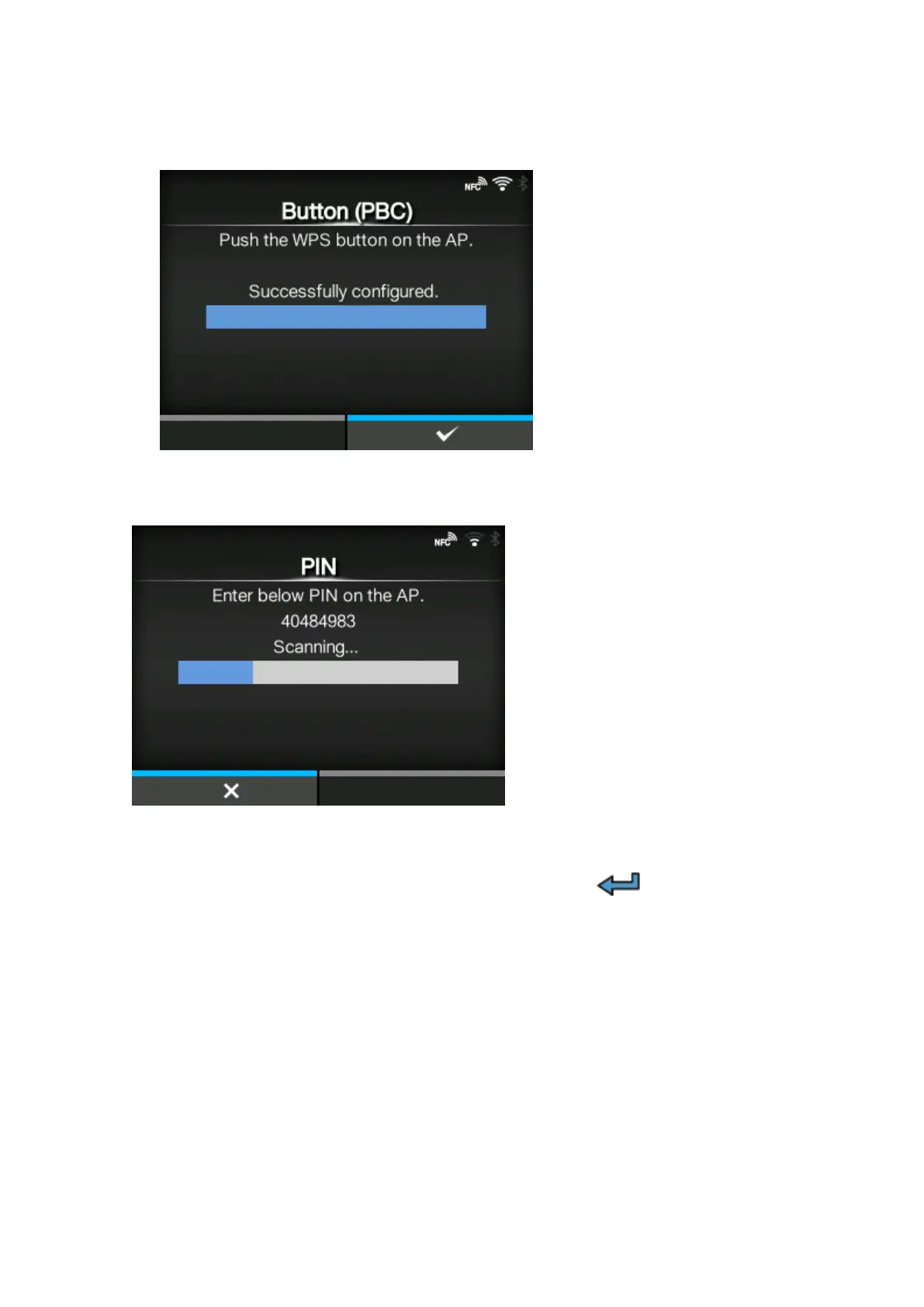
3. When the connection to the access point is established, [Successfully configured.] appears on the
screen.
[PIN]
Set the wireless LAN connection using the PIN code method.
1.
Select [PIN] in the [Wi-Fi Protected Setup] menu and press the button.
2. When [Scanning...] appears on the screen, set the PIN code shown on the screen to the access
point of the wireless LAN or computer.



 To Next Page