267
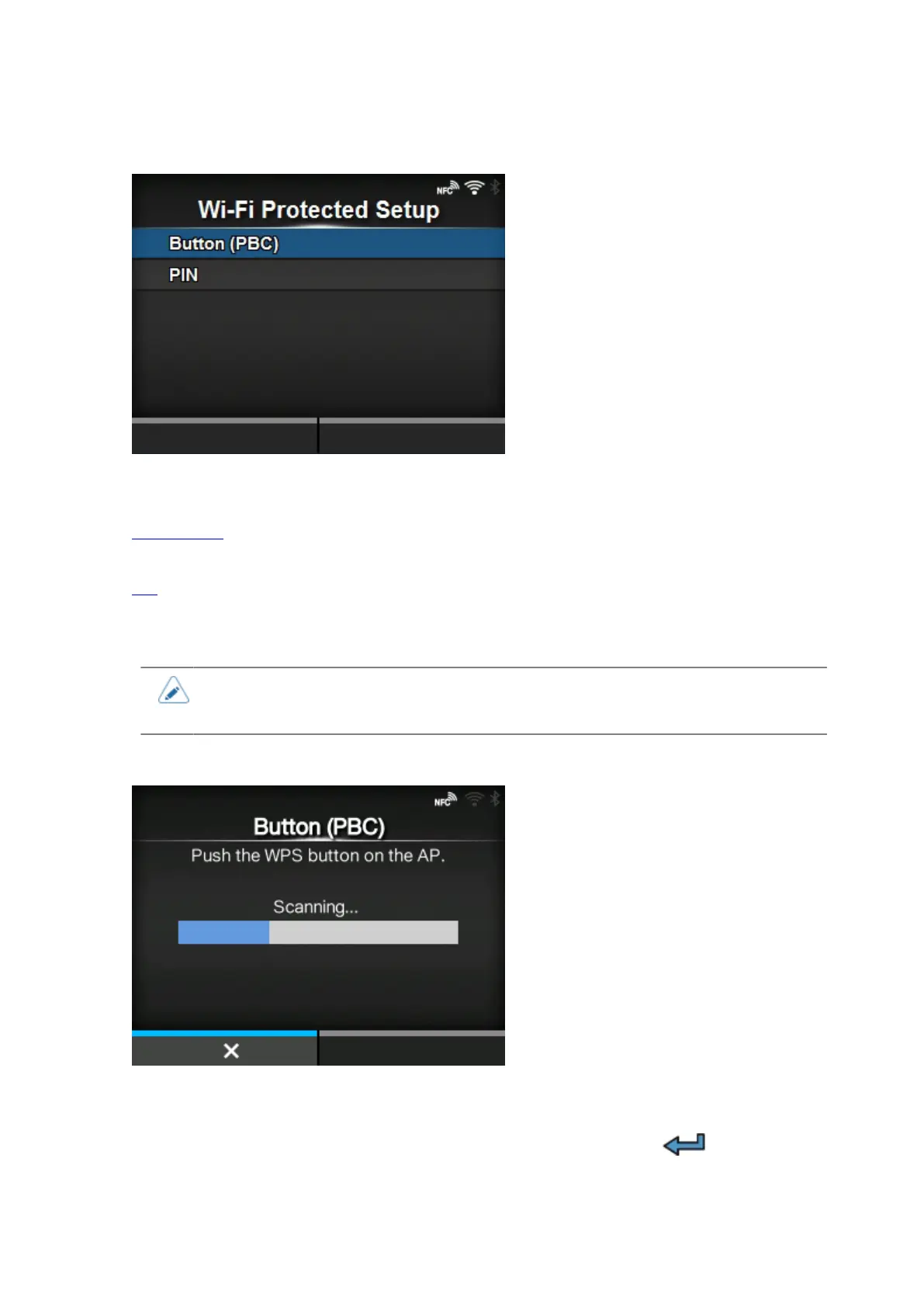
[Wi-Fi Protected Setup]
Set the wireless LAN connection using the push button or PIN code method.
The setting items are as follows:
Button (PBC)
Set the wireless LAN connection using the push button method.
PIN
Set the wireless LAN connection using the PIN code method.
• Refer to the manual of the access point device for its operation.
• This screen does not appear if [LAN] or [Wi-Fi Direct] is active.
[Button (PBC)]
Set the wireless LAN connection using the push button method.
1.
Select [Button (PBC)] in the [Wi-Fi Protected Setup] menu and press the button.
2. When [Scanning...] appears on the screen, press the WPS button on the access point of the
wireless LAN device.



 To Next Page