[Network]
270
The Wi-Fi Direct function is enabled if you have selected [Infrastructure] in the [Mode] menu. If you
have changed the setting from [Ad-hoc] to [Infrastructure] in the [Mode] menu, reboot the product
before setting the Wi-Fi Direct function.
The setting procedure is as follows:
1. Set the device name for the product using [Device Name]. You can enter 1 to 32 characters.
Alphabets (capital and small letters), numbers and symbols can be used. Press the button to
return to the [Wi-Fi] menu and press the button to enable changes.
2. Select [Connect] to search and show the connectable device names or to accept connection
requests when the product is the GO (Group Owner). Select the device name you want to connect
using the / buttons, and press the button.
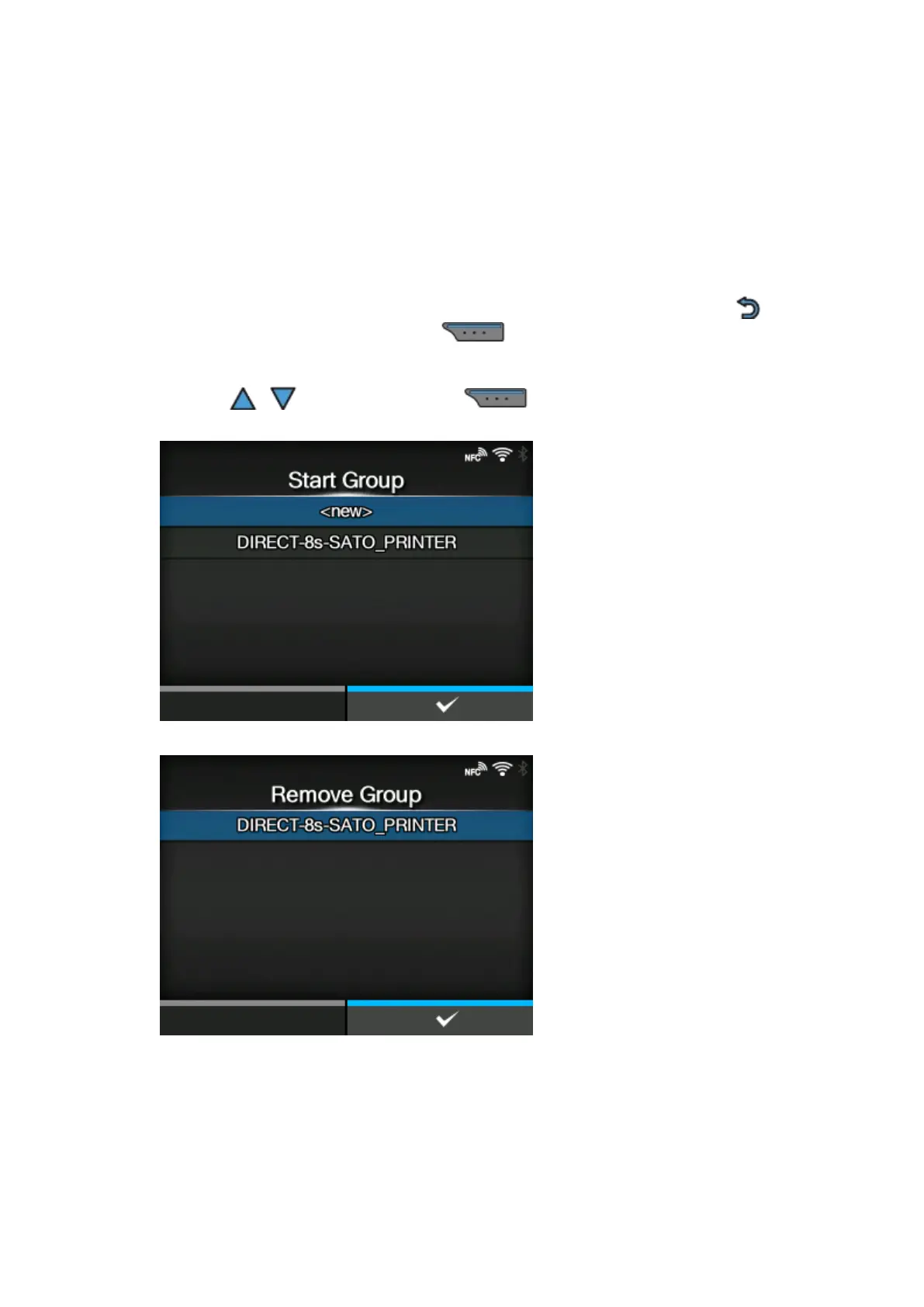
3. Select [Start Group] if you want to start a new persistent group or select a group from the list.
4. Select [Remove Group] to remove the persistent group in step 3.
5. Complete the connection according to the display on the product or device you want to connect.
6. Select [Disconnect] if you want to stop the connection.



 To Next Page