271
• You can connect a maximum of 10 devices.
• When Wi-Fi Direct is active, [Device Name] cannot be changed.
• [Start Group] and [Remove Group] are shown only if Wi-Fi is active and the product is
not connected to a Wi-Fi Direct network.
• [Remove Group] is shown if Wi-Fi is active and the product is connected.
• After setting up a start group, the product will be set to the GO (Group Owner) and will
wait for a connection request from another device.
• If the product is powered off during a persistent group connection, the group will be
started automatically after the product is powered on.
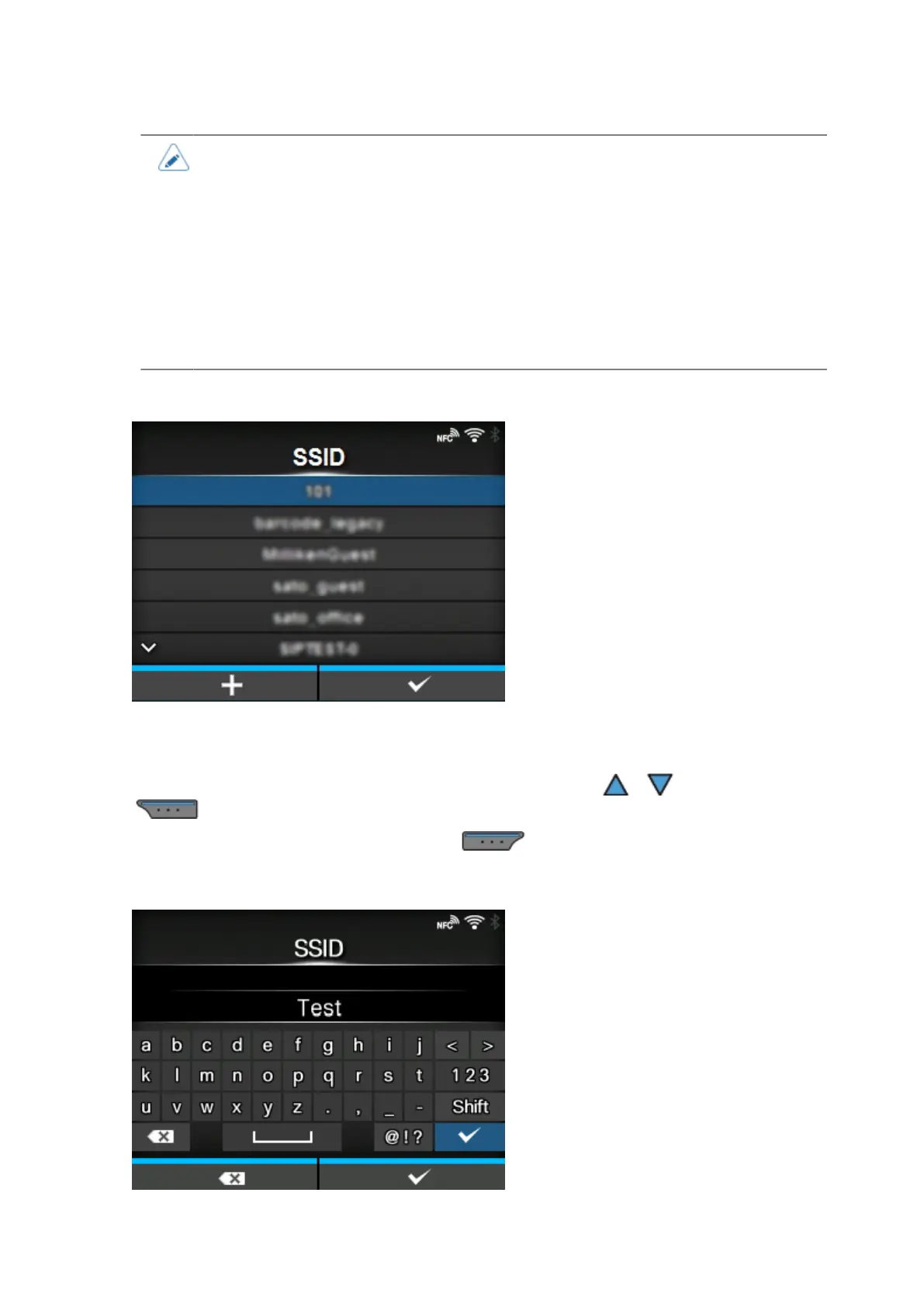
[SSID]
Set the SSID.
The screen shows the Wi-Fi network detected by the product.
Select the name of the Wi-Fi network you want to connect using the / buttons and press the
button to confirm.
To register a Wi-Fi network manually, press the button and enter the name of the network.
You can enter a maximum of 32 characters. Alphabets (capital and small letters), numbers and
symbols can be used.



 To Next Page