[Network]
288
• This setting is disabled when AEP mode is enabled.
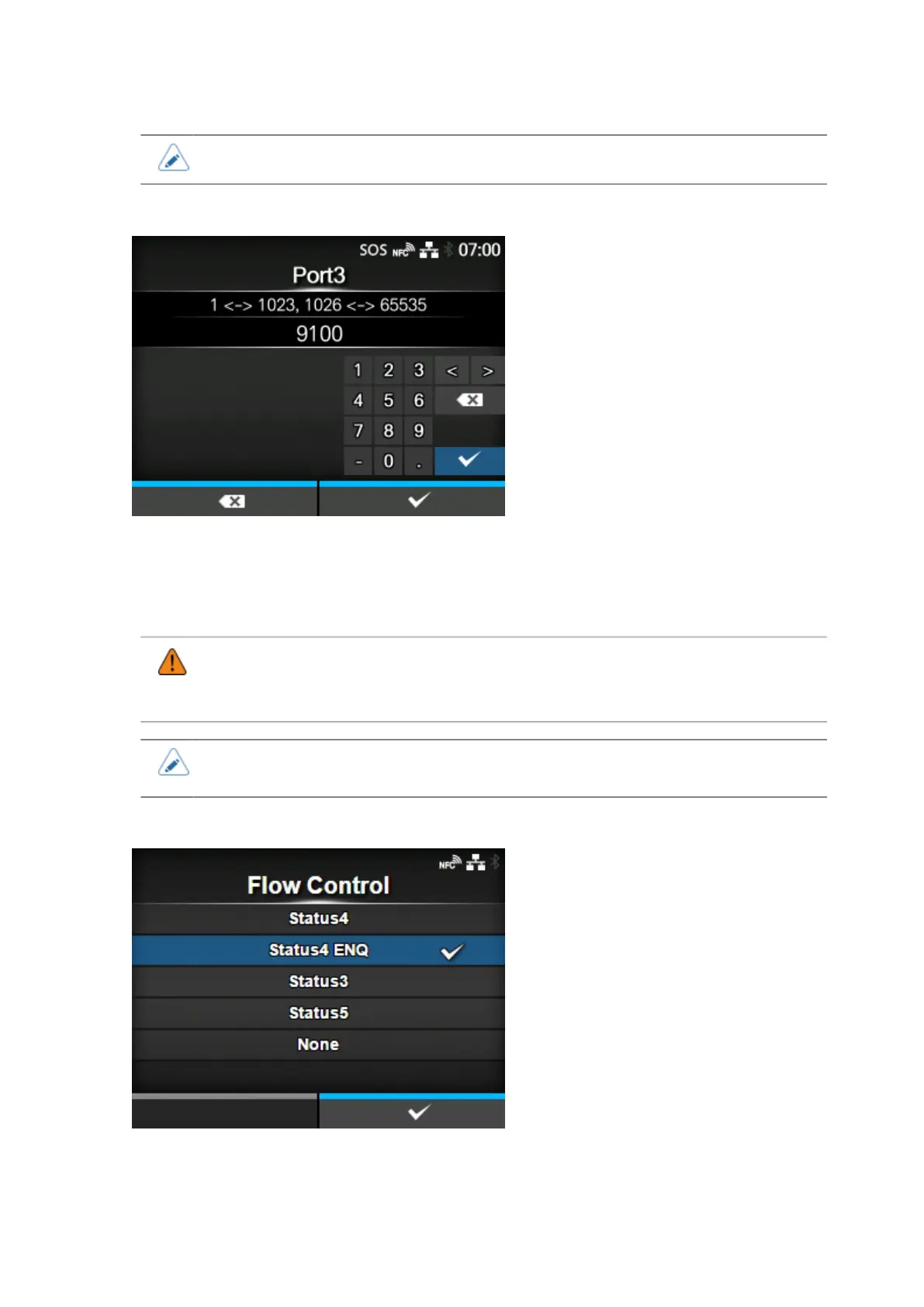
[Port3]
Set the port number of Port3.
For the one-port connection of Status3/Status4/Status5, this port is used for both receiving print data
and returning the product status.
The setting range is from 1 to 65535.
• Each port (1, 2 and 3) must be set to different values.
• Set a port number not used by other services. If port numbers that overlap with those
used by other services are used, communication cannot be performed properly.
• You can change the return status format of port3 to Compatible mode by enabling
[Legacy Status for Port 9100].
[Flow Control]
Set the communication protocol.
The options are as follows:
• [Status4]



 To Next Page