[Network]
330
Monthly
Displays the notification screen every month at the specified day and time.
◦ Appears only if you have enabled the NTP function or installed the optional RTC kit.
Counter
Displays the notification screen when the counter of a consumable reaches to the specified value.
Offline
Displays the notification screen when the product is changed to Offline mode.
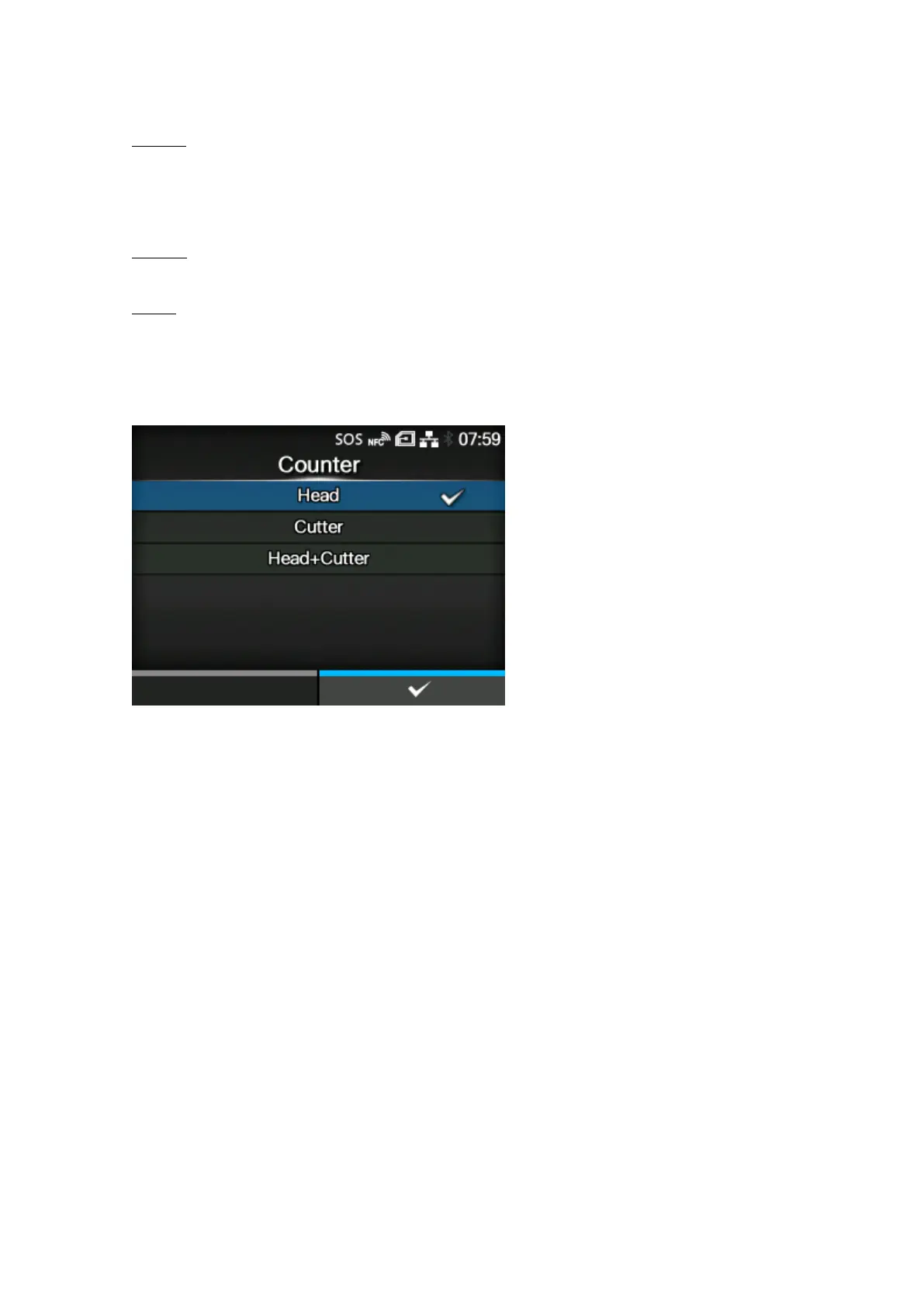
[Counter] (SOS users only)
You can select the counter for the print head, cutter, or both for the timing to perform the periodic
notification.
Appears only if you have selected [Counter] in the [Type] menu.
Advanced setting items appear on the [Periodic Notification] menu according to the selected options.
The options are as follows:
• [Head]
• [Cutter]
• [Head+Cutter]



 To Next Page