339
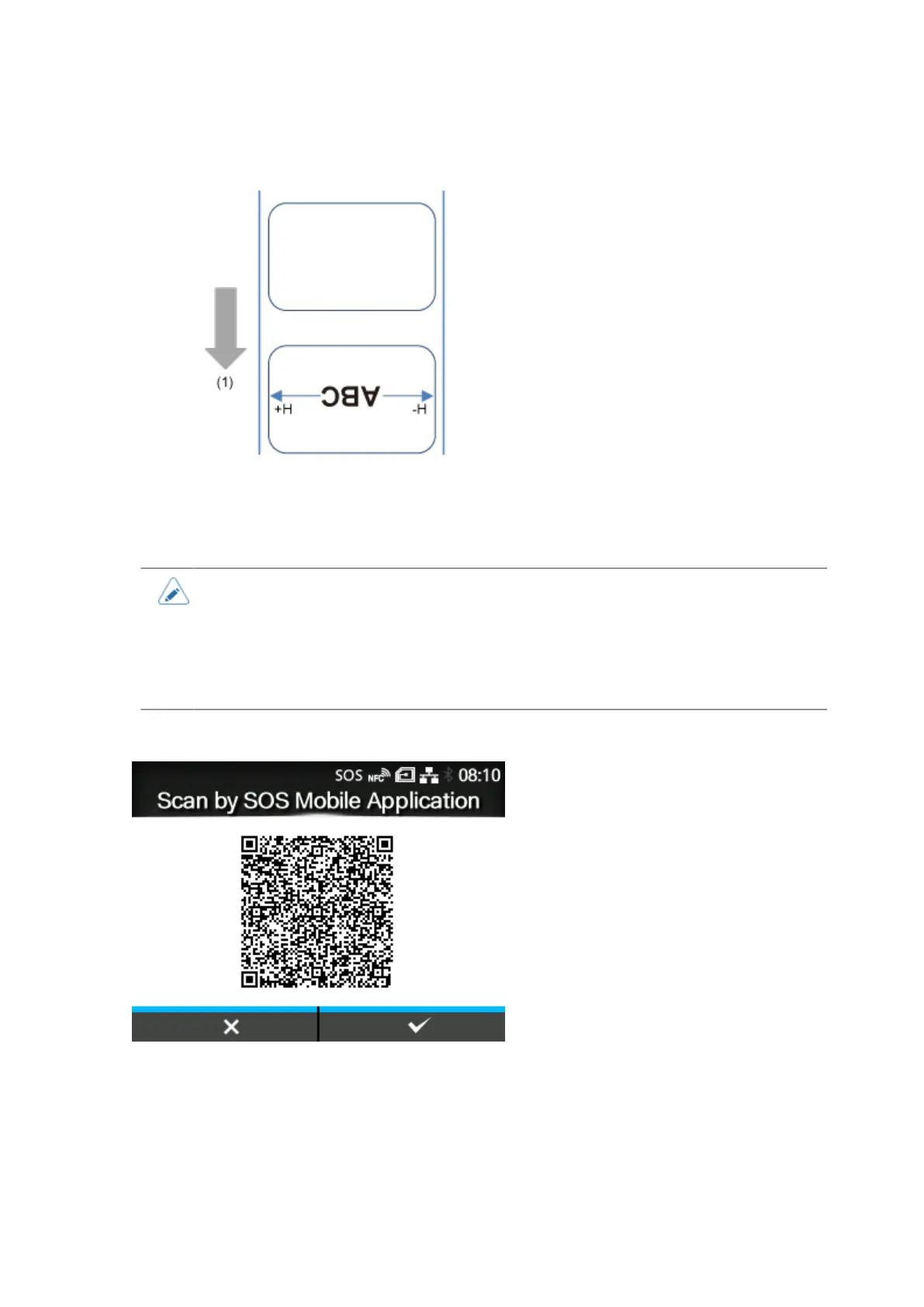
Set the correction value from the standard printing position when facing the product as "+" to adjust to
the left side and "-" to adjust to the right side.
(1) Feed direction
The setting range is from -792 to +792 dots.
• The length of 1 dot varies depending on the print resolution of the product.
◦ 203 dpi : 1 dot = 0.125 mm (0.0049")
◦ 305 dpi : 1 dot = 0.083 mm (0.0033")
◦ 609 dpi : 1 dot = 0.042 mm (0.0017")
[Daily Checkup] (SOS users only)
Shows the current product information with a QR code. Scan the QR code with a tablet or smartphone,
and send it to the SOS cloud.
NFC connection can be used for Android device to acquire the product's information.
Appears only if you have selected [On-Demand] in the [SOS Mode] menu.
A specialized application is required to scan the QR code or acquire the product's information with
NFC connection.



 To Next Page