[Network]
342
Initial setting: 0
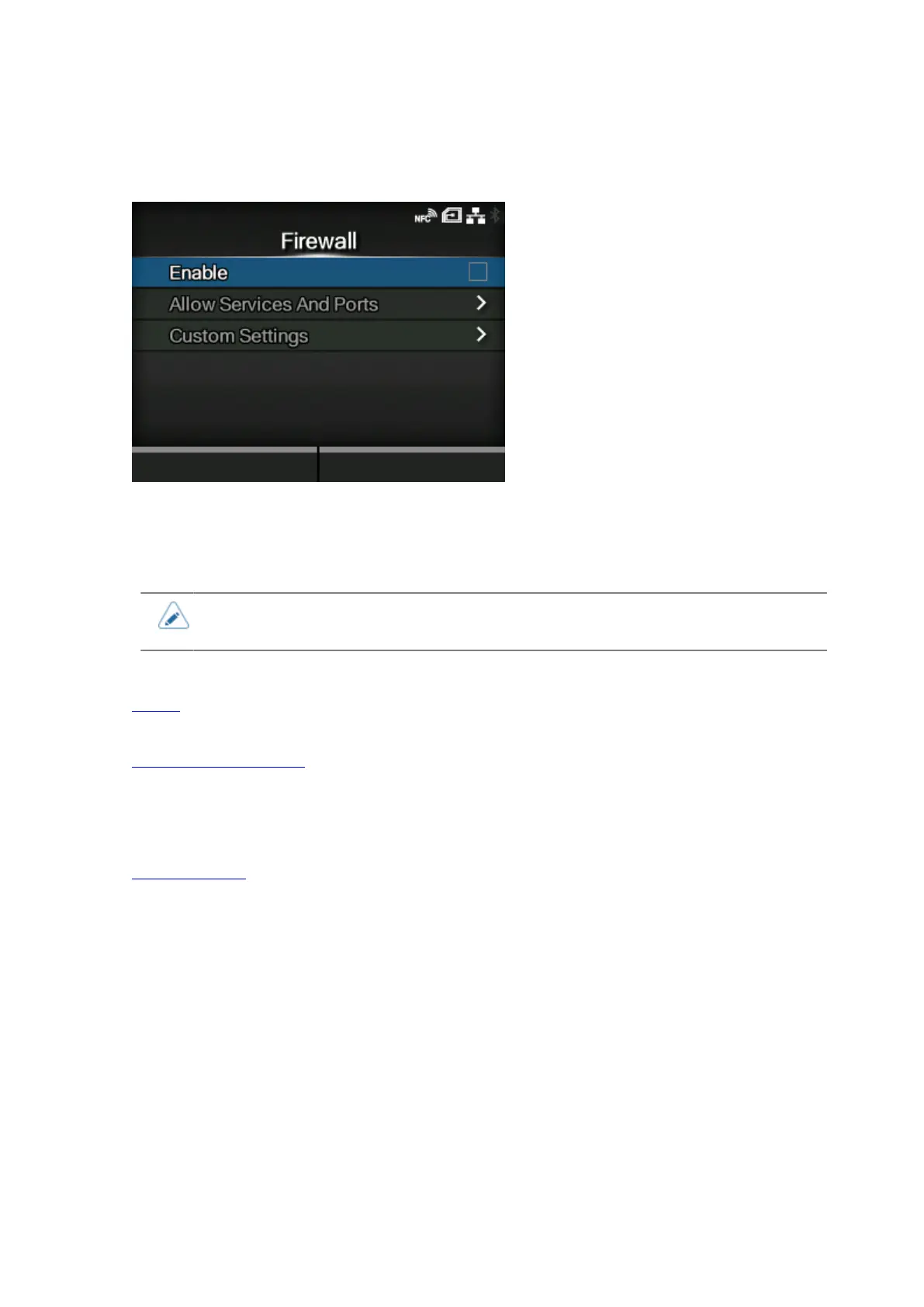
[Firewall]
Set the functions for the firewall.
A firewall can improve security. It prevents unauthorized access from external computers or malicious
programs. When the firewall is enabled, only the services and ports that are allowed will be able to
access the product.
• As a basic policy of filtering, all OUTPUT is allowed (ACCEPT) and both INPUT and
FORWARD are not allowed (DROP).
The setting items are as follows:
Enable
Enable or disable the firewall function.
Allow Services And Ports
Set the service or port to allow communication.
◦ Available only if you have selected [Enabled] in the [Enable] menu.
Custom Settings
Specify the ICMP type or the port number of TCP or UDP to allow communication.
◦ Available only if you have selected [Enabled] in the [Enable] menu.



 To Next Page