[SBPL]
382
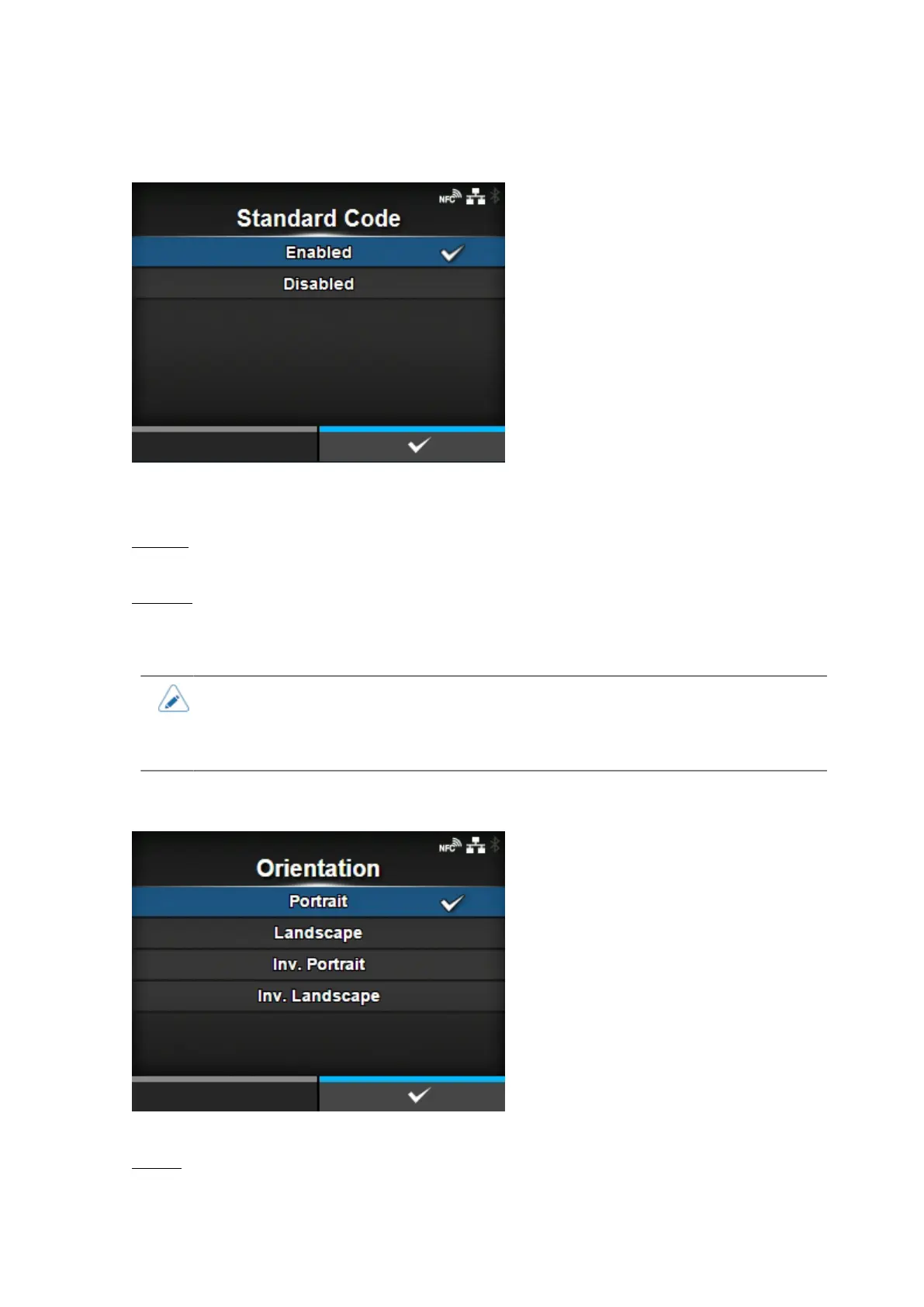
[Standard Code]
Set the protocol code.
The options are as follows:
Enabled
Use a standard code.
Disabled
Use a non-standard code.
• A message prompting you to restart the product will appear on the Online/Offline
screen if you have made any changes. In such a case, reboot the product to apply the
settings. When [AUTO] is selected in the [Protocol] menu while [Disabled] is selected,
the setting will be changed to [Enabled].
[Orientation]
Select the layout for printing the label.
Portrait
Use a portrait layout. (No rotation)



 To Next Page