383
Landscape
Use a landscape layout. (90-degree rotation)
Inv. Portrait
Use an inverse portrait layout. (180-degree rotation)
Inv. Landscape
Use an inverse landscape layout. (270-degree rotation)
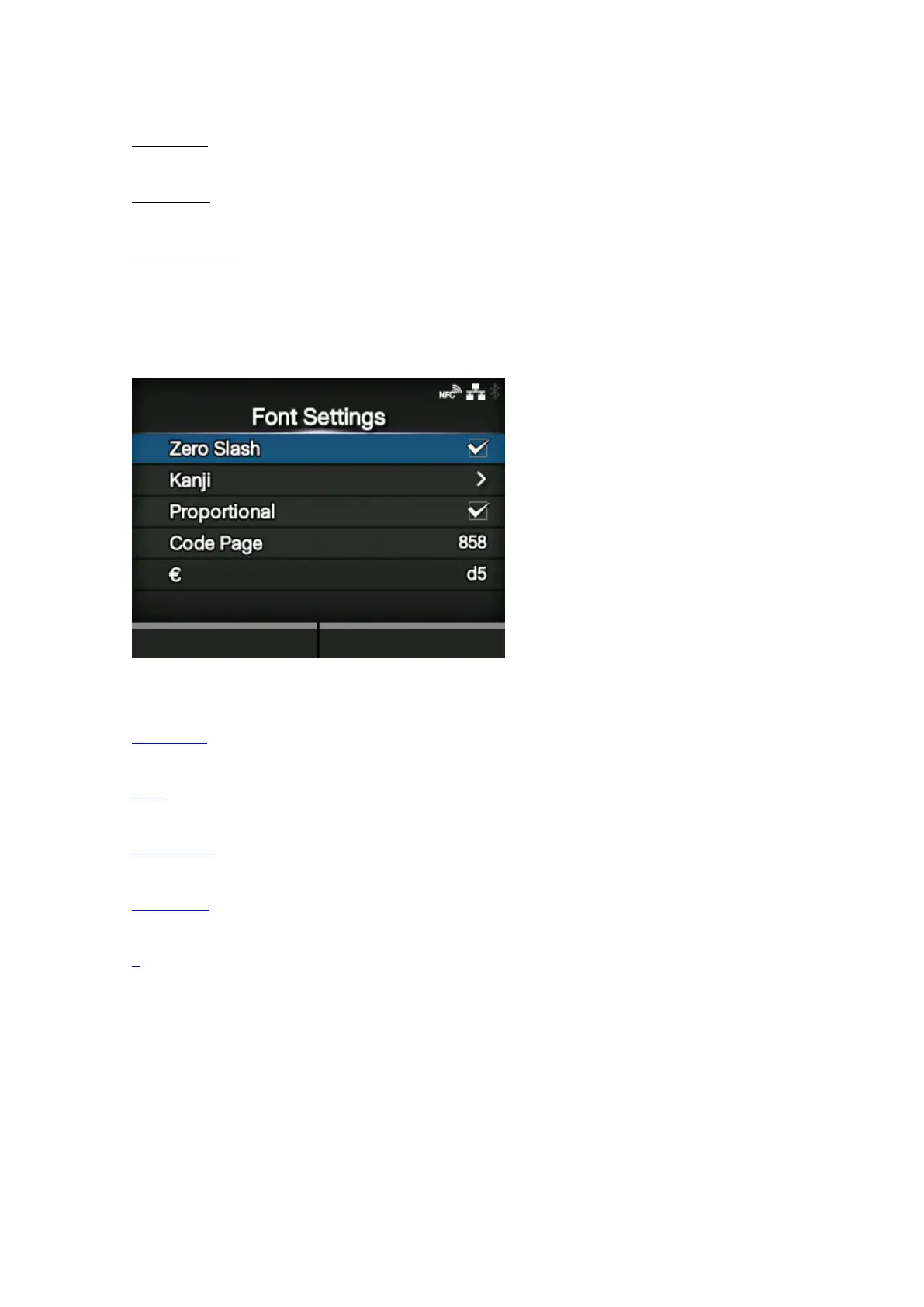
[Font Settings]
Set the font.
The setting items are as follows:
Zero Slash
Set the type for printing zero.
Kanji
Set the kanji code to be used.
Proportional
Set the character pitch for printing.
Code Page
Set the code page to be used.
€
Set the European currency symbol to the ASCII code.



 To Next Page