[SBPL]
388
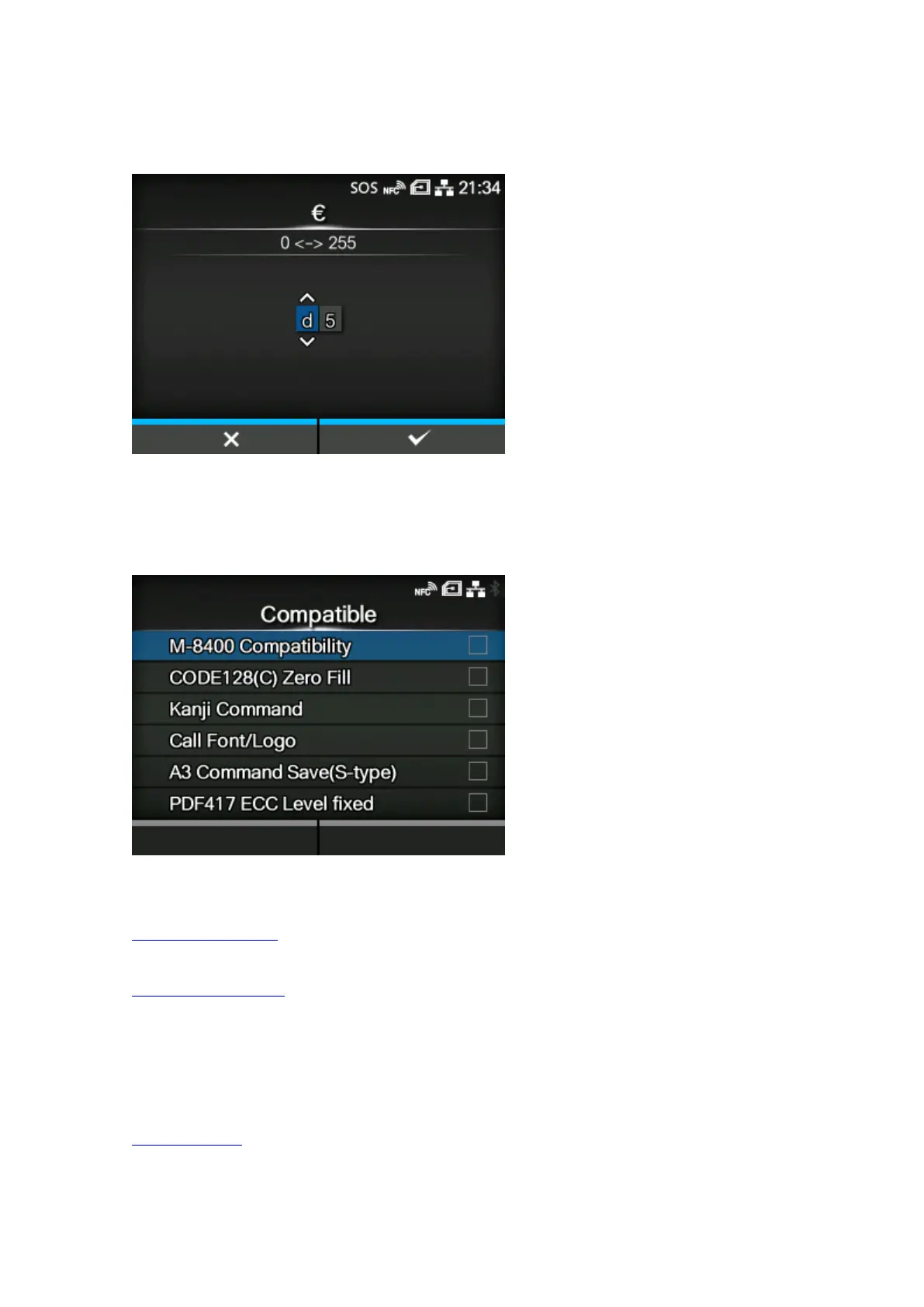
[€]
Set the European currency symbol to the ASCII code.
The setting range is from 00 to ff (hexadecimal).
[Compatible]
Set the compatible code for SBPL.
The setting items are as follows:
M-8400 Compatibility
Enable or disable the M-8400 printer compatibility function.
CODE128(C) Zero Fill
Set whether to allow odd digits and print the barcode with zero-filling at the end of the data when
start code C is used in CODE128.
◦ If [M-8400 Compatibility] is set to [Enabled], this setting is automatically enabled and does not
appear.
Kanji Command
Set the product behavior when the received data includes the Kanji command ESC+K5, ESC+K6
or ESC+K7.



 To Next Page