389
Call Font/Logo
Set how to process the character code specified in Recall font & logo command (ESC+RF).
A3 Command Save(S-type)
Set whether to save all values (with or without +/- sign) specified by the Base Reference Point
command ESC+A3 to the product's [Imaging] menu.
PDF417 ECC Level fixed
Set whether to print the PDF417 code with the security level specified by the PDF417 printing
command.
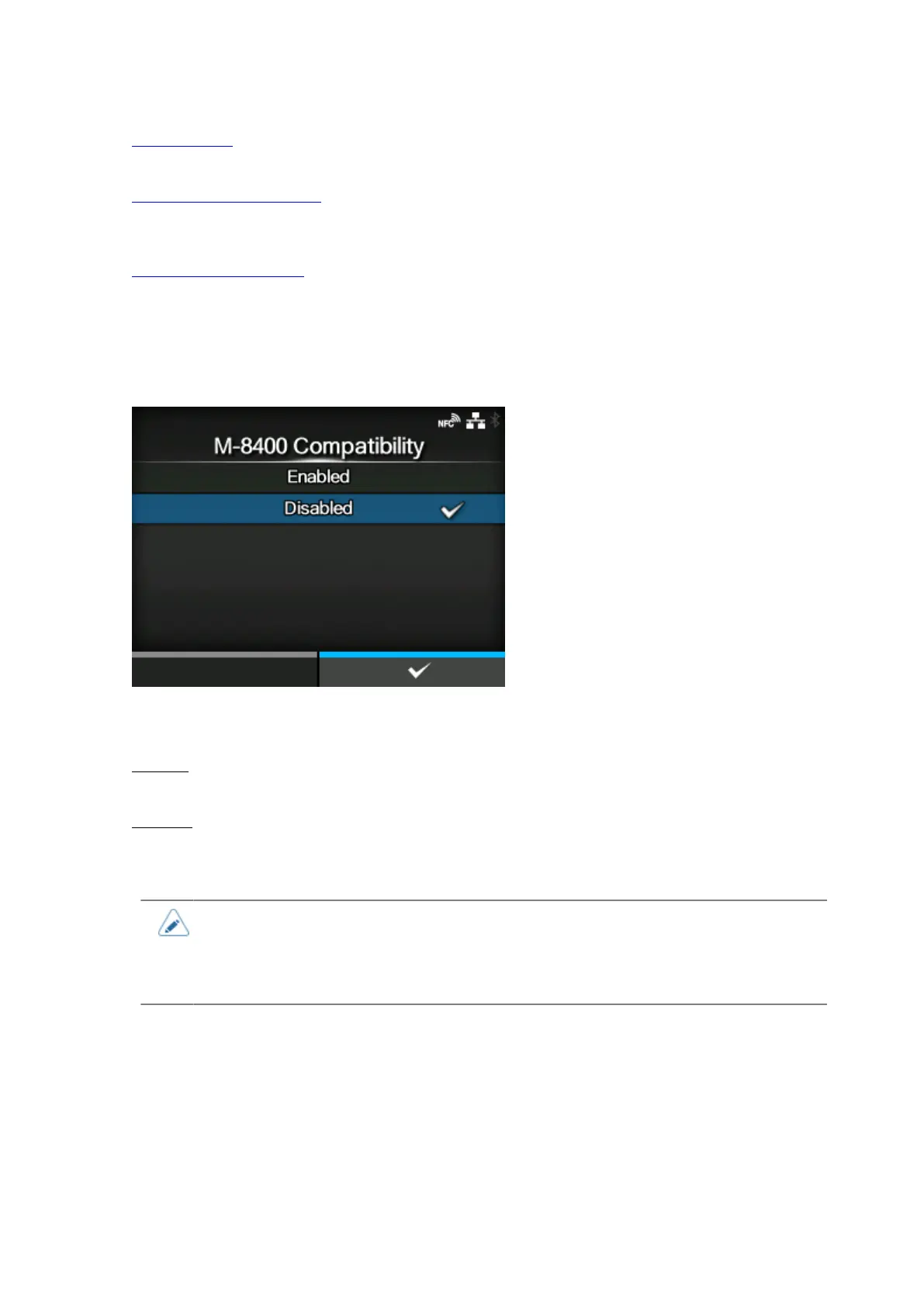
[M-8400 Compatibility]
Enable or disable the M-8400 printer compatibility function.
The options are as follows:
Enabled
Enable the M-8400 printer compatibility function.
Disabled
Disable the M-8400 printer compatibility function.
• Contact your SATO sales representative for more information about the M-8400 printer
compatibility function.
• If [M-8400 Compatibility] is set to [Enabled], [CODE128(C) Zero Fill] is automatically
enabled and the setting item does not appear.



 To Next Page