[SDPL]
426
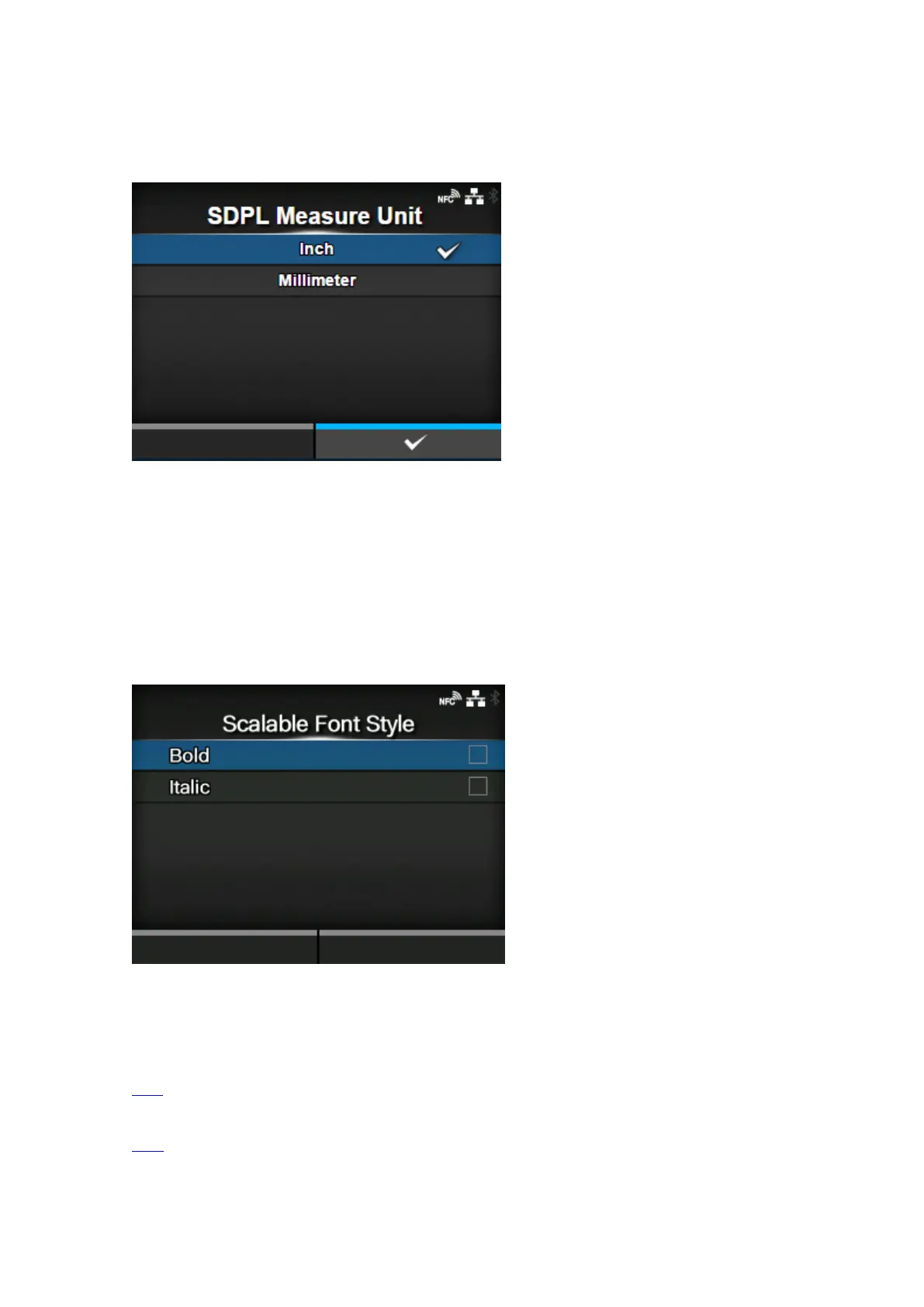
[SDPL Measure Unit]
Set the measurement unit.
You can change this setting if you have selected [Settings] in the [Prioritize] > [SDPL Measure Unit]
menu.
The options are as follows:
• [Inch]
• [Millimeter]
[Scalable Font Style]
Set the style of the scalable fonts.
You can change this setting if you have selected [Settings] in the [Prioritize] > [Scalable Font Style]
menu.
The setting items are as follows:
Bold
Set whether to use bold.
Italic
Set whether to use italics.



 To Next Page