[Password]
458
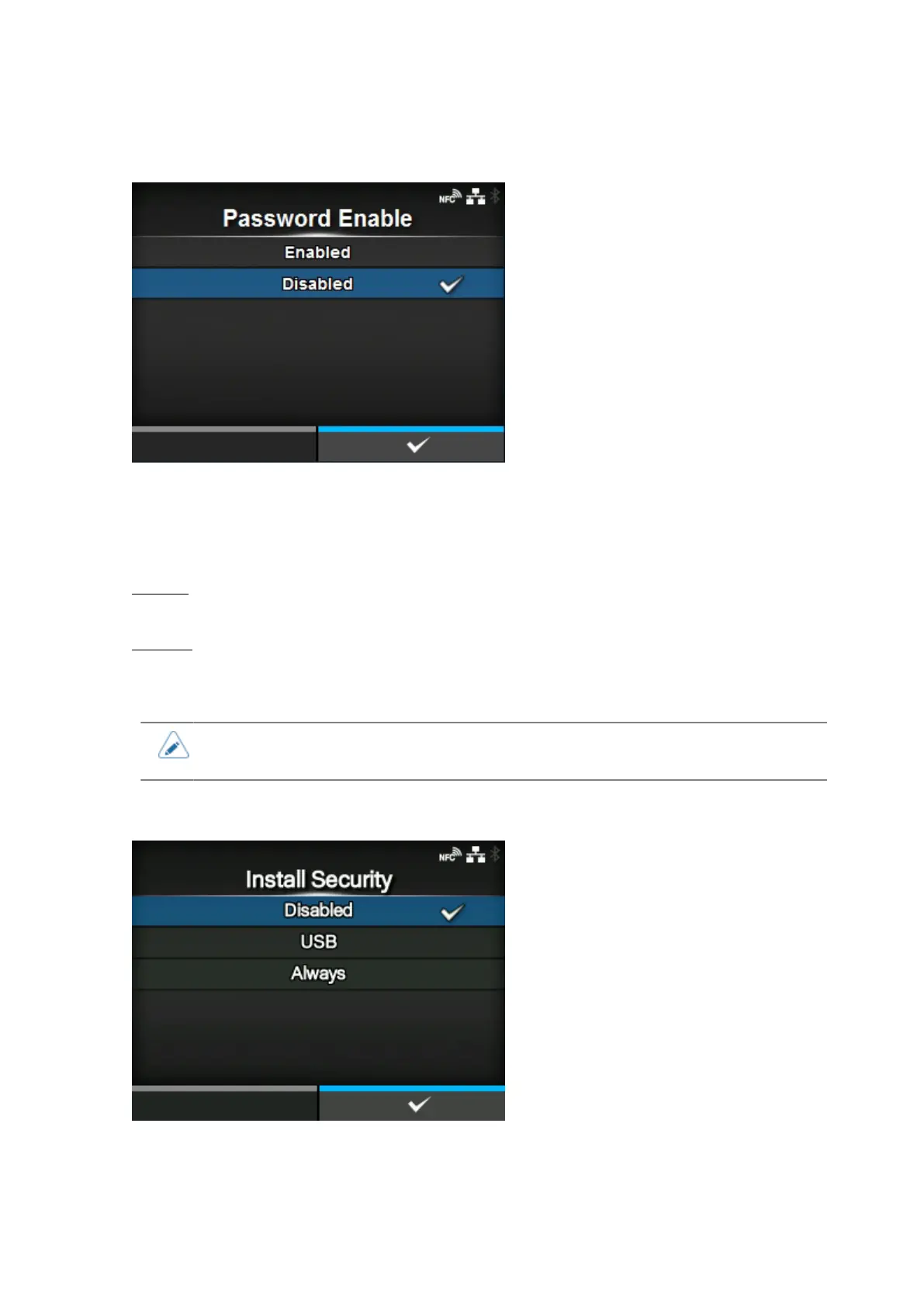
[Password Enable]
Enable or disable the password setting.
If you have set the password to [Enabled], the product requires you to enter the password set in the
[Password] screen before you enter the [Settings] menu.
The options are as follows:
Enabled
Enable the password setting.
Disabled
Disable the password setting.
• The default password is 0310. You can change the password in [Password] > [Change
Password] > [level1].
[Install Security]
Enable or disable the password input for installing the pkg file to the product.
If you have enabled the password input, the product requires you to enter the password set in the
[Password] screen before you can download the package file.



 To Next Page