459
The options are as follows:
Disabled
No password is required to install a pkg file.
USB
Password is required to install a pkg file from the USB memory.
Always
Password is required to install a pkg file from the USB memory or downloaded from computer.
• The password used for installing a pkg file can be any passwords set in the [System] >
[Password].
Contact your SATO reseller or technical support center for more information of the pkg
file.
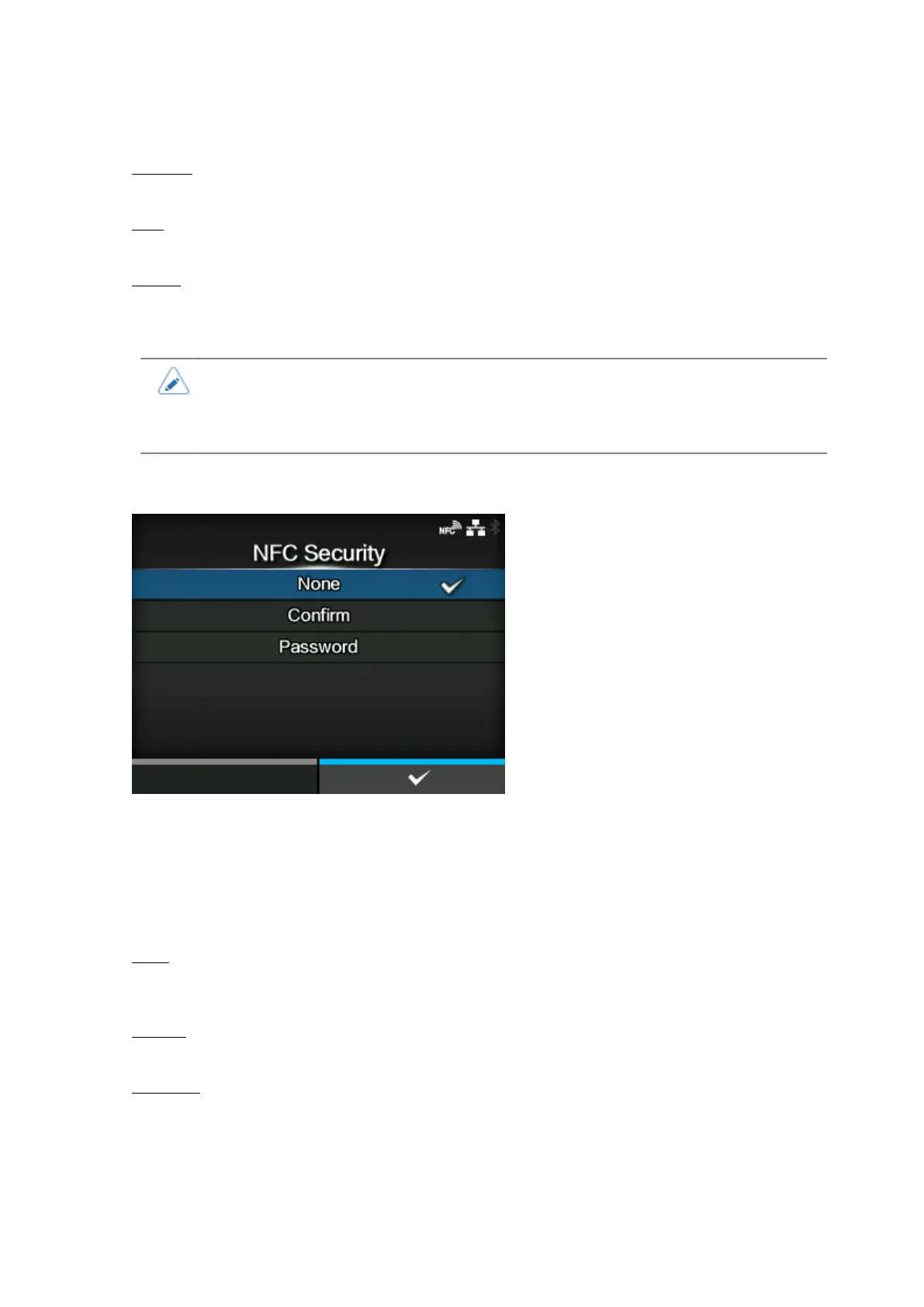
[NFC Security]
Set whether to show the confirmation message or enable the password input before settings are
written to the product from an Android device with the NFC interface.
To use the NFC Security function, the settings must be written from the Android device while the
product is powered off. The confirmation message or password input screen is shown when the
product is powered on.
The options are as follows:
None
No confirmation message is shown and no password is required before the settings are written to
the product.
Confirm
The confirmation message is shown before the settings are written to the product.
Password
You need to enter the password set in the [Password] screen before the settings are written to the
product.



 To Next Page