[Password]
460
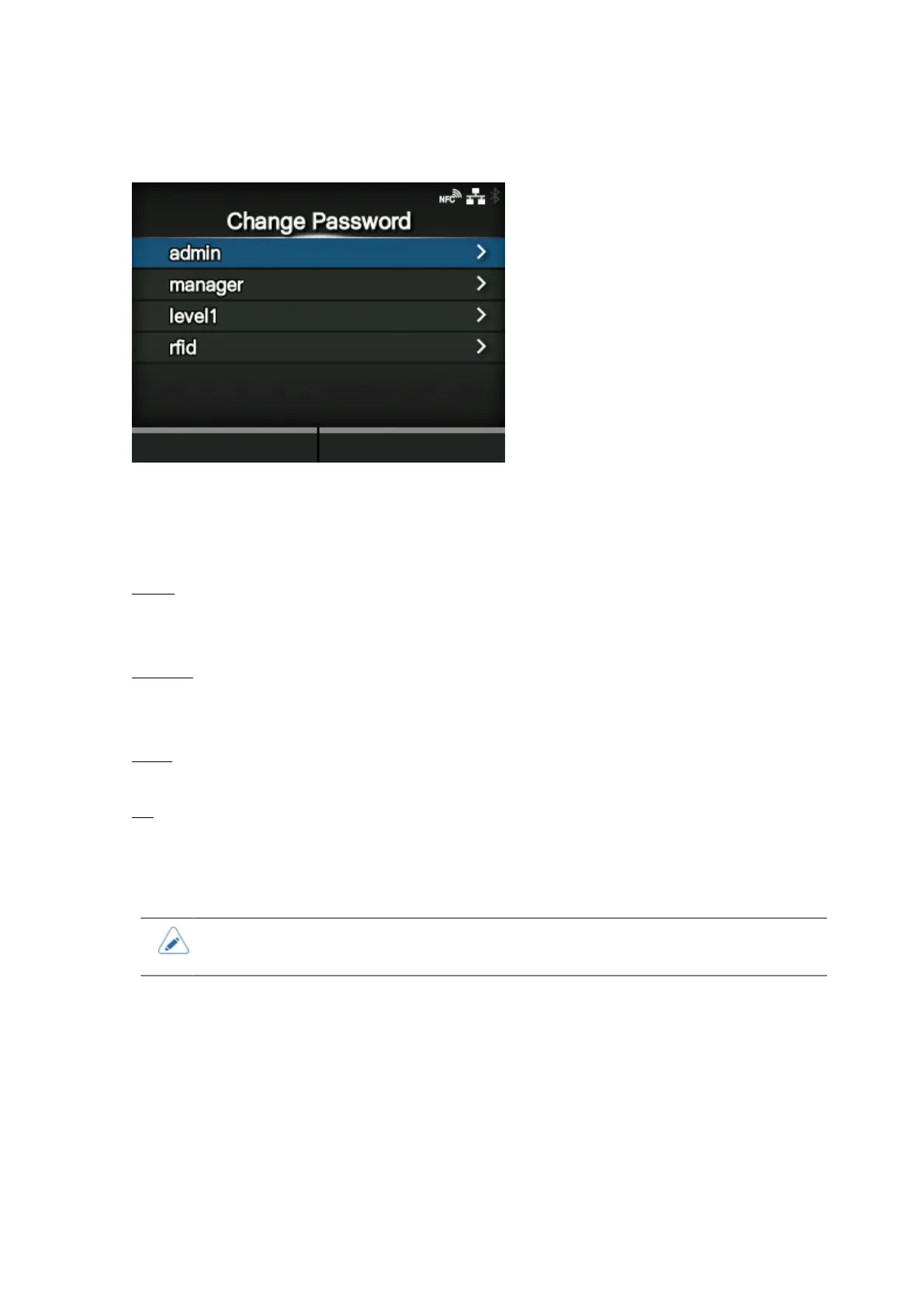
[Change Password]
Change the password.
You can enter 4 to 32 characters. Alphabets (capital and small letters), numbers and symbols can be
used.
The setting items are as follows:
admin
This is the setting item for factory.
Strictly for SATO authorized personnel use.
manager
The password for accessing the [Service] menu.
Strictly for SATO authorized personnel use.
level1
The password for accessing the [Settings] menu.
rfid
This is the setting item for factory.
Strictly for SATO authorized service personnel use.
• The [admin], [manager] and [rfid] passwords are for factory and maintenance
personnel. You cannot change these passwords.



 To Next Page